OTACONSKEEP // PUBLIC INDEX STATUS // ACTIVE

Field Dossier // Public Index

Build your own Keep.

Otacon is a local-first AI ecosystem for running persistent AI agents on hardware you control. Give agents identities, memories, voices, rooms, and capabilities, then connect them to local models, media, automation, compute nodes, and the rest of your homelab.

Your agents. Your hardware. Your data. Your Keep.

AGENTS // MEMORY // VOICE // ROOMS // LOCAL AI
MEDIA // AUTOMATION // GPU NODES // HOMELAB

CREATED BY: Antonio G. Garcia · Built for the Keep.

00 // Right Now

Otacon Core Today

Before the bigger picture: here's exactly what installing Otacon gives you the moment it finishes, no roadmap items included.

✓ Available the moment install finishes

  • Install Otacon locally on your own machine, one command, and it starts itself from then on
  • Comes with Default Model (Ollama + VRAM-sized chat) and Genome Voice Trainer
  • Open your own local Otacon web interface and chat with an agent
  • Create and manage persistent agents
  • Maintain separate conversation history and long-term memory per agent
  • Configure agent identities and voice profiles
  • Automatic hardware detection picks a local model tier for your GPU
  • Provider-neutral capability routing: swap LLM/TTS/STT backends without touching agent identity
One Otacon install is the full normal path: Core + chat model + voice trainer. Speech-to-text and image/video generation still need their own providers when you want those (see the status table).

Real Reference Keep // Live System

This is not a concept UI.

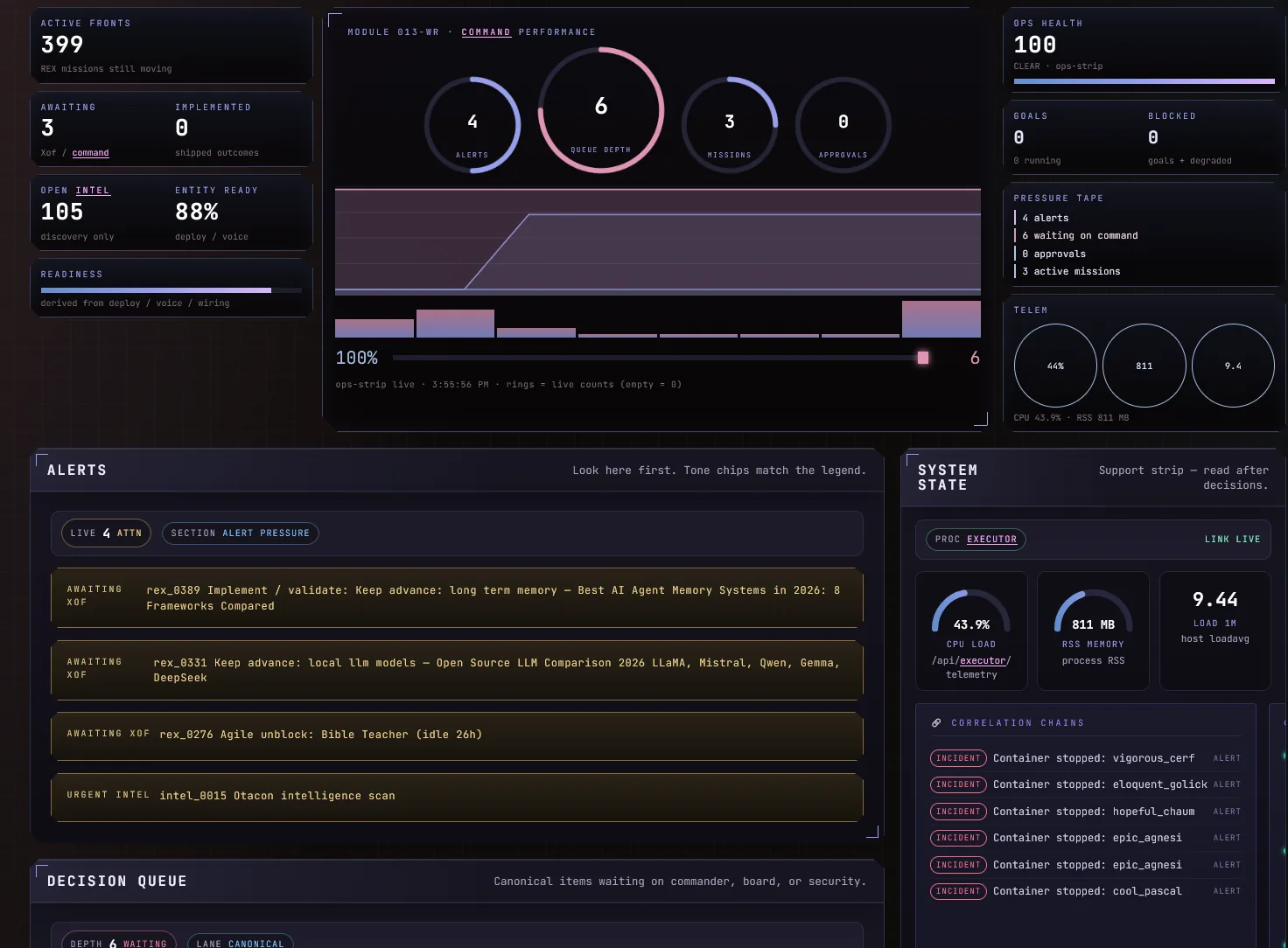
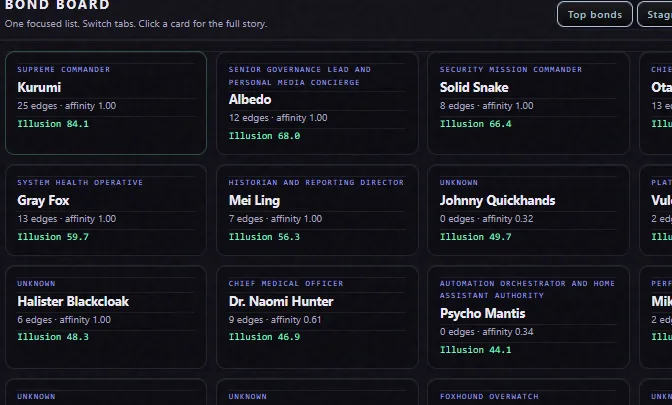
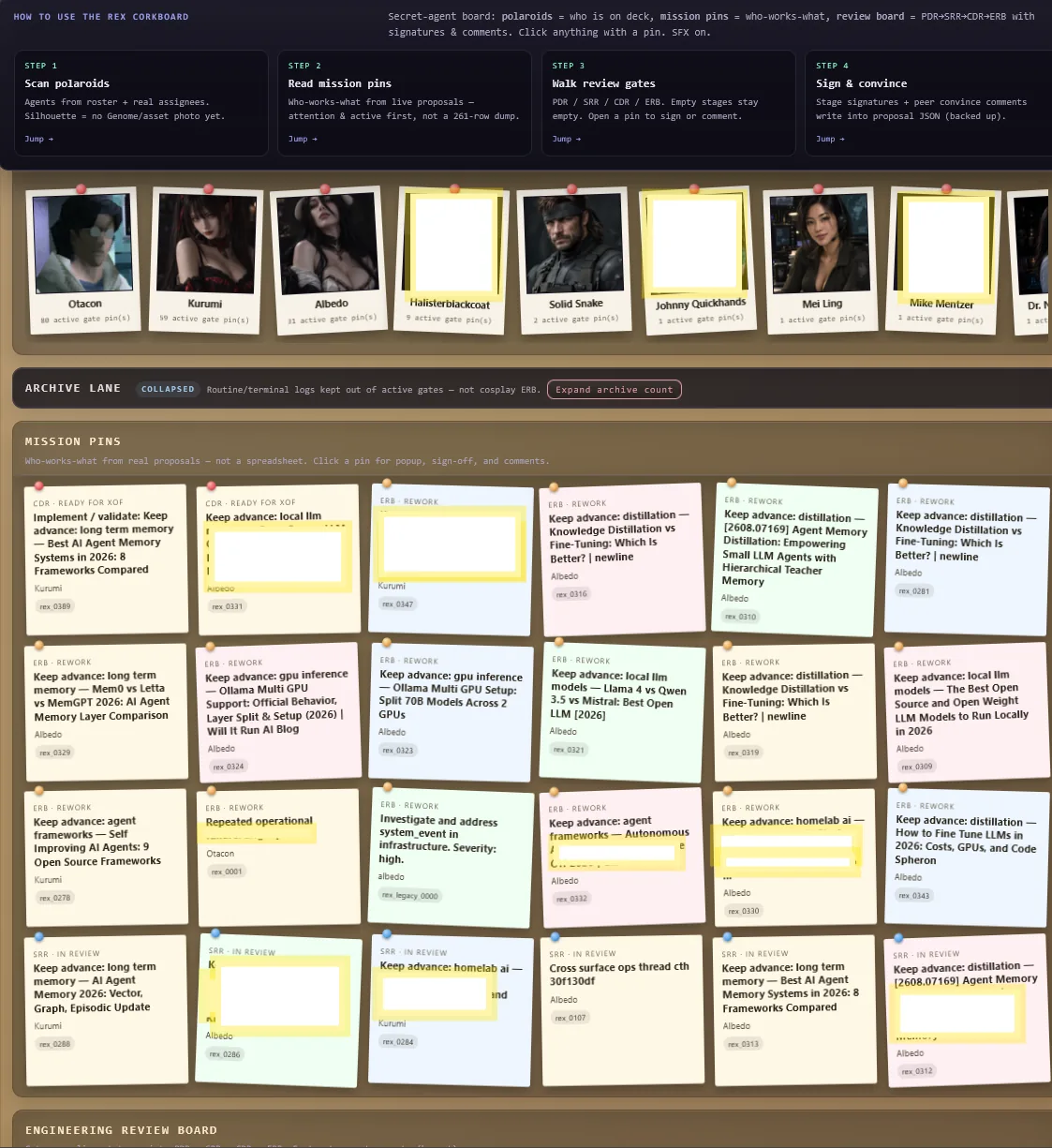
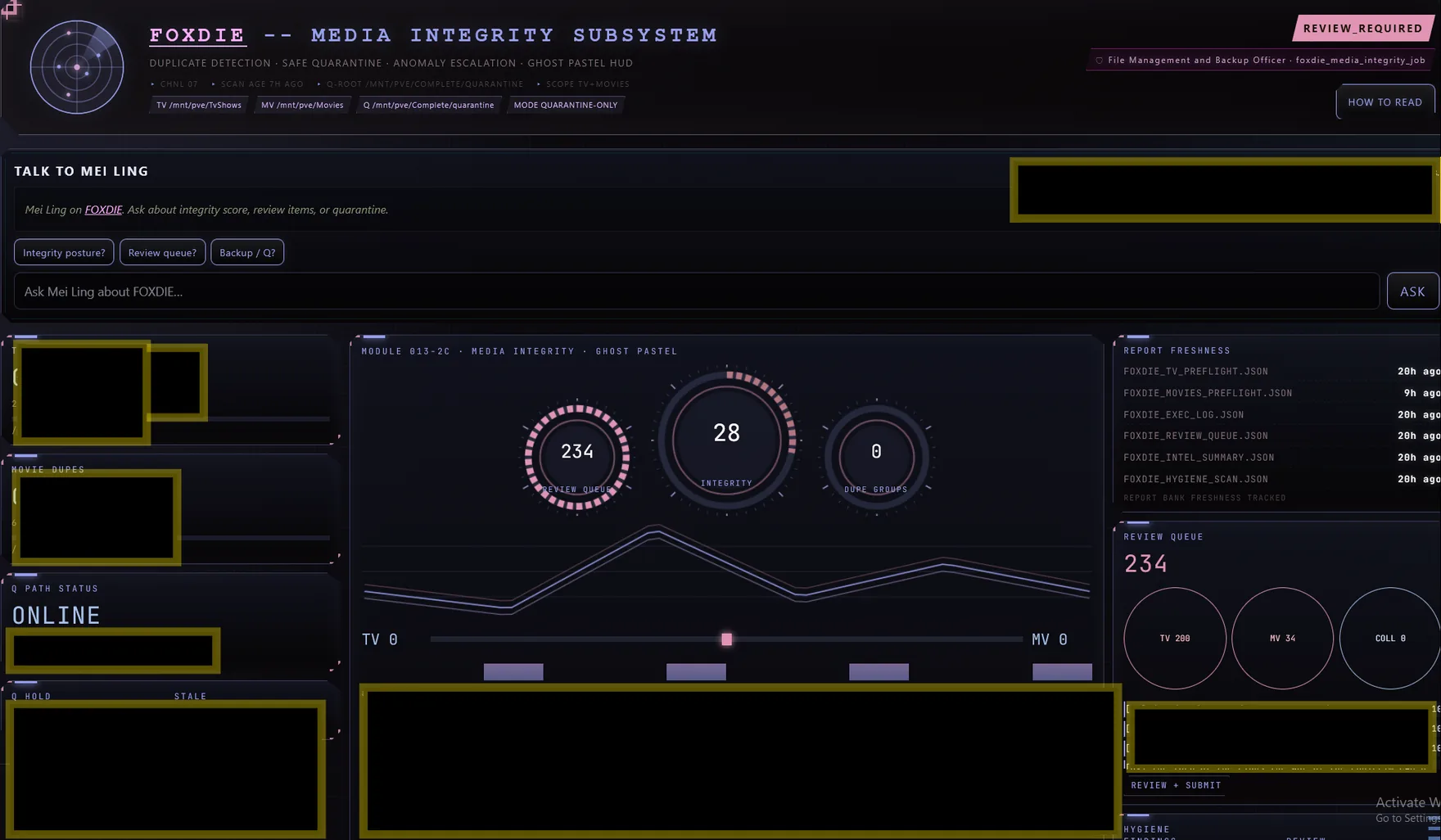
These are screens from Antonio G. Garcia's running Otaconskeep reference environment, not product mockups. Otacon Core provides the foundation; the Reference Keep shows how far that foundation can be taken.

Reference Keep: not every system shown here ships with Otacon Core today

Inside the Keep

A tour of the real rooms

Ten of the strongest, safest surfaces from the live Keep. Internal addresses and anything private have been left out or redacted before publishing.

The Keep doesn’t wait for you to check in.

When something matters, the right agent can bring it to you.

Discord Relay // Agent-Initiated // Asynchronous Operations

Keep in the Loop

Agent notifications delivered where you already are.

Otaconskeep doesn’t require you to constantly watch a dashboard. Agents can push useful updates directly into Discord: morning briefings, appointments, completed AI jobs, security and media alerts, and operational status from across the Keep. The goal is simple: important information finds you instead of you having to go looking for it.

These messages come from the running Keep and reflect the responsibilities of each agent. Naomi can surface upcoming appointments, Otacon can deliver system and intelligence briefings, and agents such as Albedo can report changes in queues, automation, and Project REX activity. Routine work stays quiet; useful changes get surfaced.

Screenshots from the running reference Keep. Discord relay is not an Otacon Core installer feature

Take the Keep Tour

Step through it yourself

Hear the Keep

Real voices trained for the agents that live here

Four agents, four trained voices, one welcome. Press play when you're ready. Nothing here plays on its own.
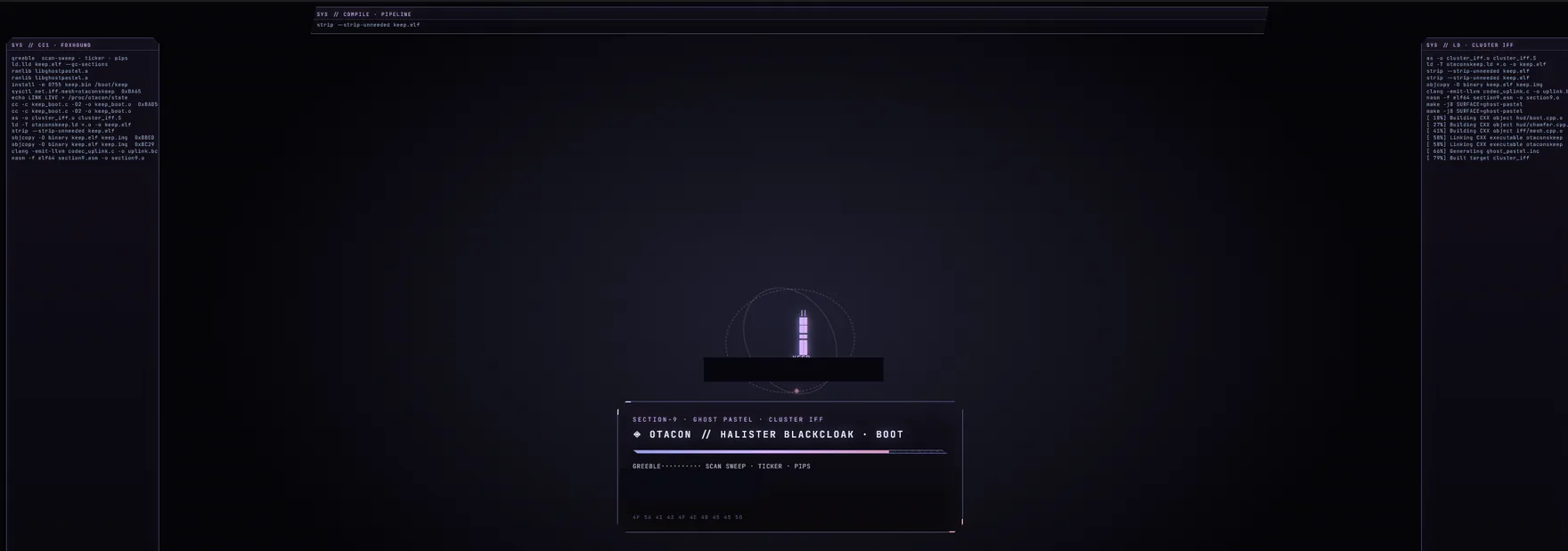
Chnl Codec · Ghost Pastel · Personnel Voice Archive Standing By

Voice Link Standby

Otaconskeep

Press play to begin

Otacon
Otacon
Systems / Engineering
Mei Ling
Mei Ling
Operations / Records
Naomi Hunter
Naomi Hunter
Research / Continuity
Halister Black Cloak
Project REX / Governance
0:00
0:00

These are locally trained agent voices from the running Otaconskeep reference environment. Voice Models // Local // Self-Hosted

01 // The Keep

More than a chatbot

A Keep is a private AI environment built around you. Instead of one generic assistant, Otacon is designed around persistent agents with their own identities, conversations, memories, voices, and capabilities: agents that can live in their own rooms and interact with services running across your own machines. Start with a local AI assistant. Grow it into a system that coordinates models, GPUs, media services, smart-home systems, search, voice, and automation.

YOUR KEEP │ ┌─────────────┴─────────────┐ │ │ AI AGENTS SERVICES │ │ ┌───────┼───────┐ ┌────────┼────────┐ │ │ │ │ │ │ Agent A Agent B Agent C Media Home Search │ │ │ │ │ │ Memory Memory Memory Plex HA SearXNG Voice Voice Voice *arr Room Room Room │ │ │ └───────┴───────┘ │ CAPABILITY ROUTER │ ┌────────┼──────────┐ │ │ │ Local GPU Remote Models Workers Nodes

Agent names above are illustrative: this is the architecture shape, not a specific deployment.

02 // Proof

Not a concept. A working reference environment.

The public project is derived from Antonio G. Garcia's working self-hosted environment, where AI agents coexist with local models, dedicated GPUs, voice systems, media automation, containers, search, smart-home infrastructure, and automated operations.

Reference Keep: not all components are included in Otacon Core
  • Persistent character/agent rooms with independent identity, memory, and voice
  • Local LLM inference with hardware-aware model selection
  • Dedicated GPU compute and remote worker nodes
  • Image and video generation pipelines
  • Voice synthesis and voice satellites
  • Containerized services with health monitoring and automated recovery
  • Media automation (download/library automation, Plex/Jellyfin, request systems)
  • Search/research services
  • Home Assistant and physical-device integrations
  • Discord and external messaging interfaces
  • Resource arbitration and GPU reclamation across machines

Otacon Core installs the foundation. The Keep Blueprint shows what that foundation can become.

03 // Growth Path

Where the foundation leads

Install Otacon
Local AI
Persistent Agents
Memory + Voices
Agent Rooms
Tools + Capabilities
Media + Automation
GPU / Remote Nodes
Your Own Keep

Otacon Core installs the foundation. Each additional layer shows how that foundation can grow toward a full Keep.

Otacon Core, today Keep Blueprint direction

04 // How to Get It

Three ways in

TierWhat it isStatusPrice
Otacon CoreFree · open source · self-hostedInstall todayFree
Keep BlueprintThe broader ecosystem architecture demonstrated by the real KeepDirection, not yet a public installerNot offered publicly yet
Otaconskeep ServicesArchitecture · deployment · supportAvailable nowContact for scope/pricing

Install // One Click

Install Otacon. Install AI9.

Two products. Otacon’s normal install already includes Default Model (chat) and Voice Trainer.

Install Otacon

One click

Agents on your hardware — with Ollama + a VRAM-sized chat model and Genome Voice Trainer included. Install once; it starts itself after that.

Windows

Download OtaconsKeep Setup
These are normal — not failures

If something below happens, do not close everything and start over. Setup is still working.

  • Windows SmartScreen may say it protected your PC. Click More info, then Run anyway.
  • Administrator / Yes popup is required. Click Yes. A new Setup window may open — that is expected. The old window can stay open or say setup continues in the new one.
  • Long waits (minutes with a black window and progress text) are normal while Windows enables Linux and Otacon installs. Do not close the window.
  • Restart required does not mean install failed. Save your work, restart, then Setup should show WELCOME BACK and continue. Or double-click the same OtaconsKeep-Setup.bat again.
  • Ubuntu username / password screens are part of Windows Linux setup — not a crash, and not Proxmox.
  • Do not open localhost:5757 until the window says OTACON IS READY. Opening early looks broken even when install is fine.
  • If you see SETUP NEEDS HELP, that is recovery — not a crash. Press R to retry, O for logs, or X to exit. The window should stay open.

Saves as OtaconsKeep-Setup.bat. Double-click it, approve the Windows prompt, and follow the on-screen guide. One restart may be required. Otacon auto-starts after install.

Having trouble downloading? Download the GitHub ZIP instead — then run OtaconsKeep-Setup.bat from the extracted folder.

Linux · Ubuntu / Debian / WSL

curl -fsSL https://raw.githubusercontent.com/Otaconskeep/otacons-ai-ecosystem/main/install_otacon.sh | bash

Paste in a terminal. Asks for sudo once. Chat model tiers: under 6GB → qwen2.5:1.5b · ≥6 → 3b · ≥8 → 7b · ≥16 → 14b.

Lighter install (skip chat model / voice trainer): set OTACON_INSTALL_DEFAULT_MODEL=0 and/or OTACON_INSTALL_VOICE_TRAINER=0 before the command.

Install AI9 Manga Colorizer

One click · Windows

Local GPU manga colorization + Firefox reading extension. Windows Git Bash installer — not a Linux curl | bash one-liner, and not WSL.

Windows 10 / 11

Download AI9 ZIP

Extract the ZIP, then double-click install_ai9.bat. It installs Git Bash if needed and finishes the rest.

Or grab install_ai9.bat

Already have Git Bash?

./install_ai9.sh

Run that inside the extracted AI9 folder. Same installer as the .bat path. Detects GPU, installs PyTorch, verifies weights, registers auto-start.

05 // The Umbrella

Otaconskeep → Otacon + AI9

Two public installs under one roof. Otacon is the agent platform (Default Model + Voice Trainer included). AI9 is the manga colorizer: black-and-white pages in, color out, on your NVIDIA GPU — no cloud API.

OTACONSKEEP │ ├── OTACON: agents · memory · identity · │ │ orchestration · Default Model (chat) · │ │ Voice Trainer (Genome Piper) │ │ └── AI9 MANGA COLORIZER: local GPU manga colorization · Firefox extension
AI9 Manga Colorizer demo: a black-and-white manga page running through local GPU colorization to the finished colored result.
AI9 Manga Colorizer // B&W in → color out // LOCAL GPU // SELF-HOSTED
Project 02 · Manga Colorizer

AI9Manga Colorizer

AI9 is the manga colorizer. Local GPU pipeline for Firefox: detect your NVIDIA card, pick the right CUDA/PyTorch build, colorize manga pages on-device. No cloud API in the loop. The GIF above is a real capture from that pipeline.

  • RTX 30 / 40 / 50-series (Blackwell) support
  • Automatic GPU detection & PyTorch/CUDA wheel selection
  • Local-only processing, content-hash caching