Overview
Module: Module 3: Home Assistant & Secure Access
Topic: 01: Home Assistant foundations
Activity type: Reading / reference (Learn)
Bloom focus: Apply
Links to outcome: Given a Home Assistant install path, the learner can identify device/entity/area/integration, build a minimal dashboard, and prove backup + restore evidence.
Why this matters
Automations and voice are useless on a unnamed mess of entities. Foundations: objects, areas, backups: decide whether later classes are joyful or cursed.
Vocabulary
Add terms as you encounter them in Instruction.
Core reading
Originally: Outcomes
You will understand instances, integrations, devices, entities, areas, services/actions, states, dashboards, helpers, add-ons, backups, and the separation between Home Assistant OS and containerized installations.
Object model
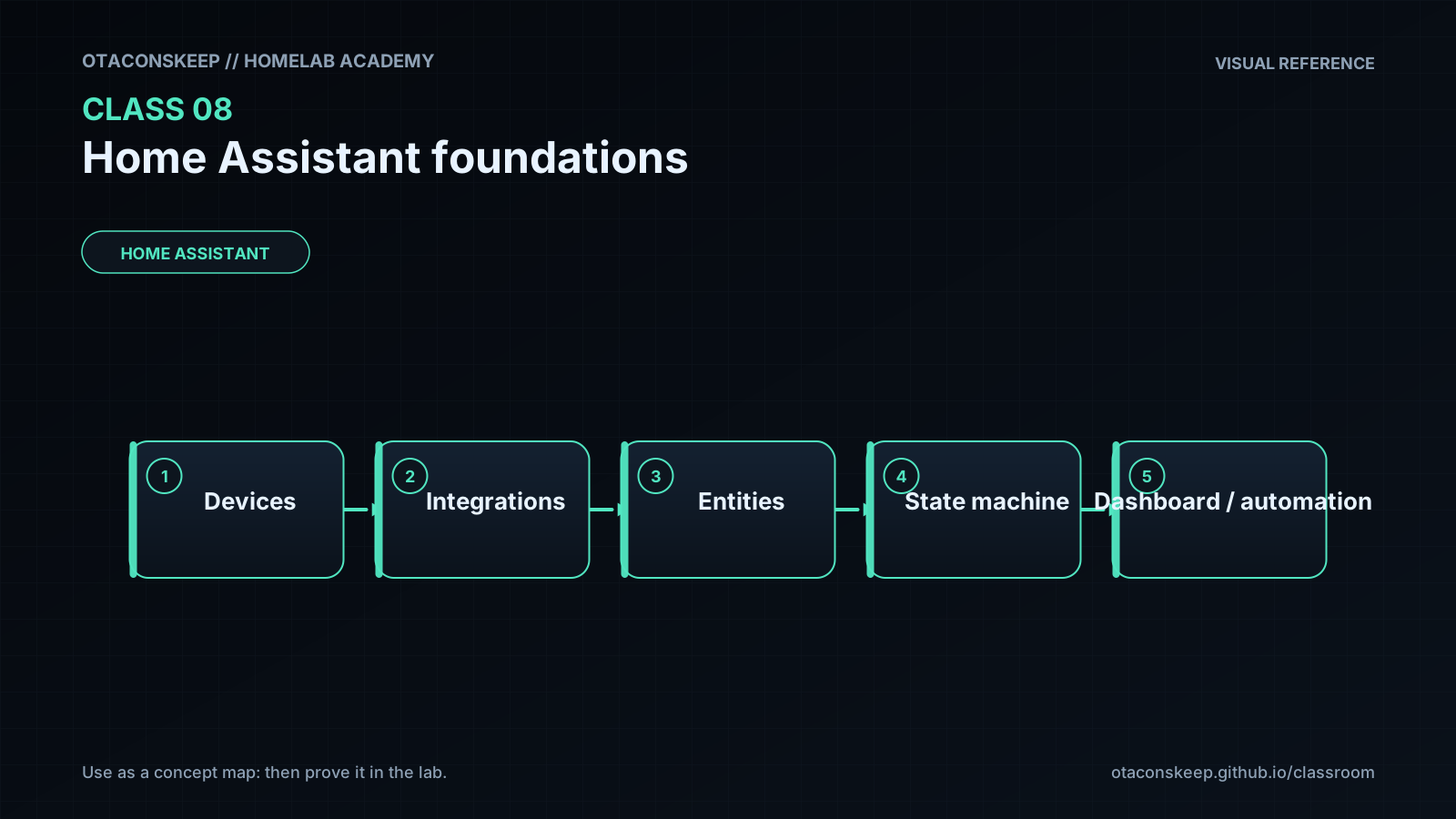
flowchart TD
    I["Integration"] --> D["Device"]
    D --> E1["Entity: power"]
    D --> E2["Entity: temperature"]
    D --> E3["Entity: availability"]
    E1 --> A["Area + dashboard + automation"]
    E2 --> A
An integration connects Home Assistant to a platform or protocol. A device is a physical or logical product. An entity is one controllable or observable property. Automations usually reason over entity state and invoke actions/services.
Installation choices
Home Assistant OS
A complete managed appliance model with Supervisor and add-on support. It fits well in a dedicated VM and is the course's default for the capstone.
Home Assistant Container
Runs Home Assistant Core in Docker. The operator manages surrounding services and does not receive the same managed add-on environment. This is valid, but instructions written for add-ons cannot be copied directly.
Do not combine installation models mentally. First record which model you operate, then follow matching documentation.
States, actions, and history
An entity has a current state plus attributes. An action changes or requests something. A state value can be unknown or unavailable; automations must handle these deliberately.
Example:
entity_id: light.office
state: on
attributes: brightness, color_temp, friendly_name
Home Assistant's developer tools let you inspect live state and manually invoke actions. These are diagnostic instruments, not merely advanced features.
Naming and areas
Assign stable, human-readable names. Avoid encoding temporary room names or manufacturer details into every identity. Areas make dashboards and voice sentences more natural.
Good entity management supports:
- Readable automations.
- Useful voice commands.
- Faster troubleshooting.
- Migration when hardware changes.
Backups
A backup is valuable only if it can be located, protected, and restored. Record:
- Backup scope.
- Creation time and HA version.
- Storage location outside the instance.
- Encryption/recovery information if applicable.
- Restore test result.
Snapshots, VM backups, and HA backups protect different failure modes. Use layers for important systems.
Worked example (study this)
I do: study the reasoning, not just the final answer.
Bad: Default entity ids everywhere (sensor.temperature_3) and no backup.
Better: Name by area + purpose, attach areas, create one dashboard card you can explain, and complete a backup you have actually restored once.
Home Assistant navigation and terminology change frequently. Use current official documentation for exact menu paths. Preserve the object model and verification steps even when the UI labels differ from the lecture.
Next
- Open the Lesson for prior-knowledge check, guided practice, and required Feynman teach-back.
- Then complete Lab, Homework, and Quiz for this topic.