Overview
Module: Module 3: Home Assistant & Secure Access
Activity type: Lab (Practice)
Objective: Given a plain-language automation requirement, the learner can implement trigger → condition → action logic and prove positive, negative, and failure cases with traces.
Before you start
- Reading complete
- Lesson Feynman teach-back drafted (you may refine after the lab)
Guided lab
Build one automation with explicit acceptance tests. Prefer helpers (input_boolean) so you never need real hardware risk.
Write requirement + acceptance criteria first (workbook):
When test_trigger turns on AND test_allowed is on → turn on test_lamp (helper)
Notify/log that the run happened
Mode: single (or restart: pick one and defend it)
Create helpers (UI → Helpers): input_boolean.test_trigger, input_boolean.test_allowed, input_boolean.test_lamp.
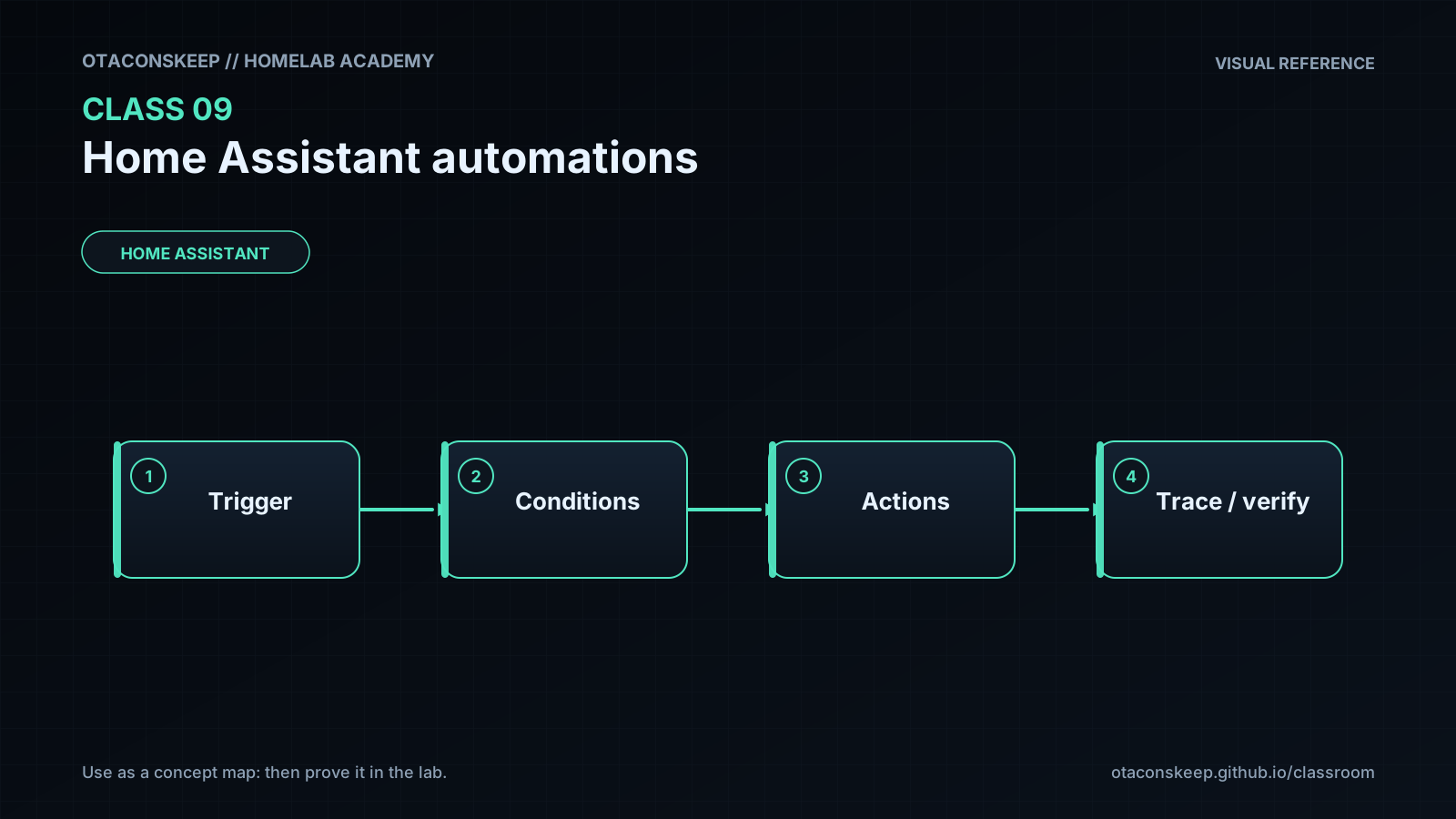
Build automation: trigger = test_trigger turns on; condition = test_allowed is on; actions = turn on test_lamp + persistent notification / logbook.
Positive test:
export HA=http://HA-IP:8123 TOKEN='YOUR_TOKEN'
call() { curl -s -H "Authorization: Bearer $TOKEN" -H "Content-Type: application/json" -d "$2" "$HA/api/services/$1"; echo; }
# turn allowed on, trigger on:
call input_boolean/turn_on '{"entity_id":"input_boolean.test_allowed"}'
call input_boolean/turn_on '{"entity_id":"input_boolean.test_trigger"}'
curl -s -H "Authorization: Bearer $TOKEN" "$HA/api/states/input_boolean.test_lamp"
# Use Developer Tools → Services, or:
$H=@{Authorization="Bearer YOUR_TOKEN"; "Content-Type"="application/json"}
Invoke-RestMethod -Headers $H -Method Post -Uri "http://HA-IP:8123/api/services/input_boolean/turn_on" -Body '{"entity_id":"input_boolean.test_allowed"}'
Invoke-RestMethod -Headers $H -Method Post -Uri "http://HA-IP:8123/api/services/input_boolean/turn_on" -Body '{"entity_id":"input_boolean.test_trigger"}'
Invoke-RestMethod -Headers $H -Uri "http://HA-IP:8123/api/states/input_boolean.test_lamp"
Expect lamp on + notification. Open Traces and save a screenshot (no secrets).
Negative test: allowed off, trigger on → lamp must stay off; trace stops at condition.
Rapid triggers: flip trigger quickly; confirm mode behavior matches your choice (single vs restart).
Restart HA and repeat the positive test once.
Inspect traces for all cases; write pass/fail in the workbook.
Break / fix
Break/fix
-
Force condition false; confirm trace stops at condition.
-
Point action at a nonexistent entity; confirm trigger/condition pass and action errors in trace.
-
Add a delay; trigger twice; observe mode.
-
Disable automation; prove manual helper control still works.
Feedback / common mistakes
- Skipping evidence and calling it done.
- Changing multiple variables before retesting.
- Moving on without completing Feynman teach-back.
Lab gate
All boxes must be true before the next class unlocks. If you fail: feedback → targeted review → new practice → reassess.
- [ ] Requirement and acceptance criteria are written.
- [ ] Positive test passes.
- [ ] Negative test prevents the action.
- [ ] Repeated-trigger behavior matches the selected mode.
- [ ] The trace identifies each path.
- [ ] Restart does not break the automation.
- [ ] Failure behavior creates useful evidence.
- [ ] Prior-knowledge check answered
- [ ] Feynman teach-back completed (Explain, Simplify, Example, Weak spot, Retry)
- [ ] Independent practice completed
- [ ] Retrieval check attempted (target ≥80% when scored)
- [ ] Evidence recorded in workbook / verification matrix