Overview
Module: Module 3: Home Assistant & Secure Access
Topic: 02: Home Assistant automations
Activity type: Reading / reference (Learn)
Bloom focus: Analyze / Create
Links to outcome: Given a plain-language automation requirement, the learner can implement trigger → condition → action logic and prove positive, negative, and failure cases with traces.
Why this matters
An automation that ‘usually works’ is a hazard. Testable logic: including when it must not fire: is how you trust the house.
Vocabulary
Add terms as you encounter them in Instruction.
Core reading
Automation model
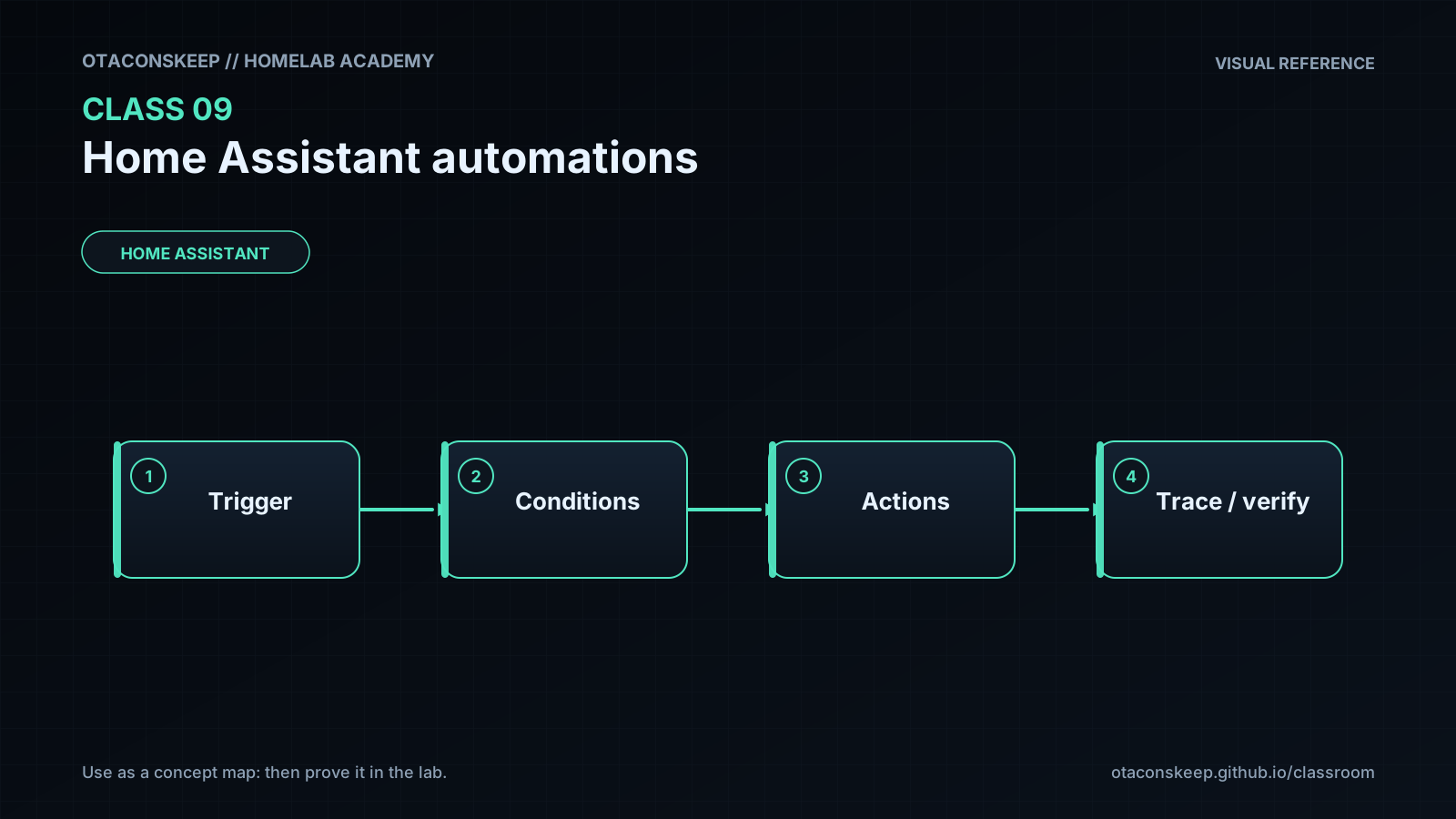
An automation has three core parts:
WHEN trigger occurs
IF conditions are true
THEN perform actions
Triggers begin evaluation. Conditions guard execution. Actions express intended changes. This separation matters when diagnosing “it did not run.”
flowchart TD
    T["Trigger"] --> C{"Conditions true?"}
    C -->|"yes"| A["Actions"]
    C -->|"no"| N["No action"]
    A --> V["Verify resulting state"]
State versus event
A state trigger reacts when an entity changes state. An event trigger reacts to a bus event. Time, sun, template, webhook, zone, device, and other trigger families express different initiation mechanisms. Pick the type that matches the requirement rather than the one easiest to click.
Modes and concurrency
Automation modes control what happens when a new trigger occurs while a prior run is active:
| Mode | Behavior |
|---|---|
| single | Ignore or warn on overlapping trigger |
| restart | Stop prior run and begin newest |
| queued | Run invocations in order |
| parallel | Run multiple invocations concurrently |
The right mode depends on safety and intent. A door announcement may use queued behavior; a motion-controlled timer may use restart; parallel actions can create races if they modify the same system.
Traces
Automation traces show which trigger fired, condition result, path taken, variables, and action errors. Use the trace before editing unrelated devices or reinstalling an integration.
Monitoring the homelab
Optional stretch: notify when a critical binary sensor / container health helper fails, still use a helper first.
Worked example (study this)
I do: study the reasoning, not just the final answer.
Bad requirement: “Turn on the light when I’m home.”
Better: “When binary_sensor.front_door changes to on after sunset, if nobody is already marked home, turn on light.living_room and notify; do nothing if the light is already on; mode: single.”
Example requirement
When the office test switch turns on after sunset, turn on the office test light at 40 percent. Do nothing during daytime. If the light is unavailable, create a persistent notification.
This requirement is measurable. It identifies trigger, condition, nominal action, exception behavior, and expected state.
Current Home Assistant uses action-oriented terminology in places where old material may say “call service.” Follow the current editor/schema while retaining trigger-condition-action logic and trace-based diagnosis.
Next
- Open the Lesson for prior-knowledge check, guided practice, and required Feynman teach-back.
- Then complete Lab, Homework, and Quiz for this topic.