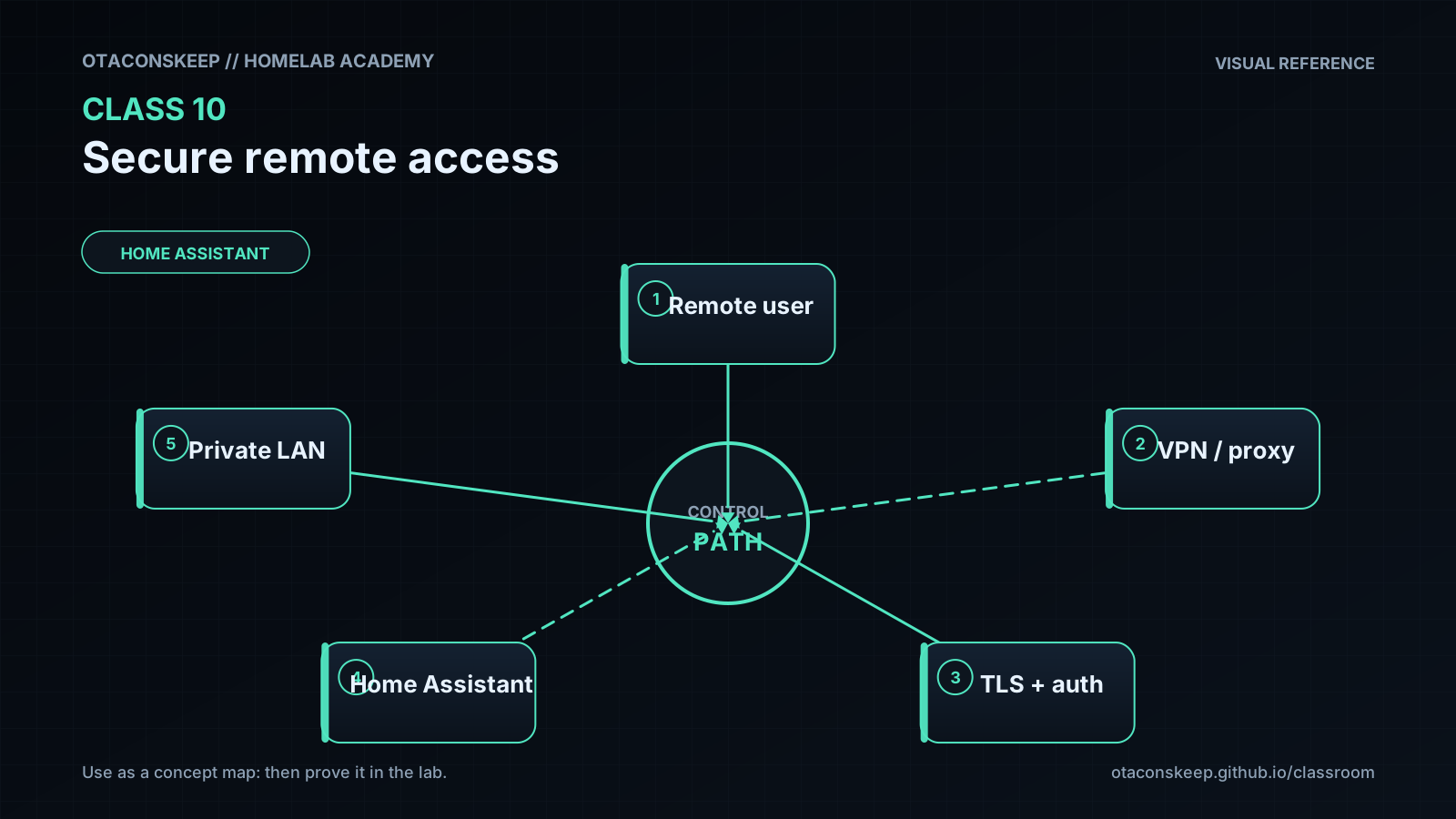
Overview
Module: Module 3: Home Assistant & Secure Access
Activity type: Lesson (Orient → Recall → Learn → Explain → Reflect)
Learning objective: Given a threat model for admin UIs, the learner can choose VPN vs tunnel vs dangerous port-forward patterns, implement an authenticated remote path (or document VPN-only), and prove unauthorized denial plus rollback.
Bloom level: Evaluate / Apply
Mastery unlock for this topic: reading done + Feynman complete + quiz ≥80% (when scored) + lab gate + homework submitted
Learning objective
Given a threat model for admin UIs, the learner can choose VPN vs tunnel vs dangerous port-forward patterns, implement an authenticated remote path (or document VPN-only), and prove unauthorized denial plus rollback.
Why this matters
Remote access must not mean publishing every admin interface to the internet. The objective is a narrow, authenticated path with encrypted transport, least privilege, logs, revocation, and a rollback plan.
Prior-knowledge check
Answer briefly before reading Instruction. Wrong answers are useful: they show what to review.
- What is authentication vs authorization?
- Why is a raw port-forward of an admin UI risky?
- What does ‘deny by default’ mean?
Learn
Complete the module reading first:
Then review the worked example inside that reading (I do).
Guided practice (We do)
We do: hints allowed. Check your reasoning against Instruction.
Compare VPN vs tunnel vs reverse-proxy using the lesson’s decision table with notes open.
Feynman teach-back: required
Required. Do not skip.
Explain
Describe why homelab admin panels must not be casually published to the internet in your own words. No copying the lesson verbatim.
Simplify
Explain the same idea to a 12-year-old. If you use a technical word, define it.
Example
Analogy: leaving your house keys in the front lawn vs a locked door with a known visitor process.
Weak spot
What part was hard to explain? That is where your understanding is thin.
Retry
Return to that part of Instruction, restudy it, then rewrite a clearer explanation below.
Mastery note: a completed Feynman teach-back is required before the next class unlocks: “I get it” without explanation does not count.
Answers save in this browser (localStorage). Completing all five fields is part of the mastery unlock.
Reflection
What remote path did you choose, what did you explicitly refuse to expose, and what denial evidence do you have?
Also answer:
- What did I learn?
- What did I struggle with?
- How does this connect to earlier classes?
Spiral hook
Voice satellites and n8n webhooks inherit this boundary. If Class 10 is weak, later ‘convenience’ features become attack surface.