Overview
Module: Network Operations
Activity type: Reading (Learn)
Objective: Distinguish an IPv4 address from a subnet prefix, network address, broadcast address, and usable host range
Vocabulary
| Term | Meaning |
|---|---|
| IPv4 address | A 32-bit value assigned to a network interface or used to identify an IPv4 endpoint. Dotted-decimal notation divides the value into four octets, such as 192.168.50.77. |
| Prefix length | The number of leading bits that identify the network portion of an address. In 192.168.50.77/26, the prefix length is 26. |
| Subnet mask | A dotted-decimal representation of the network bits. A /26 prefix corresponds to 255.255.255.192. |
| Network address | The first address of a traditional IPv4 subnet, produced by setting all host bits to zero. It identifies the subnet rather than an ordinary host. |
| Broadcast address | The final address of a traditional IPv4 subnet, produced by setting all host bits to one. It addresses all IPv4 hosts on that broadcast domain. |
| Default gateway | A router address used as the next hop when no more-specific route matches a destination. |
| Routing table | A set of destination prefixes and forwarding instructions used by a host or router to choose where packets should go. |
| Next hop | The neighboring router to which a packet is sent so that it can continue toward its destination. |
| Connected route | A route created because an interface has an address within a directly attached prefix. |
| Default route | The least-specific route, written as 0.0.0.0/0 for IPv4, which matches any IPv4 destination not selected by a more-specific route. |
| Longest-prefix match | The routing rule that selects the matching route with the greatest prefix length, such as preferring /24 over /16 and /0. |
| Metric | A value used to choose among otherwise comparable routes. Its precise interpretation depends on the operating system or routing protocol. |
| Private IPv4 address | An address in 10.0.0.0/8, 172.16.0.0/12, or 192.168.0.0/16, as designated for private internets by RFC 1918. |
Instruction
An IPv4 address is a 32-bit number. CIDR notation combines that address with a prefix length, such as 192.168.50.77/26. The first 26 bits identify the network and the remaining 6 bits identify positions within that network. A /26 therefore contains 2^6, or 64, total addresses. For an ordinary broadcast subnet, the all-zero host value is the network address and the all-one host value is the broadcast address, leaving 62 conventional host addresses. The four /26 boundaries inside 192.168.50.0/24 begin at .0, .64, .128, and .192. Consequently, 192.168.50.77/26 belongs to 192.168.50.64/26, has broadcast address 192.168.50.127, and has the conventional host range 192.168.50.65 through 192.168.50.126.
A subnet answers the local-delivery question: can the destination be reached directly on the local link, or must the packet be sent to a router? The sender compares the destination against its connected prefixes. If the destination is on-link, the sender resolves the destination's link-layer address and sends directly. If it is off-link, the sender searches its routing table. A default gateway is not automatically used for every packet; it is the next hop associated with the default route and is selected only when no more-specific route wins. The gateway must normally have an address reachable through a connected route, because the host needs a way to deliver the frame to that router before the router can forward the packet.
Routing follows longest-prefix matching. Suppose a host has routes for 10.0.0.0/8, 10.20.0.0/16, and 0.0.0.0/0. A packet for 10.20.30.40 matches all three, but /16 is the longest prefix and wins. A packet for 10.30.1.1 matches /8 and /0, so /8 wins. A packet for 203.0.113.20 matches only /0 and follows the default route. Metrics are usually consulted after prefix specificity and should not be treated as a way for a low-metric default route to override a more-specific route.
Routes may be connected, manually configured, learned through a routing protocol, or installed by network-management software. A host commonly has a connected LAN route, routes for local or special-purpose destinations, and a default route through the LAN router. A router has multiple interfaces and forwards traffic between prefixes according to its routing table and policy. Routing and address translation are separate concepts: routing chooses a path, while address translation may rewrite packet addresses at a boundary. The lab is deliberately observational and simulated. It reads current host state and performs calculations offline, but it does not add addresses, replace routes, restart network services, or affect connectivity.
Architecture
scenario
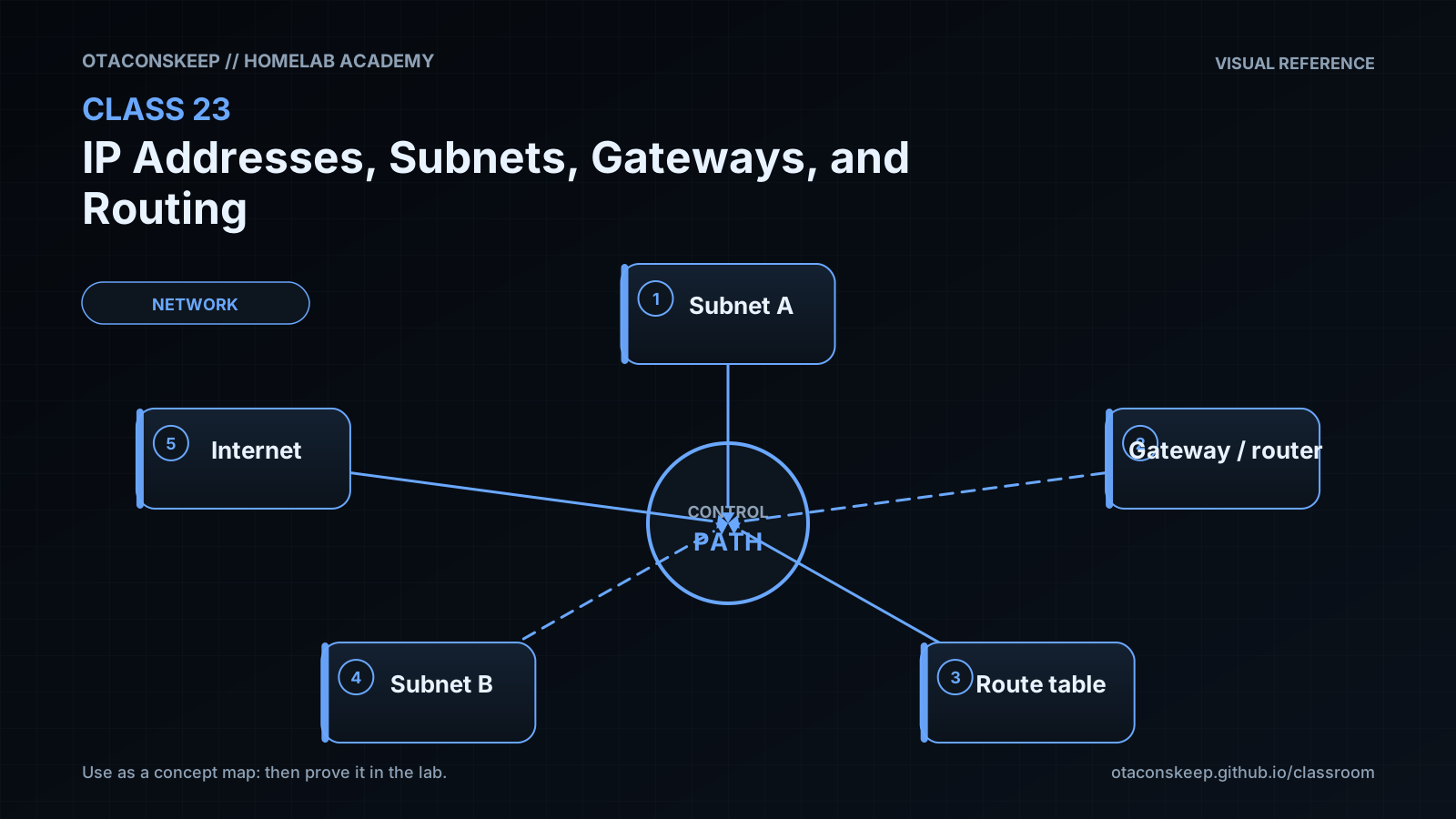
A workstation and two homelab services share a LAN, while a router connects the LAN to other networks.
components
Workstation: 192.168.50.77/26
Local service: 192.168.50.100/26
Different-subnet service: 192.168.50.140/26
LAN router interface: 192.168.50.65/26
Example remote network behind a router: 10.20.0.0/16
logical_flow
Traffic from 192.168.50.77 to 192.168.50.100 remains on 192.168.50.64/26 and is delivered directly.
Traffic from 192.168.50.77 to 192.168.50.140 is not local because 192.168.50.140 belongs to 192.168.50.128/26.
Off-link traffic is sent to a selected next hop, such as 192.168.50.65, when a matching route points to that gateway.
A route for 10.20.0.0/16 is preferred over 10.0.0.0/8 or 0.0.0.0/0 for destinations inside 10.20.0.0/16.
route_selection_order
Collect every route whose destination prefix contains the target address.
Select the route with the longest prefix.
If equally specific routes remain, apply the operating system's route preference and metric rules.
Resolve and reach the selected next hop or directly connected destination through the chosen interface.
Required reading
- RFC 791, Internet Protocol: https://www.rfc-editor.org/rfc/rfc791
- RFC 4632, Classless Inter-domain Routing: https://www.rfc-editor.org/rfc/rfc4632
- RFC 3021, Using 31-Bit Prefixes on IPv4 Point-to-Point Links: https://www.rfc-editor.org/rfc/rfc3021
- Linux ip-route manual page: https://man7.org/linux/man-pages/man8/ip-route.8.html
References
- RFC 791, Internet Protocol: https://www.rfc-editor.org/rfc/rfc791
- RFC 1918, Address Allocation for Private Internets: https://www.rfc-editor.org/rfc/rfc1918
- RFC 3021, Using 31-Bit Prefixes on IPv4 Point-to-Point Links: https://www.rfc-editor.org/rfc/rfc3021
- RFC 4632, Classless Inter-domain Routing: https://www.rfc-editor.org/rfc/rfc4632
- RFC 5737, IPv4 Address Blocks Reserved for Documentation: https://www.rfc-editor.org/rfc/rfc5737
- Linux ip-address manual page: https://man7.org/linux/man-pages/man8/ip-address.8.html
- Linux ip-route manual page: https://man7.org/linux/man-pages/man8/ip-route.8.html
- Python ipaddress documentation: https://docs.python.org/3/library/ipaddress.html