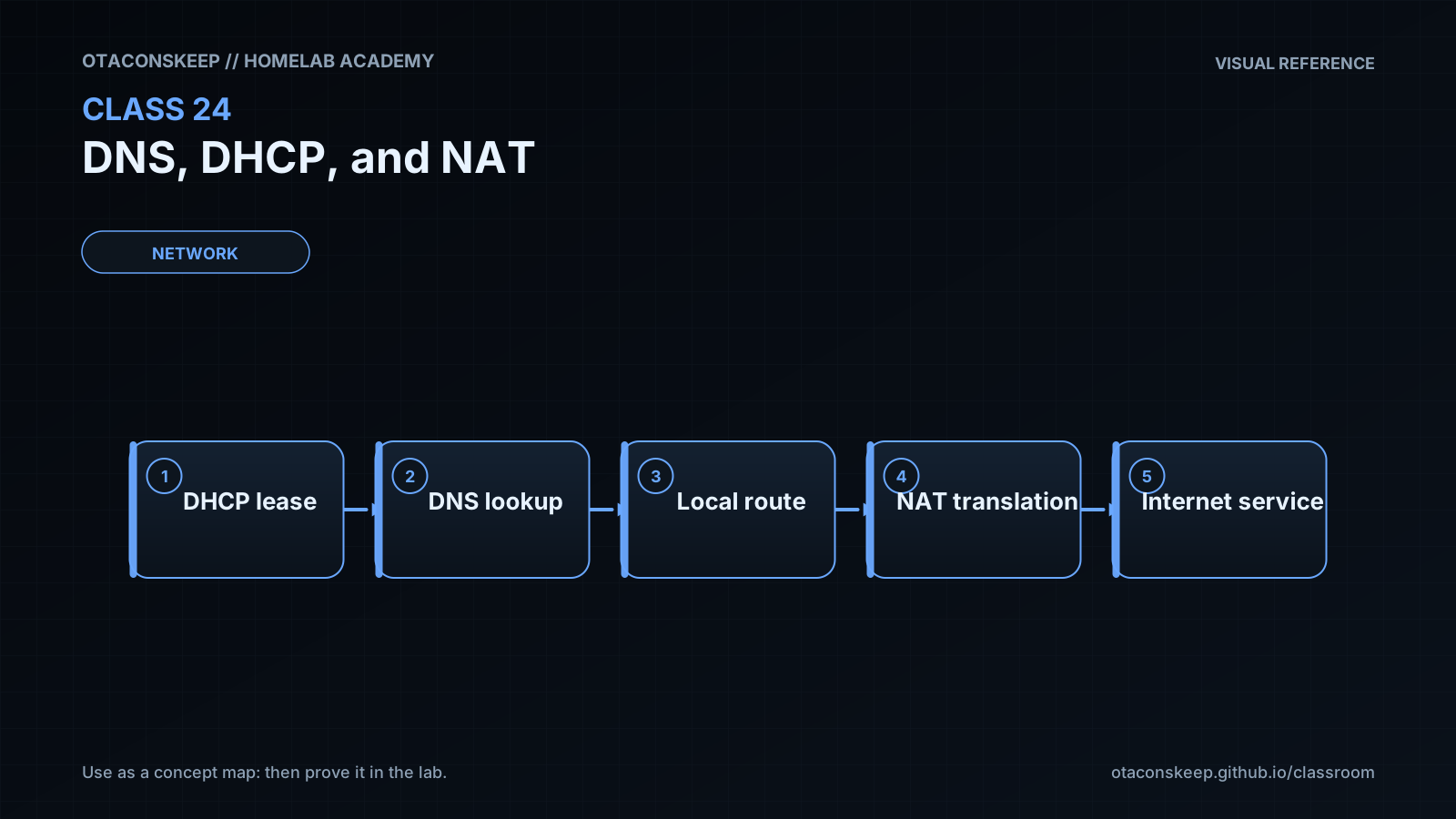
Overview
Module: Network Operations
Activity type: Lab (Practice)
Lab risk: low
Objective: Describe the separate responsibilities of DNS, DHCP, and NAT
Before you start
- Basic familiarity with IPv4 addresses, subnet masks, default gateways, and private address space
- Ability to run shell commands and Python 3
- Permission to create and remove files under /opt/lab-classroom/class24/
- Completion of introductory LAN, routing, and transport-protocol lessons
Guided lab
name
Model DNS records, DHCP leases, and NAT state
constraints
Run the commands exactly as shown.
Do not redirect output to a path outside /opt/lab-classroom/class24/.
The exercise is a deterministic simulator, not a production service deployment.
The documentation-only addresses 198.51.100.0/24 and 203.0.113.0/24 are used to avoid implying that arbitrary public systems should be contacted.
steps
step
1
instruction
Create the isolated classroom directory.
command
mkdir -p /opt/lab-classroom/class24/
step
2
instruction
Create a Python simulator for DNS lookup, DHCP allocation, and port-based source translation.
command
python3 -c 'from pathlib import Path; p=Path("/opt/lab-classroom/class24/simulator.py"); p.write_text("""import ipaddress\nimport json\nfrom pathlib import Path\n\nBASE = Path(\"/opt/lab-classroom/class24\")\nNETWORK = ipaddress.ip_network(\"192.168.24.0/24\")\nPOOL = [str(ip) for ip in list(NETWORK.hosts()) if 100 <= int(str(ip).split(\".\")[-1]) <= 105]\nDNS_RECORDS = {\n \"nas.lab.home.arpa\": {\"type\": \"A\", \"value\": \"192.168.24.10\", \"ttl\": 300},\n \"dashboard.lab.home.arpa\": {\"type\": \"A\", \"value\": \"192.168.24.20\", \"ttl\": 300}\n}\nCLIENTS = [\"client-a\", \"client-b\", \"client-a\"]\n\ndef allocate_leases(clients):\n leases = {}\n available = iter(POOL)\n events = []\n for client in clients:\n if client not in leases:\n leases[client] = next(available)\n events.append({\"client\": client, \"event\": \"new-lease\", \"address\": leases[client]})\n else:\n events.append({\"client\": client, \"event\": \"existing-lease\", \"address\": leases[client]})\n return leases, events\n\ndef build_nat_table():\n flows = [\n {\"protocol\": \"tcp\", \"inside_ip\": \"192.168.24.100\", \"inside_port\": 51000, \"destination_ip\": \"203.0.113.10\", \"destination_port\": 443},\n {\"protocol\": \"udp\", \"inside_ip\": \"192.168.24.101\", \"inside_port\": 53000, \"destination_ip\": \"203.0.113.53\", \"destination_port\": 53}\n ]\n for offset, flow in enumerate(flows):\n flow[\"outside_ip\"] = \"198.51.100.24\"\n flow[\"outside_port\"] = 40000 + offset\n return flows\n\nleases, lease_events = allocate_leases(CLIENTS)\nresult = {\n \"network\": str(NETWORK),\n \"gateway\": \"192.168.24.1\",\n \"dns_server\": \"192.168.24.2\",\n \"dns_query\": {\"name\": \"nas.lab.home.arpa\", \"answer\": DNS_RECORDS[\"nas.lab.home.arpa\"]},\n \"leases\": leases,\n \"lease_events\": lease_events,\n \"nat_table\": build_nat_table()\n}\n(BASE / \"results.json\").write_text(json.dumps(result, indent=2) + \"\n\", encoding=\"utf-8\")\nprint(json.dumps(result, indent=2))\n""", encoding="utf-8")'
step
3
instruction
Run the simulator. Its only generated state is results.json inside the classroom directory.
command
python3 /opt/lab-classroom/class24/simulator.py
step
4
instruction
Perform deterministic assertions against the generated state.
command
python3 -c 'import json, pathlib; d=json.loads(pathlib.Path("/opt/lab-classroom/class24/results.json").read_text()); assert d["dns_query"]["answer"]["value"] == "192.168.24.10"; assert d["leases"]["client-a"] == "192.168.24.100"; assert d["leases"]["client-b"] == "192.168.24.101"; assert d["lease_events"][2]["event"] == "existing-lease"; assert len({x["outside_port"] for x in d["nat_table"]}) == 2; print("class24 verification passed")'
step
5
instruction
Inspect the saved result and identify which fields belong to DNS, DHCP, and NAT.
command
python3 -m json.tool /opt/lab-classroom/class24/results.json
Expected results
- The simulator reports the client network as 192.168.24.0/24.
- The DNS query for nas.lab.home.arpa returns an A record containing 192.168.24.10 with a TTL of 300.
- client-a receives 192.168.24.100 and client-b receives 192.168.24.101.
- The second request from client-a is labeled existing-lease and retains 192.168.24.100.
- Two NAT entries share the simulated external address 198.51.100.24 but use different translated ports.
- The assertion command prints class24 verification passed.
- The only created files are simulator.py and results.json under /opt/lab-classroom/class24/.
Verification
- [ ] Run
python3 /opt/lab-classroom/class24/simulator.pyagain and confirm that the output is unchanged, demonstrating deterministic allocation. - [ ] Run
python3 -m json.tool /opt/lab-classroom/class24/results.jsonand confirm that the file contains dns_query, leases, lease_events, and nat_table sections. - [ ] Run
python3 -c 'import json, pathlib; d=json.loads(pathlib.Path("/opt/lab-classroom/class24/results.json").read_text()); print(d["dns_query"]["answer"])'and confirm that the value is 192.168.24.10. - [ ] Run
python3 -c 'import json, pathlib; d=json.loads(pathlib.Path("/opt/lab-classroom/class24/results.json").read_text()); print(d["leases"])'and confirm that the two distinct clients have distinct addresses. - [ ] Run
python3 -c 'import json, pathlib; d=json.loads(pathlib.Path("/opt/lab-classroom/class24/results.json").read_text()); print([(x["inside_ip"], x["inside_port"], x["outside_ip"], x["outside_port"]) for x in d["nat_table"]])'and confirm that each internal flow has a unique external port. - [ ] Run
python3 -c 'from pathlib import Path; print(sorted(p.name for p in Path("/opt/lab-classroom/class24").iterdir()))'and confirm that the lab directory contains simulator.py and results.json.
Break/fix
| Symptom | Likely cause | Fix |
|---|---|---|
| The command reports that /opt/lab-classroom/class24/ cannot be created. | The current account does not have permission to create directories under /opt. | Use an account with permission to create the required classroom directory, or have an administrator pre-create /opt/lab-classroom/class24/ and assign it to the lab user. Do not move the exercise to another path because the lesson scope requires this directory. |
| Running the simulator reports that python3 is not found. | Python 3 is not installed or is not available through the current command search path. | Install a supported Python 3 release using the operating system's normal package-management process outside this lab, then rerun the simulator. |
| The verification reports a JSON decoding error. | results.json is incomplete, was manually edited, or the simulator did not finish writing it. | Rerun python3 /opt/lab-classroom/class24/simulator.py to regenerate the result, then repeat the verification. |
| A client receives an unexpected simulated address. | The pool, client order, or allocation logic in simulator.py was changed. | Restore the original pool range of 192.168.24.100 through 192.168.24.105 and the client order client-a, client-b, client-a, then rerun the simulator. |
| Two NAT entries show the same translated port. | The translated-port assignment was modified so the offset is no longer applied. | Restore the expression that assigns 40000 plus the flow offset, regenerate results.json, and rerun the assertions. |
| A real client has an address but cannot resolve names. | DHCP may have supplied an incorrect resolver address, the resolver may be unreachable, or the requested DNS record may not exist. | Inspect the client's assigned DNS server, test reachability to that address, query that resolver directly, and compare the response with the authoritative zone data. |
| A real client can resolve names but cannot reach the resolved service. | DNS is functioning, but routing, packet policy, NAT state, the destination service, or return routing may be failing. | Record the returned address, test the route and gateway separately, confirm the destination service is listening, and inspect translation state at the actual address boundary. |
| A published internal service works by internal address but not by its external name from the same LAN. | The design may require hairpin translation or an internal DNS answer that points directly to the internal address. | Choose and document either a supported hairpin design or split-horizon DNS. Verify that internal and external clients receive the intended path. |
Security
Treat DHCP as a trusted infrastructure service. An unauthorized DHCP server can supply a hostile gateway or resolver and redirect client traffic.
Use network segmentation and infrastructure access controls to limit which interfaces or segments may originate server-side DHCP responses.
Protect DNS administration because altered records can redirect users even when IP routing remains healthy.
Restrict recursive DNS service to intended clients to reduce abuse and unintended resource consumption.
Use DNSSEC validation where appropriate to authenticate signed DNS data, while recognizing that it does not encrypt ordinary DNS queries.
Do not treat NAT as a complete security boundary. Translation and access policy are different functions.
Publish only required services, authenticate them, maintain updates, and retain useful logs.
Avoid overlapping private subnets across interconnected homelabs or remote-access networks because overlap creates ambiguous routing and translation requirements.
Document static assignments, DHCP reservations, exclusions, DNS records, and published translations to prevent accidental collisions.
The lab uses documentation-only external address ranges and does not send network traffic.
Rollback
scope
Remove only the class directory created for this lesson.
command
python3 -c 'from pathlib import Path; import shutil; p=Path("/opt/lab-classroom/class24"); shutil.rmtree(p) if p.exists() else None'
verification
Run python3 -c 'from pathlib import Path; print(not Path("/opt/lab-classroom/class24").exists())' and confirm that it prints True.
impact
The simulator, generated results, and any homework files saved under the class directory are deleted. No host network state requires restoration because the lab does not modify it.