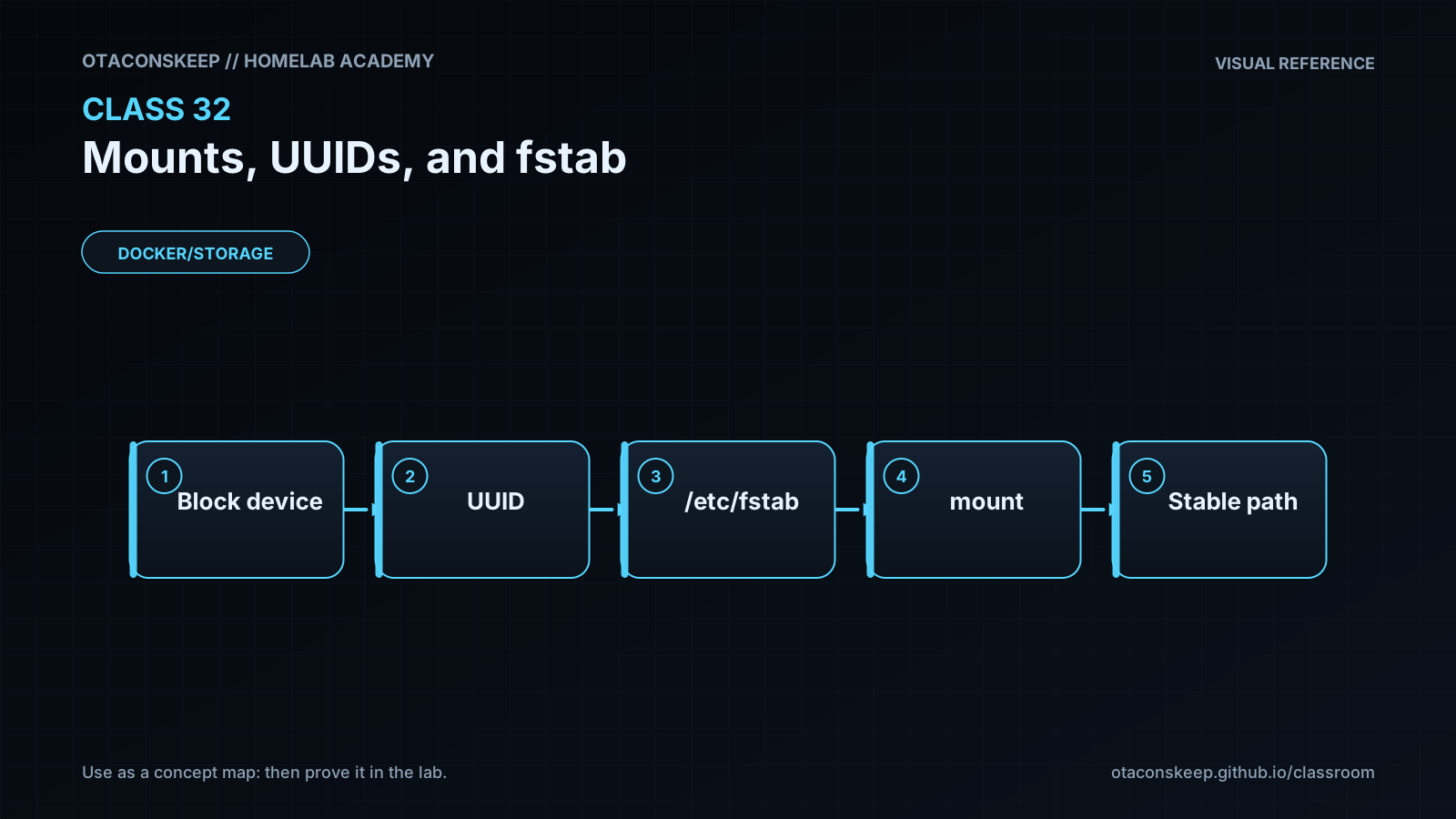
Overview
Module: Module 8: Docker, Storage & Permissions
Activity type: Lab (Practice)
Objective: Explain mounting and mount options; identify filesystems by UUID/label; read fstab; stage and validate a persistent mount entry without changing boot configuration; and plan recovery from an invalid or unavailable mount.
Guided practice
Stage, Never Activate
Safety and prerequisites
- Uses the Class 31 image if available, or a clearly fake UUID for syntax practice.
- Writes only under
/opt/lab-classroom/class32/. - Does not mount anything or modify
/etc/fstab.
LAB=/opt/lab-classroom/class32
sudo install -d -o "$(id -u)" -g "$(id -g)" "$LAB/mnt/academy31"
findmnt --real -o SOURCE,TARGET,FSTYPE,OPTIONS | tee "$LAB/active-mounts.txt"
if test -f /opt/lab-classroom/class31/academy-c31.img; then
  UUID_VALUE=$(blkid -s UUID -o value /opt/lab-classroom/class31/academy-c31.img)
else
  UUID_VALUE=11111111-2222-3333-4444-555555555555
fi
printf 'UUID=%s %s ext4 defaults,nofail,nodev,nosuid 0 2\n' \
  "$UUID_VALUE" "$LAB/mnt/academy31" > "$LAB/fstab.staged"
cat "$LAB/fstab.staged"
findmnt --verify --verbose --tab-file "$LAB/fstab.staged" 2>&1 | tee "$LAB/findmnt-verify.txt" || true
findmnt --verify may warn that a filesystem image or fake UUID is not an attached block device. That expected source warning is evidence; syntax errors are not.
Verification checkpoints
test -s "$LAB/fstab.staged" && echo 'PASS: staged entry exists'
awk 'NF==6 && $1 ~ /^UUID=/ && $3=="ext4" {ok=1} END{exit !ok}' "$LAB/fstab.staged" && echo 'PASS: six-field ext4 entry'
grep -F "$LAB/mnt/academy31" "$LAB/fstab.staged"
test "$(wc -l < "$LAB/fstab.staged")" -eq 1 && echo 'PASS: one controlled entry'
Security and Rollback
- Use the narrowest options compatible with the workload.
- Network mounts carry credential, trust, and availability concerns beyond local filesystems.
- Never paste secrets directly into broadly readable mount configuration.
- A successful
mount -adoes not replace application and reboot verification.
Lab rollback removes the staged file only:
```bash
LAB=/opt/lab-classroom/class32
test -f "$LAB/fstab.staged" && rm -- "$LAB/fstab.staged"
```
Real rollback: restore the timestamped known-good /etc/fstab, validate it, unmount only the affected noncritical mount when safe, and reboot only with recovery access and an approved window.
Troubleshooting
| Symptom | Likely cause | Safe response |
|---|---|---|
| UUID not found | Wrong ID, device unavailable, reformatted, or not attached | Verify with blkid/lsblk; do not replace with a guessed device path |
| Wrong filesystem type | Staged type does not match on-disk signature | Read the signature and correct the staged entry |
| Boot waits for missing disk | Critical/default dependency and timeout behavior | Use recovery access, restore known-good configuration, then redesign noncritical behavior |
| Files seem missing at mountpoint | Another filesystem covers the directory | Inspect findmnt; do not assume deletion |
| Application cannot execute/write | Mount options or permissions prohibit it | Confirm requirement; change only the narrow option in an approved window |