Overview
Module: Module 8: Docker, Storage & Permissions
Topic: 06: Mounts, UUIDs, and fstab
Activity type: Reading / reference (Learn)
Source: Class 32 intake, published without rewriting lesson content
Why this matters
A manual mount can work today and disappear after reboot. A bad persistent mount can delay boot, drop a host into emergency mode, or expose data with unsafe options. Device names such as /dev/sdb1 can change; persistent identity and tested failure behavior matter.
Core reading
Mounting attaches a filesystem source to a directory. The mountpoint's previous visible contents are hidden while the mount is active. Active state is visible through findmnt and /proc/self/mountinfo; persistent intent is commonly declared in /etc/fstab.
An fstab row contains source, mountpoint, filesystem type, options, dump field, and fsck pass. Sources may use UUID=, LABEL=, device path, or network syntax. UUIDs usually remain stable across device-name reordering, but cloning a filesystem can duplicate a UUID and reformatting creates a new one.
Options express behavior and security. ro, nosuid, nodev, and noexec may reduce risk for suitable data, but can break workloads that legitimately require writes, device nodes, set-ID behavior, or execution. nofail and systemd timeout/automount options can improve availability for noncritical devices, but must match service dependencies.
Safe change sequence:
- Identify the exact source and current mounts.
- Back up
/etc/fstaband record permissions/ownership. - Create and verify the mountpoint.
- Stage the proposed row in a separate file.
- Validate syntax and source expectations.
- Test in a maintenance window with recovery access available.
- Verify application behavior and reboot behavior.
- Restore the known-good file if acceptance checks fail.
Worked example (study this)
A media disk is configured as /dev/sdb1. A new controller changes enumeration and another disk receives that name. A UUID-based entry better expresses which filesystem was intended, but only after verifying that the UUID is unique and belongs to the correct data.
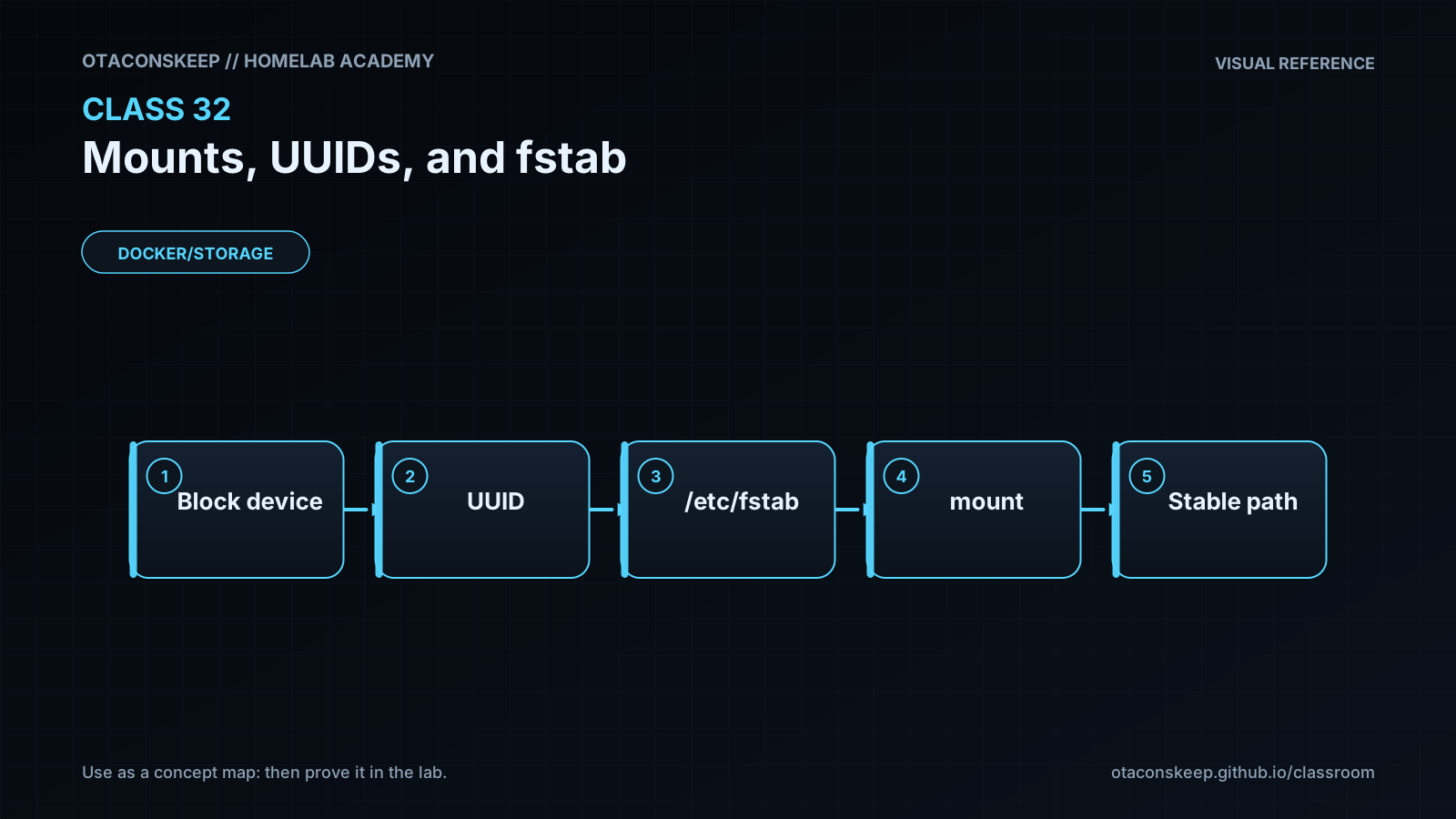
Visual 1: Mount Decision
```mermaid
flowchart LR
U[UUID or other source] --> F[fstab intent]
F --> M[mount operation]
M --> P[mountpoint]
P --> A[application path]
```
Practical gate
flowchart TD
  B[Backup] --> S[Stage]
  S --> V[Validate]
  V --> T[Test with recovery access]
  T --> A{Acceptance passes?}
  A -->|Yes| K[Keep]
  A -->|No| R[Restore known-good]
Security and Rollback
- Use the narrowest options compatible with the workload.
- Network mounts carry credential, trust, and availability concerns beyond local filesystems.
- Never paste secrets directly into broadly readable mount configuration.
- A successful
mount -adoes not replace application and reboot verification.
Lab rollback removes the staged file only:
```bash
LAB=/opt/lab-classroom/class32
test -f "$LAB/fstab.staged" && rm -- "$LAB/fstab.staged"
```
Real rollback: restore the timestamped known-good /etc/fstab, validate it, unmount only the affected noncritical mount when safe, and reboot only with recovery access and an approved window.
Video Narration Notes
Show a device name changing while a UUID remains attached to the intended filesystem. Build the six-field row visually, run staged verification, and emphasize that the lesson never edits /etc/fstab or performs a real mount.