Overview
Module: ARR Data Model & Compose
Activity type: Reading (Learn)
Objective: Explain the relationship between a pathname, directory entry, inode, and file data.
Vocabulary
| Term | Meaning |
|---|---|
| inode | A filesystem object containing file metadata and references to file data. A regular filename is not the inode itself; it is a directory entry that refers to an inode. |
| directory entry | A mapping from a name in a directory to an inode on that filesystem. |
| hardlink | An additional directory entry referring to the same inode as another pathname. Both names are peers; neither is intrinsically the original. |
| link count | The number of hardlinks that currently refer to an inode, commonly displayed by stat as the Links field. |
| symbolic link | A distinct filesystem object that stores a path to another object. Unlike a hardlink, it has its own inode and may point across filesystems. |
| atomic rename | A same-filesystem namespace operation in which observers see either the old name mapping or the new name mapping, rather than a partially renamed state. |
| atomic replacement | Renaming a completed temporary file over an existing destination so that new path lookups resolve to the replacement as a single namespace transition. |
| filesystem boundary | The boundary between separately mounted filesystems. Hardlinks and direct rename operations cannot cross it. |
| copy fallback | Behavior in which a high-level move utility copies file data to a destination filesystem and then removes the source because a direct cross-filesystem rename is impossible. |
| publication | The step that makes a completed object visible under its intended final pathname. |
| durability | The degree to which completed data and metadata are guaranteed to survive a crash or power loss. Atomic visibility alone does not guarantee durability. |
Instruction
A pathname is a human-readable route through one or more directories. For a regular file, the final directory entry refers to an inode, and the inode refers to the file's metadata and data blocks. Creating a hardlink adds another directory entry for the same inode. It does not copy the file's payload. Consequently, two hardlinked paths on the same filesystem normally report the same device number and inode number, while the inode's link count increases. Removing one name does not destroy the data while another hardlink or an open file descriptor still refers to the inode.
Hardlinks are valuable in import workflows where a downloader must retain a completed file for seeding while a library application needs its own organized pathname. A hardlink can provide both names without a second full data copy. This only works when the source and destination are on the same filesystem. Separate mountpoints may look like ordinary directories in a single directory tree, but if their device identifiers differ, the kernel cannot create a hardlink between them. Bind mounts can complicate visual inspection, so compare filesystem identity with stat or findmnt rather than relying only on path layout.
A hardlink is not an independent snapshot. Writing through either path changes the shared inode and is visible through the other path. By contrast, replacing one path with a newly created inode changes only that directory entry; other hardlinks continue to refer to the prior inode. This distinction is important when download clients, taggers, transcoders, or library managers may modify files after import. Applications should treat linked payloads as immutable or deliberately coordinate modifications.
A same-filesystem rename is an efficient metadata operation and provides atomic namespace visibility. If a completed temporary file is renamed over a destination, a process opening the destination afterward sees the replacement. A process that already had the old file open may continue reading the old inode. Atomicity prevents readers from observing a half-renamed pathname, but it does not prove that the file content was complete before publication. The producer must finish and close the temporary file first. Atomic rename also does not, by itself, guarantee crash durability; software requiring strong durability must use appropriate file and directory synchronization before acknowledging success.
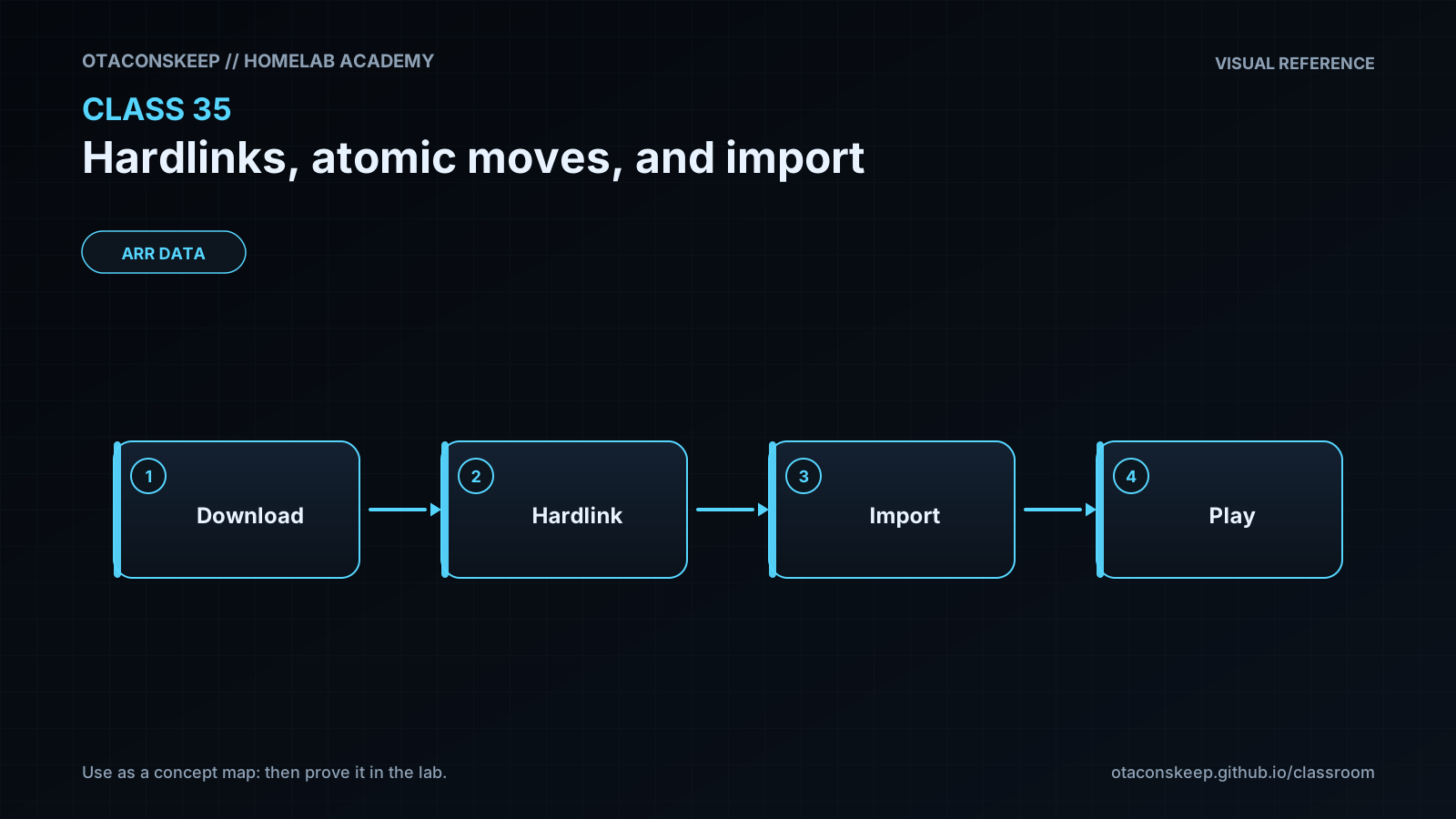
The safest import pattern is to validate a completed source, create a uniquely named temporary hardlink inside the destination directory, and then rename that temporary name to the final name. Creating the temporary entry in the destination directory ensures the final publication rename remains on one filesystem. Collision policy must be explicit: fail, version, quarantine, or intentionally replace. Never assume that a command called move is always an atomic rename. When source and destination are on different filesystems, a utility may perform a copy followed by source removal, creating a longer window in which partial destination data must be managed. Import efficiency should therefore be evaluated by filesystem identity, inode identity, link count, integrity checks, and application behavior rather than by path names or elapsed-time claims.
Architecture
components
Incoming directory containing completed source files.
Work directory containing temporary files used before publication.
Library directory containing final consumer-facing names.
A single backing filesystem for the classroom directories.
Verification commands that inspect device IDs, inode numbers, link counts, content, and hashes.
data_flow
A producer writes and closes a file under the incoming or work directory.
The importer validates the source before publication.
For retention workflows, the importer creates a temporary hardlink in the destination directory.
The temporary destination name is atomically renamed to the final library name.
The source and final library path remain separate names for one inode until one name is removed.
constraints
All mutable lab data remains under /opt/lab-classroom/class35/.
Hardlink source and destination must be on the same filesystem.
Atomic rename guarantees apply to the namespace transition, not to application-level validation or crash durability.
Hardlinked paths share content and metadata associated with their common inode.
Directory permissions must allow the importer to create and rename entries.
Required reading
- Linux man page: inode(7), especially inode numbers and link counts.
- Linux man page: link(2), covering hardlink creation and error conditions.
- Linux man page: rename(2), covering atomic replacement and filesystem limitations.
- GNU Coreutils documentation for ln, mv, stat, and sha256sum.
- Documentation for the storage or media application used in your homelab, focusing on hardlink and completed-download handling.
References
- Linux man-pages project, inode(7): https://man7.org/linux/man-pages/man7/inode.7.html
- Linux man-pages project, link(2): https://man7.org/linux/man-pages/man2/link.2.html
- Linux man-pages project, rename(2): https://man7.org/linux/man-pages/man2/rename.2.html
- Linux man-pages project, open(2): https://man7.org/linux/man-pages/man2/open.2.html
- GNU Coreutils manual, ln invocation: https://www.gnu.org/software/coreutils/manual/html_node/ln-invocation.html
- GNU Coreutils manual, mv invocation: https://www.gnu.org/software/coreutils/manual/html_node/mv-invocation.html
- GNU Coreutils manual, stat invocation: https://www.gnu.org/software/coreutils/manual/html_node/stat-invocation.html
- The Open Group Base Specifications, rename: https://pubs.opengroup.org/onlinepubs/9699919799/functions/rename.html