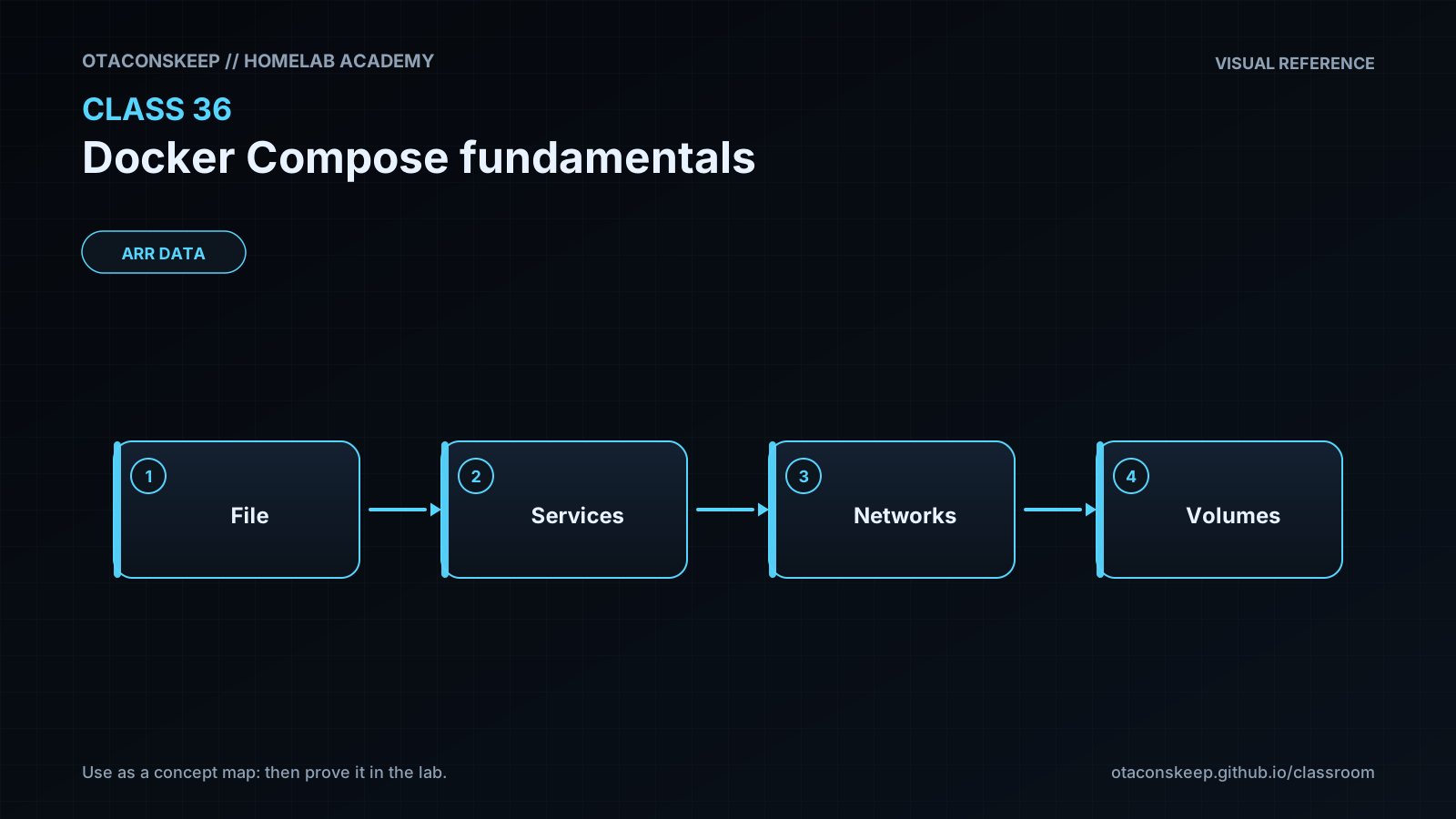
Overview
Module: ARR Data Model & Compose
Activity type: Lesson (Orient → Recall → Learn → Explain → Reflect)
Learning objective: Explain the role of a Compose file and how it differs from an individual docker run command.
Bloom level: Understand / Apply
Last reviewed: 2025-02-20
Learning objective
Explain the role of a Compose file and how it differs from an individual docker run command.
Why this matters
Teach students how to define, start, inspect, verify, and stop a small multi-container application with Docker Compose while keeping all directly managed host files inside /opt/lab-classroom/class36/.
Learn
Complete the module reading first:
Feynman teach-back: required
prompt
Explain Docker Compose to someone who knows what a container is but has only used individual docker run commands.
model_explanation
A Compose file is a written recipe for a group of containers. Each service describes one role, such as a web server or client. Compose gives the group a project name, creates a private network, starts the containers with the declared options, and labels the resources so they can be managed together. Containers on the network use service names instead of memorizing IP addresses. A published port allows selected host traffic to reach a container, while a bind mount makes a chosen host file visible inside it. Running up asks Docker to match the recipe; running down removes that project's runtime resources.
self_check_questions
Why can the client use http://web/ even though no DNS record was added to the homelab's normal DNS server?
Why does the client use port 80 while a host-local user uses port 8080?
What information is preserved in compose.yaml that would otherwise be scattered across shell history?
Why is a healthy state more informative than a running state?
Answers save in this browser (localStorage). Completing all five fields is part of the mastery unlock.
Reflection
- What did I learn?
- What did I struggle with?
- How does this connect to earlier classes?