Overview
Module: ARR Data Model & Compose
Activity type: Lesson (Orient → Recall → Learn → Explain → Reflect)
Learning objective: Explain why a configuration archive alone is not a complete recovery strategy.
Bloom level: Understand / Apply
Last reviewed: 2025-02-20
Learning objective
Explain why a configuration archive alone is not a complete recovery strategy.
Why this matters
Teach a repeatable, verifiable process for backing up configuration files, detecting configuration drift, validating recovery candidates, promoting a recovered configuration, and rolling back an unsuccessful recovery without touching files outside the classroom directory.
Learn
Complete the module reading first:
Feynman teach-back: required
prompt
Explain the recovery process to a new homelab operator without using the words archive, checksum, manifest, or atomic.
model_explanation
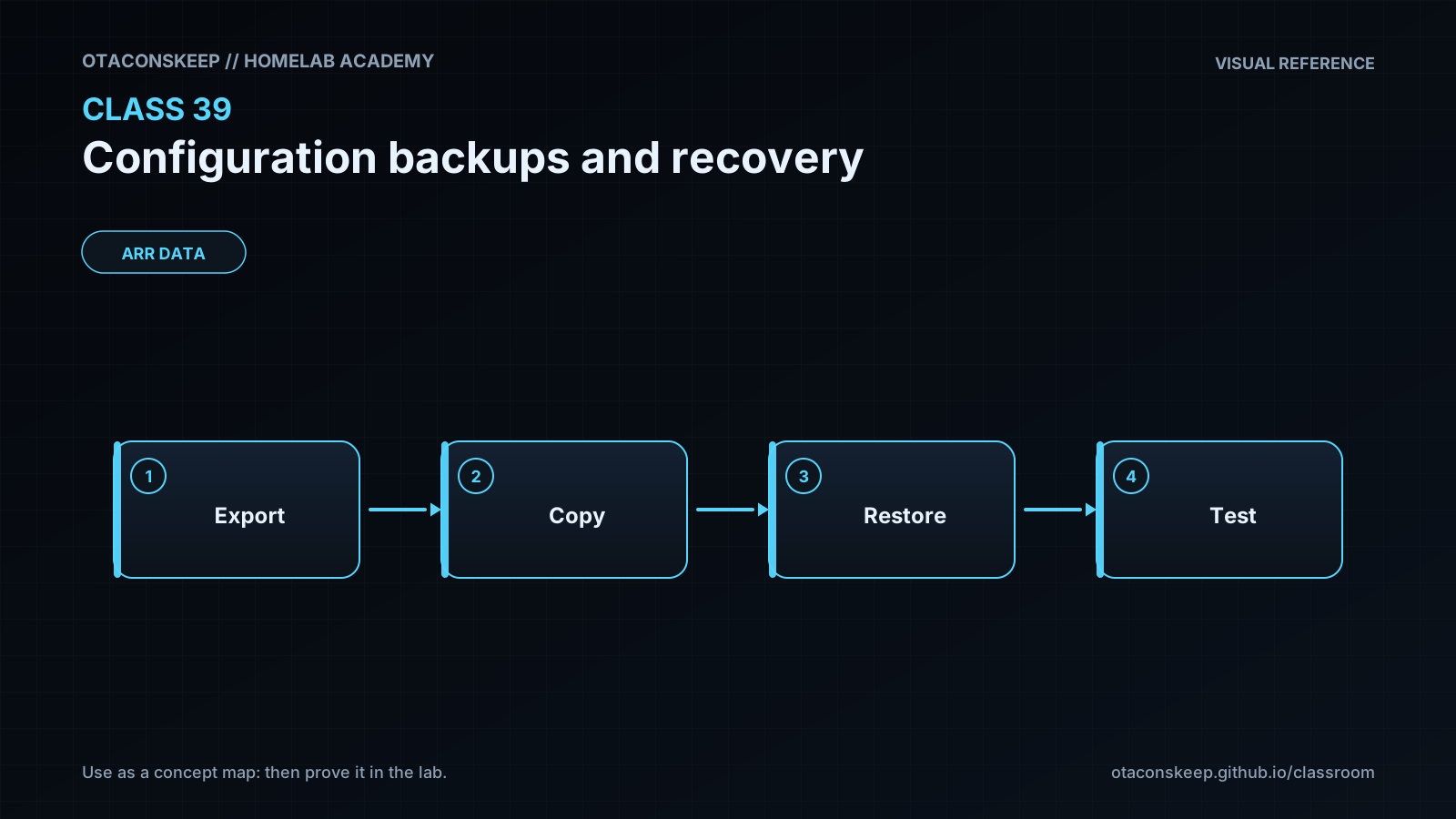
First, make a packaged copy of the settings and keep a trusted list of what every copied file should look like. When recovery is needed, unpack the copy into a separate waiting area rather than placing it directly over the live settings. Confirm that nothing changed, make sure each file can be read, and check that the values make sense for the application. Keep the current settings under another name, then move the tested copy into place. If the recovered settings cause trouble, move the previous settings back.
self_check
Did the explanation distinguish detecting changed bytes from checking whether values make sense?
Did it explain why recovery uses a separate candidate location?
Did it retain a way to return to the pre-recovery state?
Did it avoid claiming that successful file recovery automatically proves service health?
Answers save in this browser (localStorage). Completing all five fields is part of the mastery unlock.
Reflection
- What did I learn?
- What did I struggle with?
- How does this connect to earlier classes?