Overview
Module: Sonarr & Radarr
Activity type: Reading (Learn)
Objective: Differentiate monitored state from missing, available, downloaded, and cutoff-unmet states
Vocabulary
| Term | Meaning |
|---|---|
| Monitored | A policy flag indicating that Sonarr may consider a series, season, or episode for acquisition or upgrade. Monitoring creates eligibility; it does not guarantee that a release will be found, accepted, or downloaded. |
| Missing | An episode that is expected to be available, has no associated media file, and is monitored. An unmonitored episode without a file is intentionally ignored rather than actionable missing content. |
| Minimum availability | The configured point at which Sonarr may treat content as eligible for acquisition. Labels and date behavior can vary by Sonarr version and metadata, so the effective date should be verified in the episode or series details. |
| Air date | Metadata describing when an episode is scheduled to air. Time zones, delayed releases, streaming schedules, and incorrect metadata can affect the apparent state. |
| Quality profile | An ordered set of allowed qualities and an upgrade cutoff used to decide whether a release is acceptable and whether an existing file should be upgraded. |
| Cutoff unmet | A monitored episode already has a file, but the file's quality has not reached the quality profile cutoff. Sonarr may continue seeking an acceptable upgrade. |
| RSS sync | Periodic processing of newly published indexer releases. It is not a historical search of every missing episode. |
| Automatic search | A search initiated by Sonarr to locate a suitable release for one or more monitored episodes. |
| Interactive search | A user-requested search that displays candidate releases and rejection reasons so the administrator can inspect or select a result. |
| Series type | A Sonarr setting, such as standard, daily, or anime, that influences release parsing and episode identification. |
| Release eligibility | The combined result of monitoring, dates, quality policy, release restrictions, indexer results, and download-client readiness. It is broader than the monitored flag alone. |
Instruction
Sonarr monitoring is an expression of intent, not a promise that a file will appear. A monitored episode becomes a candidate for acquisition only when its scheduling and availability conditions are met. It must then have an acceptable release from a working indexer, pass the quality profile and any release restrictions, and be sent successfully to a download client. If any part of that chain fails, the episode can remain missing even though monitoring is enabled. Monitoring is hierarchical: choices made while adding a series commonly establish episode-level states across seasons, but later season or episode changes can create intentional exceptions. Always inspect the effective episode state rather than assuming the top-level series icon tells the whole story.
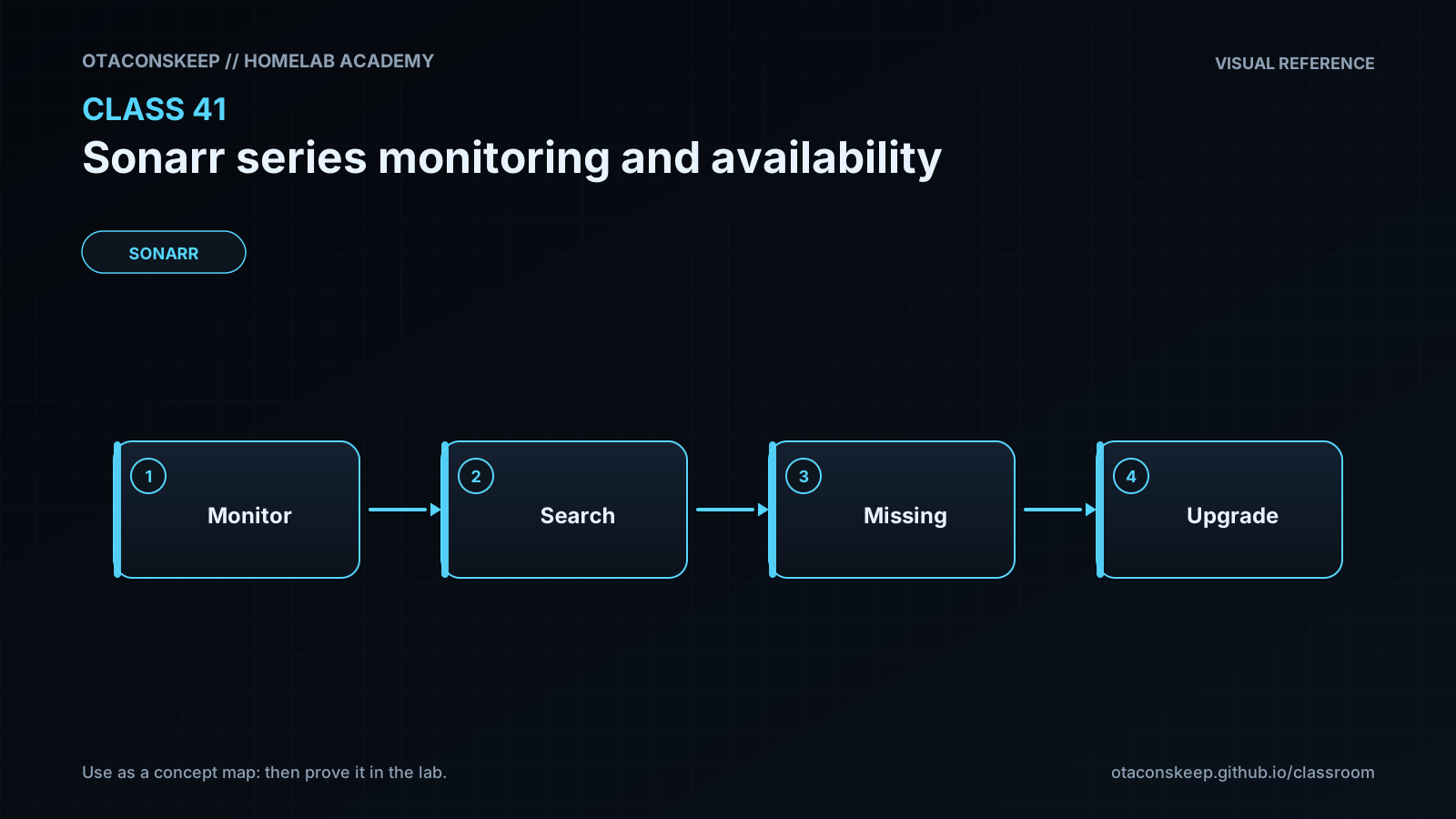
A useful mental model is to classify each episode in order. First ask whether it is monitored. If not, Sonarr should generally ignore it. Next ask whether the episode has reached its relevant air or availability date. If not, it is waiting rather than missing. If it is monitored and available but has no file, it is missing and can be a search target. If it has a file, compare that file with the assigned quality profile. A file below the cutoff can be cutoff unmet, while a file at or above the cutoff is normally satisfied. Custom formats, language policy, release exclusions, and profile scoring can further affect whether a candidate is accepted.
Monitoring options are shortcuts for establishing intent. All episodes is suitable when a complete collection is desired. Future episodes is useful when existing history should be left alone but upcoming episodes should be acquired. Missing episodes targets known gaps without necessarily replacing files that already exist. Existing episodes preserves focus on already imported content, while none disables automated acquisition. Version-specific interfaces may also offer first-season, latest-season, or pilot-oriented choices. Confirm the resulting episode flags after using any shortcut.
RSS processing and backlog searching must also be distinguished. RSS sync examines newly posted releases from configured indexers and compares them with current needs. It does not continuously search an indexer's entire history. A newly monitored old episode may therefore remain missing until an automatic or interactive search is performed, or until a matching release is reposted. Interactive search is the best diagnostic tool because it exposes rejected candidates and their reasons. Before launching a broad search, review the number of monitored episodes, profile assignment, free storage, download-client limits, and indexer limits. This prevents a monitoring correction from unexpectedly creating a large acquisition queue.
Architecture
decision_flow
Series, season, and episode monitoring choices establish acquisition intent.
Episode metadata supplies air dates, availability dates, numbering, and series type.
The assigned quality profile defines allowed qualities and an upgrade cutoff.
RSS sync or a deliberate search obtains candidate releases from configured indexers.
Sonarr evaluates candidates against monitoring state, dates, quality, custom formats, language, and release restrictions.
An accepted release is sent to a download client.
After completion, Sonarr imports the file and updates episode-file state.
state_model
For this lesson, an episode is classified in this order: unmonitored; waiting for its air date; waiting for a later availability date; missing; cutoff unmet; or satisfied. Production Sonarr evaluates additional policy and integration details, but this ordering is a reliable troubleshooting foundation.
boundaries
Sonarr decides what it wants and coordinates acquisition. Indexers report releases, download clients transfer data, and the filesystem provides storage. A failure in one component must not be diagnosed solely from the monitored icon.
lab_design
The lab uses an offline JSON inventory and a local Python classifier. It does not connect to Sonarr, indexers, download clients, or media storage.
Required reading
- Sonarr documentation home: https://wiki.servarr.com/sonarr
- Sonarr Quick Start Guide: https://wiki.servarr.com/sonarr/quick-start-guide
- Sonarr Library documentation: https://wiki.servarr.com/sonarr/library
- Sonarr FAQ: https://wiki.servarr.com/sonarr/faq
References
- Sonarr documentation: https://wiki.servarr.com/sonarr
- Sonarr Quick Start Guide: https://wiki.servarr.com/sonarr/quick-start-guide
- Sonarr Library documentation: https://wiki.servarr.com/sonarr/library
- Sonarr Settings documentation: https://wiki.servarr.com/sonarr/settings
- Sonarr FAQ: https://wiki.servarr.com/sonarr/faq
- Official Sonarr source repository and release notes: https://github.com/Sonarr/Sonarr