Overview
Module: Sonarr & Radarr
Activity type: Lesson (Orient → Recall → Learn → Explain → Reflect)
Learning objective: Explain the difference between a quality definition, quality profile, custom format, and release score.
Bloom level: Understand / Apply
Last reviewed: 2025-03-08
Learning objective
Explain the difference between a quality definition, quality profile, custom format, and release score.
Why this matters
Teach administrators how Sonarr evaluates quality profiles, ranks search results, decides whether an episode is an upgrade, and imports a selected download into a series library. The lab uses a self-contained simulation so that students can inspect every decision without changing a production Sonarr database, download client, or media library.
Learn
Complete the module reading first:
Feynman teach-back: required
prompt
Explain Sonarr's workflow to a new administrator without using the phrases quality magic or best release.
model_explanation
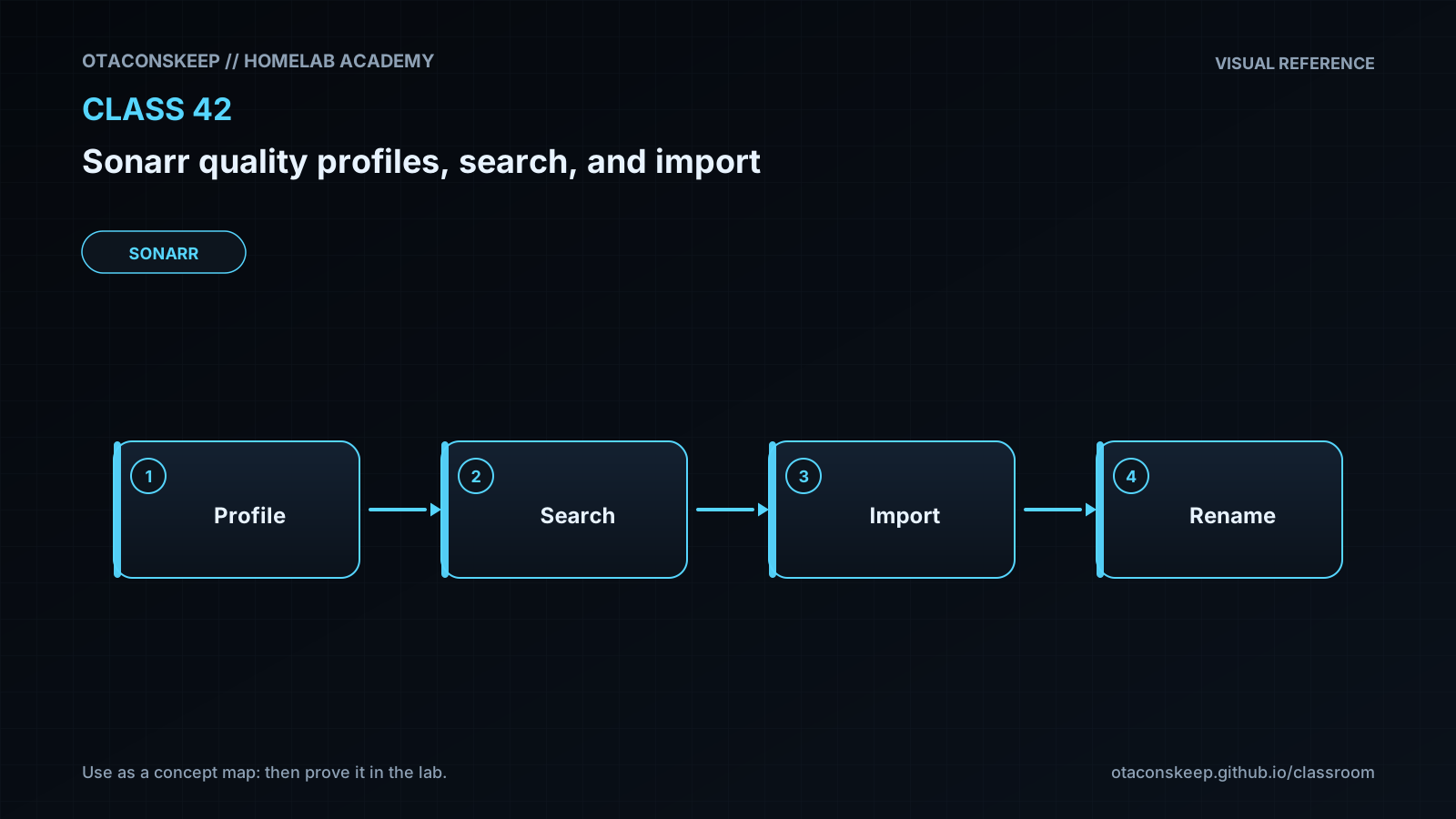
Sonarr first needs permission to manage an episode, which is represented by monitoring. It discovers releases through recent-feed processing or an explicit search. It parses each release, checks whether the quality is allowed, applies custom-format scores and other restrictions, and rejects anything that violates the profile. If a release is selected, Sonarr asks the download client to retrieve it. After completion, Sonarr must be able to see the reported path and identify the episode file. It then places the file in the organized series directory by copying, moving, or hardlinking it. A hardlink is possible only when source and destination are on the same filesystem. The operator can understand a surprising decision by checking interactive-search rejection reasons, the activity queue, history, and logs.
self_check
Can you explain why monitoring does not immediately search old indexer results?
Can you explain why an allowed quality may still be rejected?
Can you explain why a high custom-format score does not make a disallowed quality eligible?
Can you explain why matching inode numbers demonstrate a hardlink?
Can you explain how inconsistent container paths interrupt Completed Download Handling?
Answers save in this browser (localStorage). Completing all five fields is part of the mastery unlock.
Reflection
- What did I learn?
- What did I struggle with?
- How does this connect to earlier classes?