Overview
Module: Sonarr & Radarr
Activity type: Reading (Learn)
Objective: Explain Radarr's role in a media automation architecture
Vocabulary
| Term | Meaning |
|---|---|
| Radarr | A movie collection manager that monitors desired movies, evaluates releases, communicates with download clients, and imports completed files into a movie library. |
| Root folder | The top-level library directory beneath which Radarr creates and manages individual movie folders. |
| Quality profile | A policy defining acceptable movie qualities, their preference order, and the quality at which Radarr should stop seeking upgrades. |
| Indexer | A searchable source of release metadata. Radarr queries configured indexers directly or through an indexer manager. |
| Download client | An external application that receives download requests from Radarr and reports their status. |
| Completed Download Handling | Radarr's process for detecting completed jobs, importing eligible files, renaming them when configured, and placing them in the movie library. |
| Bind mount | A mapping that exposes a specific host directory at a defined path inside a container. |
| Path mapping | The relationship between a host path and its container-visible path. Consistent mappings are important when multiple applications exchange file locations. |
| PUID and PGID | LinuxServer.io container variables that select the numeric user and group identities used by the application process for file access. |
| API key | A secret token used by authorized applications to call the Radarr API. It should be protected like a password. |
Instruction
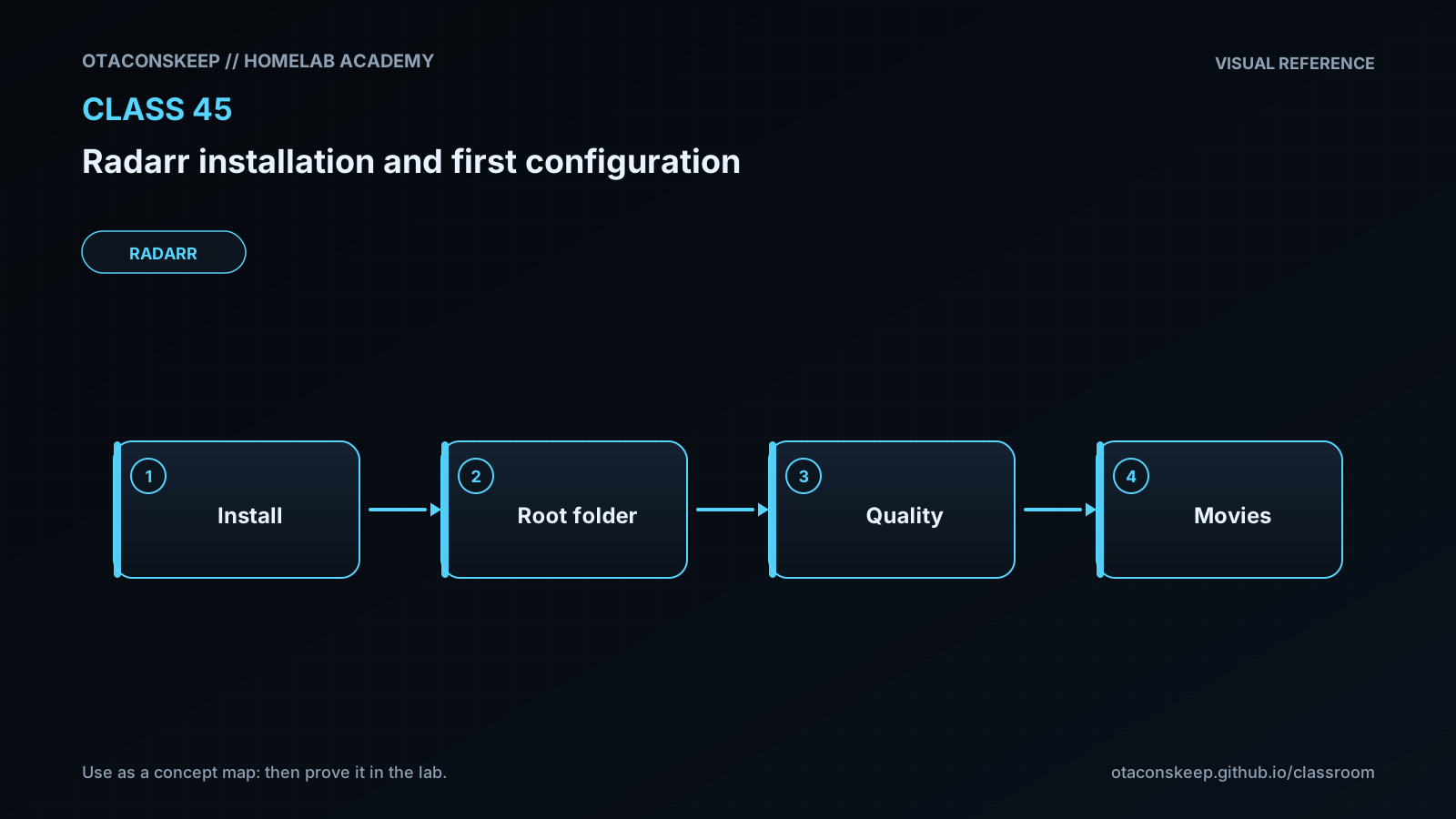
Radarr does not download movies by itself. It acts as an automation and policy layer between a movie catalog, release indexers, a download client, and the final media library. A user adds a movie and selects a root folder, monitoring state, and quality profile. Radarr searches configured indexers, compares releases against the profile and other rules, and can send an accepted release to a separate download client. After the client finishes, Radarr evaluates the completed files and imports them into the movie library. This separation of responsibilities is central to troubleshooting: search failures usually involve indexers, transfer failures involve the download client, and import failures commonly involve permissions or incompatible paths.
Container deployment makes path design especially important. The host directories in this lesson are exposed inside Radarr as /config, /movies, and /downloads. Radarr stores its database, settings, logs, and API key under /config. The /movies path is the managed library root. The /downloads path represents a staging area that could later be shared with a download client. If another container reports a completed file as /data/example.mkv while Radarr can see that same file only as /downloads/example.mkv, the import will fail unless the mappings are made consistent or an appropriate remote path mapping is configured. Using the same container-side download path across cooperating applications is normally easier to reason about.
The initial configuration should establish authentication before the service is exposed beyond a trusted administrative network. Quality profiles should express intentional policy rather than simply enabling every quality. Enabling upgrades allows Radarr to replace an existing file until the profile's cutoff is reached. Renaming can produce a consistent library, but learners should preview naming choices before applying them to an established collection. The root folder must be the library destination, not the download staging directory. Radarr should be permitted to organize the library, while human users and other services should avoid making conflicting changes during imports.
This class deploys only Radarr. It does not configure a real indexer or download client because those services require separate credentials, connectivity, and policy decisions. Warnings about missing indexers or download clients are therefore expected in this isolated first-configuration lab. The goal is to establish a durable application configuration, a valid root folder, authentication, and a clear model of the data flow. All lesson-created persistent host files remain under /opt/lab-classroom/class45/ so the exercise is isolated and can be stopped without altering unrelated application directories.
Architecture
components
A browser used for Radarr administration
A Docker host running the Radarr container
A persistent configuration directory mounted at /config
A movie library directory mounted at /movies
A download-staging directory mounted at /downloads
Future external indexer and download-client services
request_flow
The browser connects to the Docker host on the selected host port.
Docker publishes the host port to Radarr's container port 7878.
Radarr reads its database and settings from /config.
Radarr treats /movies as the destination root for organized movie files.
A future download client would place completed data where Radarr can access it through /downloads.
host_paths
compose_definition
/opt/lab-classroom/class45/compose.yaml
environment_file
/opt/lab-classroom/class45/.env
radarr_configuration
/opt/lab-classroom/class45/config/
movie_library
/opt/lab-classroom/class45/media/movies/
download_staging
/opt/lab-classroom/class45/downloads/
container_paths
/config
Persistent Radarr database, configuration, logs, and internal metadata
/movies
Movie library root managed by Radarr
/downloads
Staging location intended for completed downloads
networking
The Compose project publishes a configurable host port, defaulting to 7878, to TCP port 7878 in the Radarr container. No indexer or download-client container is created in this class.
Required reading
- Radarr documentation: https://wiki.servarr.com/radarr
- Radarr quick start guide: https://wiki.servarr.com/radarr/quick-start-guide
- Radarr Docker guidance: https://wiki.servarr.com/docker-guide
- Docker Compose documentation: https://docs.docker.com/compose/
- LinuxServer.io Radarr image documentation: https://docs.linuxserver.io/images/docker-radarr/
References
- Radarr official site: https://radarr.video/
- Servarr Radarr documentation: https://wiki.servarr.com/radarr
- Servarr Radarr quick start guide: https://wiki.servarr.com/radarr/quick-start-guide
- Servarr Docker guide: https://wiki.servarr.com/docker-guide
- LinuxServer.io Radarr container documentation: https://docs.linuxserver.io/images/docker-radarr/
- Docker Compose file reference: https://docs.docker.com/reference/compose-file/
- Docker bind mount documentation: https://docs.docker.com/engine/storage/bind-mounts/