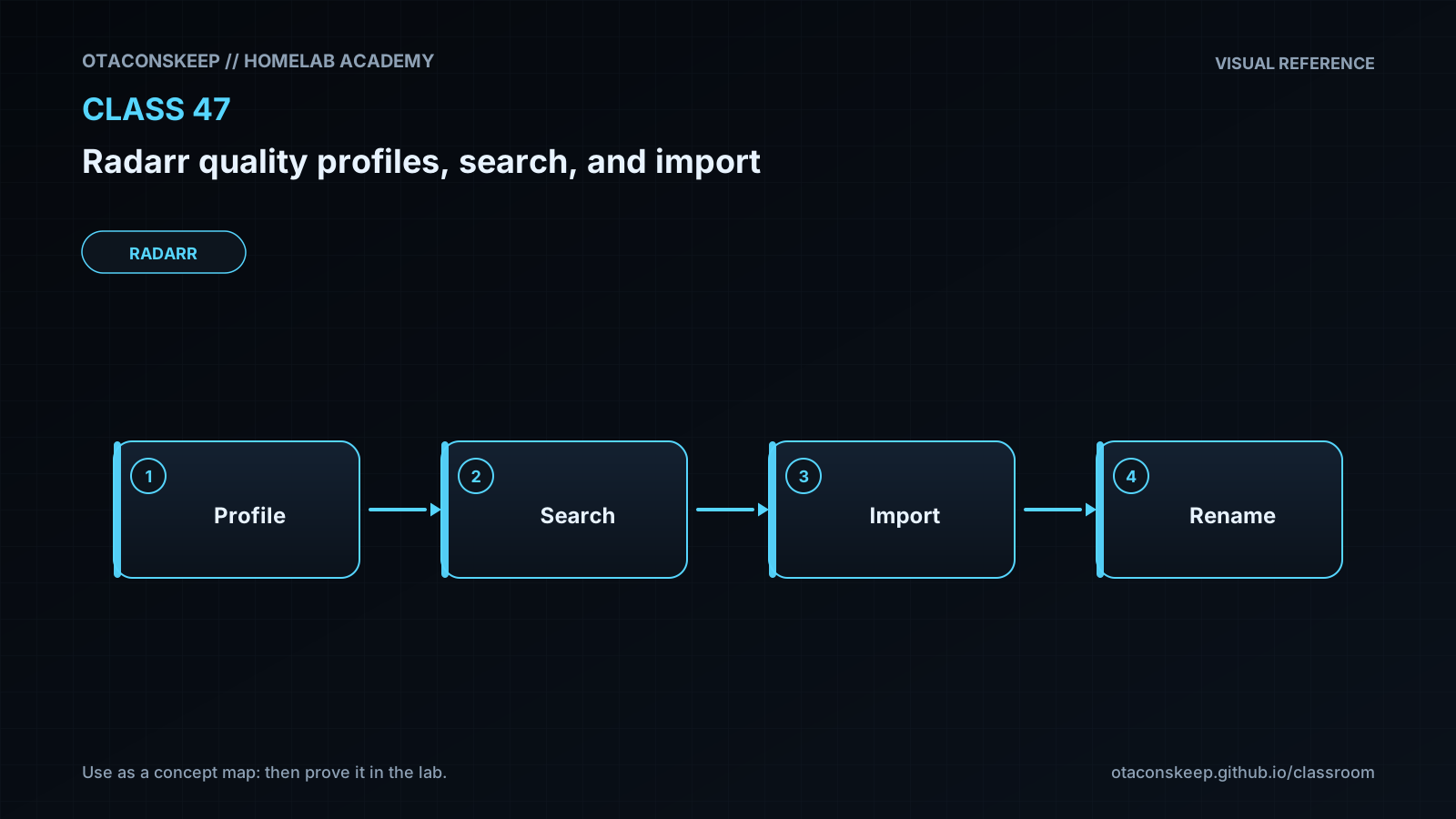
Overview
Module: Sonarr & Radarr
Activity type: Lab (Practice)
Lab risk: low
Objective: Explain the difference between a quality definition, quality profile, custom format, and release restriction
Before you start
- Completion of introductory Radarr installation and library-management lessons
- Basic familiarity with indexers, download clients, and media library folders
- Ability to read JSON and run Python 3 from a terminal
- Understanding of absolute paths, file ownership, and filesystem permissions
- A conceptual understanding of movie titles, release years, resolutions, codecs, and release names
Guided lab
name
Evaluate release candidates and manual-import mappings in an isolated sandbox
scope
All created or modified files remain under /opt/lab-classroom/class47/. The exercise does not contact indexers, download clients, or a live Radarr instance.
steps
step
1
instruction
Create the isolated classroom directory and its input files.
command
mkdir -p /opt/lab-classroom/class47 && cat > /opt/lab-classroom/class47/profile.json <<'JSON'
{
"name": "Class47 1080p",
"allowed_qualities": ["WEBDL-1080p", "Bluray-1080p"],
"quality_order": ["WEBDL-1080p", "Bluray-1080p"],
"cutoff": "Bluray-1080p",
"upgrades_allowed": true,
"minimum_custom_format_score": 0,
"maximum_size_gb": 18
}
JSON
cat > /opt/lab-classroom/class47/candidates.json <<'JSON'
[
{
"release": "Example.Movie.2024.1080p.WEB-DL.DDP5.1.H.264-GROUPA",
"movie_match": true,
"quality": "WEBDL-1080p",
"custom_format_score": 20,
"size_gb": 7.8
},
{
"release": "Example.Movie.2024.1080p.BluRay.DTS.x264-GROUPB",
"movie_match": true,
"quality": "Bluray-1080p",
"custom_format_score": 30,
"size_gb": 12.4
},
{
"release": "Example.Movie.2024.2160p.REMUX.HEVC-GROUPC",
"movie_match": true,
"quality": "Remux-2160p",
"custom_format_score": 50,
"size_gb": 55.0
},
{
"release": "Example.Movie.2024.720p.WEB-DL-GROUPD",
"movie_match": true,
"quality": "WEBDL-720p",
"custom_format_score": 5,
"size_gb": 3.2
},
{
"release": "Different.Movie.2024.1080p.BluRay-GROUPE",
"movie_match": false,
"quality": "Bluray-1080p",
"custom_format_score": 40,
"size_gb": 10.2
}
]
JSON
cat > /opt/lab-classroom/class47/imports.json <<'JSON'
[
{
"path": "/opt/lab-classroom/class47/downloads/Example.Movie.2024/Example.Movie.2024.1080p.BluRay.mkv",
"title_match": true,
"year_match": true,
"is_main_feature": true,
"quality_known": true
},
{
"path": "/opt/lab-classroom/class47/downloads/Example.Movie/feature.mkv",
"title_match": true,
"year_match": false,
"is_main_feature": true,
"quality_known": false
},
{
"path": "/opt/lab-classroom/class47/downloads/Example.Movie.2024/sample.mkv",
"title_match": true,
"year_match": true,
"is_main_feature": false,
"quality_known": true
}
]
JSON
step
2
instruction
Create a simplified teaching model. This model demonstrates policy boundaries but is not intended to reproduce every internal Radarr sorting rule.
command
cat > /opt/lab-classroom/class47/evaluate.py <<'PY'
import json
from pathlib import Path
ROOT = Path("/opt/lab-classroom/class47")
profile = json.loads((ROOT / "profile.json").read_text())
candidates = json.loads((ROOT / "candidates.json").read_text())
imports = json.loads((ROOT / "imports.json").read_text())
quality_rank = {name: rank for rank, name in enumerate(profile["quality_order"], start=1)}
accepted = []
print("RELEASE EVALUATION")
for candidate in candidates:
reasons = []
if not candidate["movie_match"]:
reasons.append("movie identity does not match")
if candidate["quality"] not in profile["allowed_qualities"]:
reasons.append("quality is not allowed by the profile")
if candidate["custom_format_score"] < profile["minimum_custom_format_score"]:
reasons.append("custom-format score is below the profile minimum")
if candidate["size_gb"] > profile["maximum_size_gb"]:
reasons.append("reported size exceeds the classroom limit")
if reasons:
    print(f"REJECT: {candidate['release']}")
    for reason in reasons:
        print(f"  - {reason}")
else:
    accepted.append(candidate)
    print(f"ACCEPTABLE: {candidate['release']}")
if accepted:
selected = max(
accepted,
key=lambda item: (quality_rank[item["quality"]], item["custom_format_score"])
)
print(f"SELECTED BY CLASSROOM POLICY: {selected['release']}")
existing_quality = "WEBDL-1080p"
cutoff_rank = quality_rank[profile["cutoff"]]
existing_rank = quality_rank[existing_quality]
selected_rank = quality_rank[selected["quality"]]
upgrade = profile["upgrades_allowed"] and selected_rank > existing_rank and selected_rank <= cutoff_rank
print(f"UPGRADE FROM {existing_quality}: {'YES' if upgrade else 'NO'}")
print("\nMANUAL IMPORT REVIEW")
for item in imports:
reasons = []
if not item["title_match"]:
reasons.append("title is not matched")
if not item["year_match"]:
reasons.append("year is ambiguous or mismatched")
if not item["is_main_feature"]:
reasons.append("file appears to be an extra or sample")
if not item["quality_known"]:
reasons.append("quality needs operator confirmation")
if reasons:
    print(f"REVIEW: {item['path']}")
    for reason in reasons:
        print(f"  - {reason}")
else:
    print(f"READY: {item['path']}")
PY
step
3
instruction
Run the evaluator and inspect every acceptance, rejection, and manual-import decision.
command
PYTHONDONTWRITEBYTECODE=1 python3 /opt/lab-classroom/class47/evaluate.py
step
4
instruction
Inspect the profile independently and identify the allowed qualities, cutoff, minimum custom-format score, and size ceiling.
command
python3 -m json.tool /opt/lab-classroom/class47/profile.json
step
5
instruction
Perform a controlled policy experiment by changing minimum_custom_format_score from 0 to 25 in the sandbox profile, rerunning the evaluator, and observing that the WEB-DL candidate is no longer acceptable while the Bluray candidate remains acceptable.
command
python3 - <<'PY'
import json
from pathlib import Path
path = Path("/opt/lab-classroom/class47/profile.json")
data = json.loads(path.read_text())
data["minimum_custom_format_score"] = 25
path.write_text(json.dumps(data, indent=2) + "\n")
PY
PYTHONDONTWRITEBYTECODE=1 python3 /opt/lab-classroom/class47/evaluate.py
step
6
instruction
Restore the original classroom policy by setting minimum_custom_format_score back to 0 and verify the restored value.
command
python3 - <<'PY'
import json
from pathlib import Path
path = Path("/opt/lab-classroom/class47/profile.json")
data = json.loads(path.read_text())
data["minimum_custom_format_score"] = 0
path.write_text(json.dumps(data, indent=2) + "\n")
print(data["minimum_custom_format_score"])
PY
Expected results
- The sandbox contains profile.json, candidates.json, imports.json, and evaluate.py under /opt/lab-classroom/class47/.
- The WEB-DL 1080p and Bluray-1080p releases are initially reported as acceptable.
- The 2160p remux is rejected because its quality is not allowed and its reported size exceeds the classroom limit.
- The 720p release is rejected because its quality is not allowed by the profile.
- The differently titled release is rejected because the movie identity does not match.
- The classroom policy selects the Bluray-1080p candidate and reports that it can upgrade the simulated existing WEB-DL 1080p file.
- Only the fully matched main-feature import is reported as ready without review.
- The ambiguous feature file requires review because its year is not matched and its quality is unknown.
- The sample file requires review because it is not the main feature.
- After the minimum custom-format score is raised to 25, the candidate with a score of 20 is rejected; restoring the value to 0 returns the original policy.
Verification
- [ ] Run: test -f /opt/lab-classroom/class47/profile.json && test -f /opt/lab-classroom/class47/candidates.json && test -f /opt/lab-classroom/class47/imports.json && test -f /opt/lab-classroom/class47/evaluate.py
- [ ] Run: python3 -m json.tool /opt/lab-classroom/class47/profile.json and confirm that the JSON is valid.
- [ ] Run: PYTHONDONTWRITEBYTECODE=1 python3 /opt/lab-classroom/class47/evaluate.py and confirm that no Python exception is displayed.
- [ ] Confirm that the output contains SELECTED BY CLASSROOM POLICY followed by the Bluray-1080p release.
- [ ] Confirm that the output contains UPGRADE FROM WEBDL-1080p: YES.
- [ ] Confirm that the 2160p remux output lists both an unallowed quality and excessive size.
- [ ] Confirm that the manual-import section reports one READY item and two REVIEW items.
- [ ] Run: python3 -c 'import json; print(json.load(open("/opt/lab-classroom/class47/profile.json"))["minimum_custom_format_score"])' and confirm the final value is 0.
Break/fix
| Symptom | Likely cause | Fix |
|---|---|---|
| The shell reports permission denied while creating /opt/lab-classroom/class47/. | The current classroom account does not have permission to create the assigned lab directory. | Use the classroom's approved privileged workflow to create and assign the directory to the student account. Do not redirect the exercise into a production application directory. |
| Python reports that profile.json or another input file does not exist. | Step 1 was skipped, a heredoc was not completed, or the file was created outside the required sandbox path. | Repeat Step 1 exactly and verify each file under /opt/lab-classroom/class47/ before running the evaluator. |
| Python reports a JSON decoding error. | A JSON file was edited with a missing comma, quote, bracket, or valid literal. | Run python3 -m json.tool against the named file, correct the location reported by the parser, and rerun the evaluator. |
| The classroom evaluator selects an unexpected release. | The profile or candidate fixtures were modified, or the quality order was reversed. | Compare the current JSON values with Step 1. Remember that later entries in the classroom quality_order list receive a higher rank. |
| A live Radarr interactive search shows different ordering from the classroom evaluator. | The evaluator is intentionally simplified, while Radarr also considers its release-ranking rules, protocols, age, seeders, languages, indexer priorities, custom-format behavior, and other configured constraints. | Treat the lab as a policy-boundary exercise. In Radarr, inspect each candidate's rejection reasons and use the documentation for the installed release. |
| A live download completes but remains in the activity queue without importing. | Radarr cannot associate the client item, cannot access the reported path, lacks suitable permissions, or cannot identify an eligible movie file. | Check the download-client category and history, inspect the path reported to Radarr, verify that Radarr can traverse and read the source, and review the queue warning without manually forcing an uncertain match. |
| A hardlink is expected, but storage usage indicates that a copy was created. | The download and library paths are on different filesystems, or the application cannot create a hardlink with its current access. | Compare the underlying filesystem or mount for both paths and align the storage layout and service permissions. Do not assume that similar-looking container paths refer to the same filesystem. |
| Manual import proposes the wrong movie. | The filename lacks a reliable title, year, or edition marker, or the selected directory contains media from multiple movies. | Stop before approval, select the correct movie explicitly, verify the year and edition, and process unrelated files separately. |
Security
Treat Radarr API keys, indexer credentials, and download-client credentials as secrets. Do not place them in lesson notes, screenshots, shell history, or shared configuration examples.
Give Radarr only the filesystem access required for its download and library paths. Align service accounts and groups instead of granting unrestricted access.
Do not import an ambiguous file merely to clear an activity warning. A wrong match can mislabel content and replace a correct library item.
Review release names and source trust before acquisition. Automation does not establish that an uploaded file is safe or authentic.
Keep the download client's Radarr category distinct from unrelated downloads so Completed Download Handling does not inspect unintended items.
Use consistent container paths where practical. Incorrect path mappings can expose unintended directories or make troubleshooting unnecessarily complex.
Before approving manual imports, verify the title, year, edition, quality, language, destination, and whether the file is the main feature.
The classroom fixtures contain no real credentials, network calls, or production media. Keep all lab modifications inside /opt/lab-classroom/class47/.
Rollback
production_impact
None expected. The lab does not change Radarr, an indexer, a download client, or a media library.
restore_lab_state
Repeat Step 1 to overwrite the sandbox fixtures with the original classroom values.
partial_change_recovery
If an experiment is interrupted, validate each JSON file with python3 -m json.tool and then repeat Step 1 before rerunning evaluate.py.
cleanup_guidance
After instructor verification, the classroom directory may be removed using the institution's approved workspace-cleanup procedure. Confirm that the target is exactly /opt/lab-classroom/class47/ before authorizing deletion.