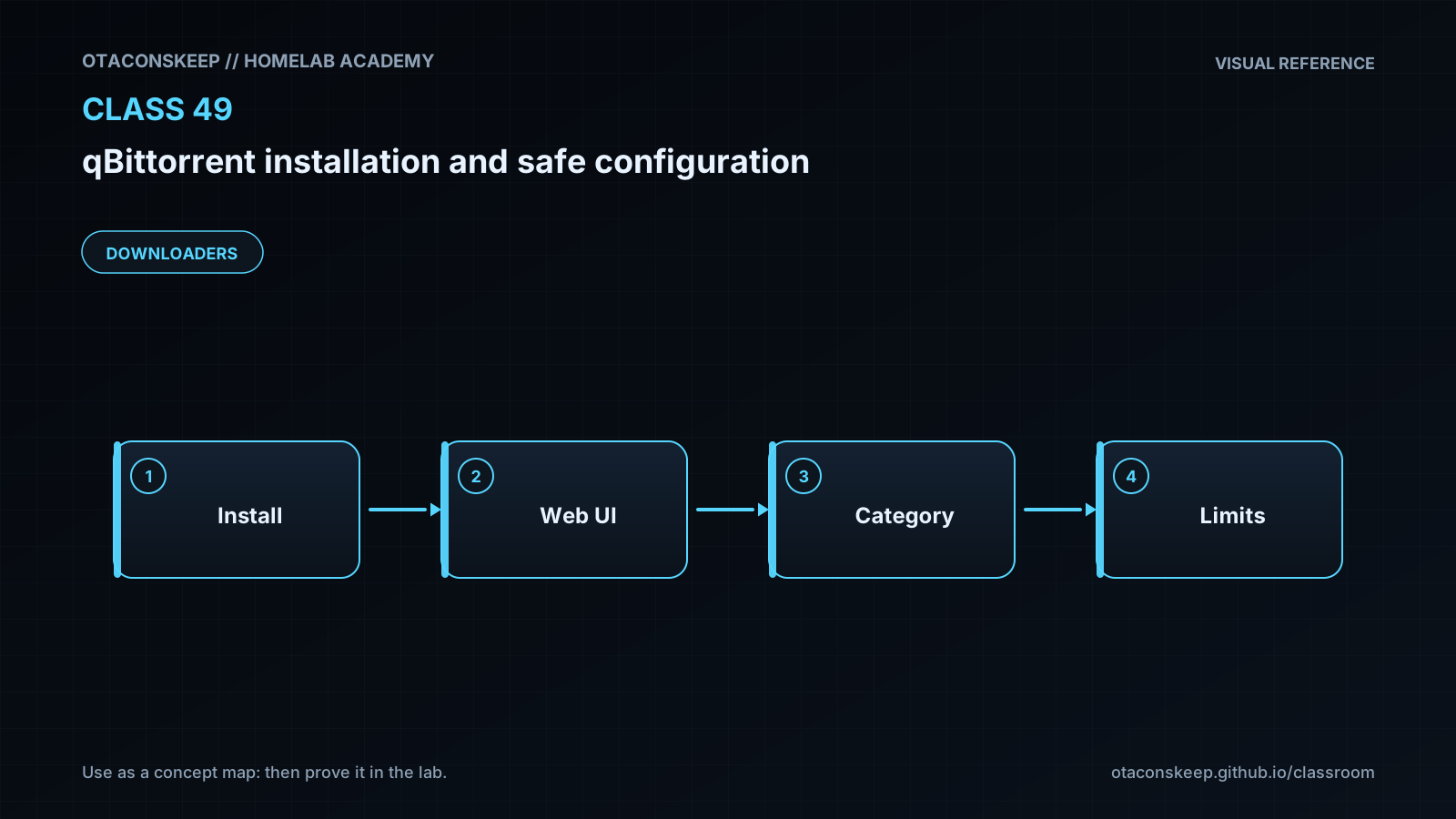
Overview
Module: Download Clients & Indexers
Activity type: Reading (Learn)
Objective: Explain the separation between the qBittorrent process, Web UI, peer protocol, configuration, and download storage.
Vocabulary
| Term | Meaning |
|---|---|
| qBittorrent-nox | The headless qBittorrent executable intended for systems that do not run the graphical desktop client. |
| Web UI | The browser-based administrative interface used to manage qBittorrent. |
| Peer port | The TCP and UDP port on which a BitTorrent client can accept inbound peer connections. |
| Loopback | A host-local network interface, normally represented by 127.0.0.1 for IPv4, that is not directly reachable from another machine. |
| Bind mount | A host directory presented at a specific path inside a container so application data persists independently of the container. |
| Rootless container | A container launched by an unprivileged host user using a user namespace rather than a privileged system-wide container daemon. |
| Image digest | A content-derived identifier that can be recorded to identify the exact container image retrieved at a point in time. |
| Seeding | Uploading pieces of content to other peers after or while obtaining that content. |
| DHT | A distributed hash table used to discover peers without relying exclusively on a central tracker. |
| UPnP/NAT-PMP | Protocols that may automatically request port mappings from a gateway; they should not be enabled without an explicit network design. |
Instruction
qBittorrent is not merely a download page. It is a network-facing application with an administrative Web UI, a peer-to-peer protocol engine, persistent state, and the ability to write large quantities of data. Safe installation therefore begins with boundaries. The Web UI is a control plane: anyone who can authenticate to it may add transfers, inspect activity, alter paths, or change network behavior. It must not be casually exposed to a LAN or the Internet. This lab publishes the Web UI only on 127.0.0.1, which means a browser on the same host can reach it while remote systems cannot connect directly. The peer port is also initially loopback-only. This conservative starting point sacrifices inbound peer connectivity in exchange for a clearly bounded first deployment. Any later decision to expose a peer port should be deliberate and based on the local network design.
Persistent data is separated from the disposable container. Configuration is stored under /opt/lab-classroom/class49/config/ and transfer data is stored under /opt/lab-classroom/class49/downloads/. Podman image and container metadata are also redirected beneath the class directory. Replacing a container should therefore not remove the configuration or downloaded files. Rootless Podman, a non-root qBittorrent process, dropped Linux capabilities, and the no-new-privileges setting reduce impact if the application is compromised, but they do not make untrusted content safe. Downloaded programs, documents, archives, and media must still be treated according to their origin and scanned or inspected before use.
A BitTorrent client does not provide anonymity. Peer participants can generally observe peer IP addresses, and transport encryption is not an anonymity system. A VPN can alter the visible network path, but qBittorrent must be intentionally bound to the correct interface if a fail-closed design is required. That design is outside this isolated installation lab and must be tested rather than assumed. Legal and policy controls matter as much as technical controls: only transfer content you are authorized to obtain and distribute. Safe defaults also include changing the generated Web UI password, leaving cross-site request forgery and host-header protections enabled, disabling automatic execution of external programs, avoiding unreviewed search plugins, and setting download and seeding limits appropriate to the host's capacity.
Architecture
components
A rootless Podman process controlled by the current host user.
A qBittorrent-nox container created from the LinuxServer.io qBittorrent image.
A Web UI published as 127.0.0.1:8080 on the host.
A peer listener initially published as 127.0.0.1:6881 over TCP and UDP.
Persistent configuration at /opt/lab-classroom/class49/config/.
Persistent completed and incomplete data directories beneath /opt/lab-classroom/class49/downloads/.
Podman image, container, event, temporary, and runtime state beneath /opt/lab-classroom/class49/.
data_flow
The local browser connects to 127.0.0.1:8080, which Podman forwards to qBittorrent's container port 8080.
qBittorrent writes preferences and session metadata through the /config bind mount.
qBittorrent writes payload data through the /downloads bind mount.
Outbound peer and tracker traffic originates from the rootless container network.
Inbound peer connections are not available from the LAN while the host peer-port publication remains bound to 127.0.0.1.
trust_boundaries
The Web UI credential separates an authorized local administrator from unauthenticated callers.
The container boundary reduces direct access to the host but is not equivalent to a separate virtual machine.
Bind-mounted configuration and downloads are intentionally writable by qBittorrent and must be backed up separately.
Container images and plugins are software supply-chain inputs and must come from reviewed sources.
Downloaded content remains untrusted even when the transfer itself completed successfully.
Required reading
- qBittorrent Wiki: Web UI documentation and authentication behavior — https://github.com/qbittorrent/qBittorrent/wiki/Web-UI
- qBittorrent Wiki: Explanation of options in qBittorrent — https://github.com/qbittorrent/qBittorrent/wiki/Explanation-of-Options-in-qBittorrent
- Podman documentation for rootless operation — https://docs.podman.io/en/latest/markdown/podman.1.html#rootless-mode
- LinuxServer.io qBittorrent image documentation — https://docs.linuxserver.io/images/docker-qbittorrent/
- Review your network's acceptable-use policy and the copyright rules applicable to your location before transferring content.
References
- qBittorrent official website — https://www.qbittorrent.org/
- qBittorrent Wiki: Web UI — https://github.com/qbittorrent/qBittorrent/wiki/Web-UI
- qBittorrent Wiki: Explanation of Options — https://github.com/qbittorrent/qBittorrent/wiki/Explanation-of-Options-in-qBittorrent
- qBittorrent GitHub repository — https://github.com/qbittorrent/qBittorrent
- LinuxServer.io qBittorrent image documentation — https://docs.linuxserver.io/images/docker-qbittorrent/
- Podman command documentation — https://docs.podman.io/en/latest/markdown/podman.1.html
- Podman run documentation — https://docs.podman.io/en/latest/markdown/podman-run.1.html
- Podman rootless-mode documentation — https://docs.podman.io/en/latest/markdown/podman.1.html#rootless-mode