Overview
Module: Download Clients & Indexers
Activity type: Reading (Learn)
Objective: Explain how an ARR application assigns a download category when submitting a job to a download client.
Vocabulary
| Term | Meaning |
|---|---|
| ARR application | A media automation application such as Sonarr or Radarr that searches for releases, sends jobs to a downloader, monitors completion, and imports completed files. |
| Category | A downloader-side label, such as tv or movies, supplied by an ARR application to identify and often route its jobs. |
| Download directory | A working or completed-data location managed by the download client. It is not the final media library. |
| Library root folder | A destination managed by an ARR application where organized series or movie directories are created. |
| Completed Download Handling | ARR behavior that monitors completed jobs, validates their files, and imports suitable media into the configured library. |
| Import | The operation by which an ARR application places a completed media file into the library using a copy, move, or hardlink as appropriate. |
| Hardlink | A second directory entry referencing the same file data on the same filesystem. Both names have the same device and inode values. |
| Bind mount | A host directory exposed at another path, commonly used to present selected host storage to a container. |
| Path namespace | The set of path names visible from a particular host, container, virtual machine, or application. |
| Remote path mapping | An ARR rule that translates a path reported by a specific download-client host into the equivalent path visible to ARR. |
| Atomic move | A same-filesystem rename operation that updates directory metadata without copying all file data. |
| Seeding | Continuing to make torrent data available after download completion, which normally requires the original download path to remain intact. |
Instruction
An ARR workflow has two distinct storage responsibilities. The download client owns the download area, while Sonarr or Radarr owns the organized library. For example, a downloader may place a Sonarr job under /data/downloads/complete/tv, and Sonarr may import its episode into /data/media/tv/Series Name/Season 01. These locations should not be the same directory. If the library is used as the download destination, partial files, release names, unwanted extras, and unmanaged content can leak into the library.
A category is coordination metadata. Sonarr can submit a job with the category tv, while Radarr can submit one with movies. The downloader may use those categories to select completed paths, and each ARR application uses its configured category to recognize jobs that belong to it. Category spelling and case must agree between the applications. A category does not itself grant filesystem access, create a container mount, or teach ARR where a path exists.
When a download completes, the client reports both status and a path. ARR must be able to access that reported path in its own path namespace. On a native installation, both programs might see /data/downloads/complete/tv. In a well-designed container deployment, the host can expose a common parent such as /data to both containers at the same internal path. Sonarr then sees /data/downloads and /data/media exactly as the downloader does. This arrangement is easier to reason about and allows ARR to recognize that the download and library are on the same filesystem.
A remote path mapping is needed only when the download client reports a path that is valid for the client but not valid for ARR. A mapping is selected by the configured download-client host and replaces a remote path prefix with a local path prefix. For example, a client may report /downloads/complete/tv while Sonarr sees the same underlying directory as /data/downloads/complete/tv. The mapping translates the name; it does not mount storage, copy data, change ownership, or repair permissions. If both applications can be given a consistent path layout, that is generally preferable to adding mappings.
Hardlinks provide an efficient import method for torrents that must continue seeding. The original download name and the organized library name can reference the same underlying data. Hardlinks require the source and destination to be on the same filesystem. A path layout that places downloads and media beneath one shared storage root helps preserve this capability. Separate container mounts can make one physical filesystem appear fragmented to applications or can accidentally point to different filesystems. Comparing both the device number and inode number is the reliable basic check for two paths being hardlinks.
Usenet imports often move completed files because they do not need to remain available for seeding. Torrent imports commonly retain the source and create a hardlink when possible. If hardlinking is unavailable, an import can become a full copy, consuming additional space until the torrent is removed. ARR logs should be consulted to distinguish a successful hardlink, a copy fallback, a path-not-found error, and a permission failure.
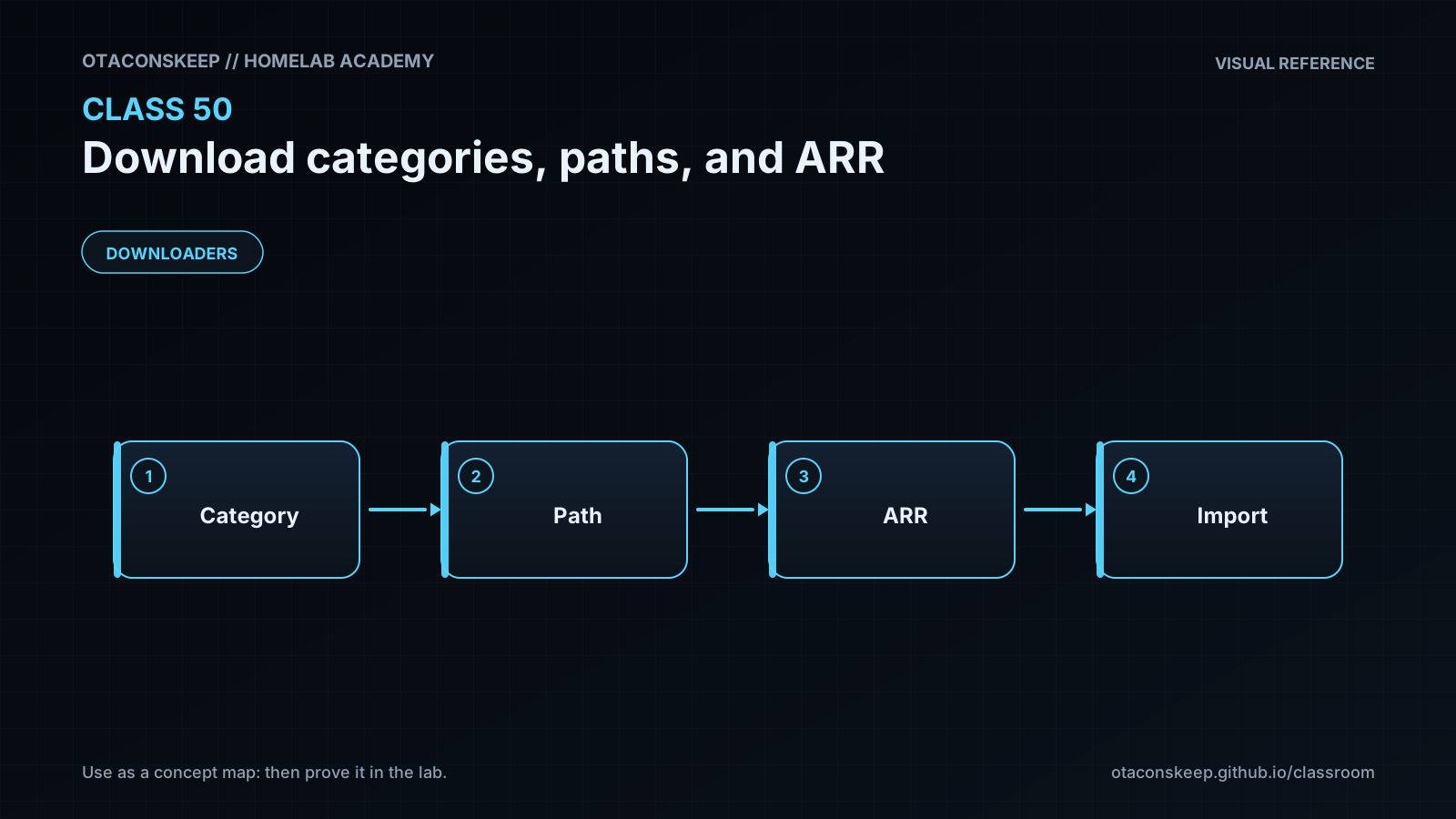
The central troubleshooting sequence is therefore: confirm the job has the expected category; inspect the exact completed path reported by the client; verify that ARR can see that same data; confirm ARR can read the download and write to the library; check that source and destination are on the same filesystem if hardlinks are expected; and add a remote path mapping only when there is a genuine path-namespace mismatch. This sequence avoids random permission changes and unnecessary mappings.
Architecture
components
Sonarr submits television jobs with the tv category.
Radarr submits movie jobs with the movies category.
The download client stores completed jobs in category-specific directories.
ARR Completed Download Handling reads the completed path and imports media into a separate library root.
A shared storage parent keeps downloads and libraries in one coherent filesystem layout.
recommended_layout
/data/downloads/incomplete
/data/downloads/complete/tv
/data/downloads/complete/movies
/data/media/tv
/data/media/movies
flow
ARR search or RSS decision -> job submitted with category -> downloader writes data -> downloader reports completion and path -> ARR resolves the path in its namespace -> ARR validates and imports the media -> downloader retains or removes its source according to protocol and client policy.
path_mapping_rule
Use no mapping when the client and ARR report and consume the same path. Use a host-specific remote path mapping only when different path strings identify the same underlying storage.
separation_rule
Download directories are staging areas controlled by the downloader. Library root folders are organized destinations controlled by Sonarr or Radarr.
Required reading
- Sonarr Wiki: Download Clients — https://wiki.servarr.com/sonarr/settings#download-clients
- Radarr Wiki: Download Clients — https://wiki.servarr.com/radarr/settings#download-clients
- Sonarr Wiki: Docker Guide — https://wiki.servarr.com/docker-guide
- TRaSH Guides: Hardlinks and Instant Moves — https://trash-guides.info/File-and-Folder-Structure/Hardlinks-and-Instant-Moves/
References
- Servarr Wiki, Sonarr Settings: https://wiki.servarr.com/sonarr/settings
- Servarr Wiki, Radarr Settings: https://wiki.servarr.com/radarr/settings
- Servarr Wiki, Docker Guide: https://wiki.servarr.com/docker-guide
- TRaSH Guides, Hardlinks and Instant Moves: https://trash-guides.info/File-and-Folder-Structure/Hardlinks-and-Instant-Moves/
- Docker Documentation, Storage and Volumes: https://docs.docker.com/engine/storage/
- GNU Coreutils Manual, stat invocation: https://www.gnu.org/software/coreutils/manual/html_node/stat-invocation.html
- Linux man-pages, link(2): https://man7.org/linux/man-pages/man2/link.2.html