Overview
Module: Linux Foundations
Activity type: Lesson (Orient → Recall → Learn → Explain → Reflect)
Learning objective: Identify file descriptors 0, 1, and 2 as standard input, standard output, and standard error
Bloom level: Understand / Apply
Last reviewed: 2025-03-08
Learning objective
Identify file descriptors 0, 1, and 2 as standard input, standard output, and standard error
Why this matters
Teach students to connect commands with pipelines and deliberately route standard input, standard output, and standard error. The lesson emphasizes predictable data flow, safe file creation, redirection order, pipeline behavior, and verification techniques suitable for homelab administration.
Learn
Complete the module reading first:
Feynman teach-back: required
prompt
Explain pipes and redirection to someone who has never used a shell, without relying on the symbols alone.
model_explanation
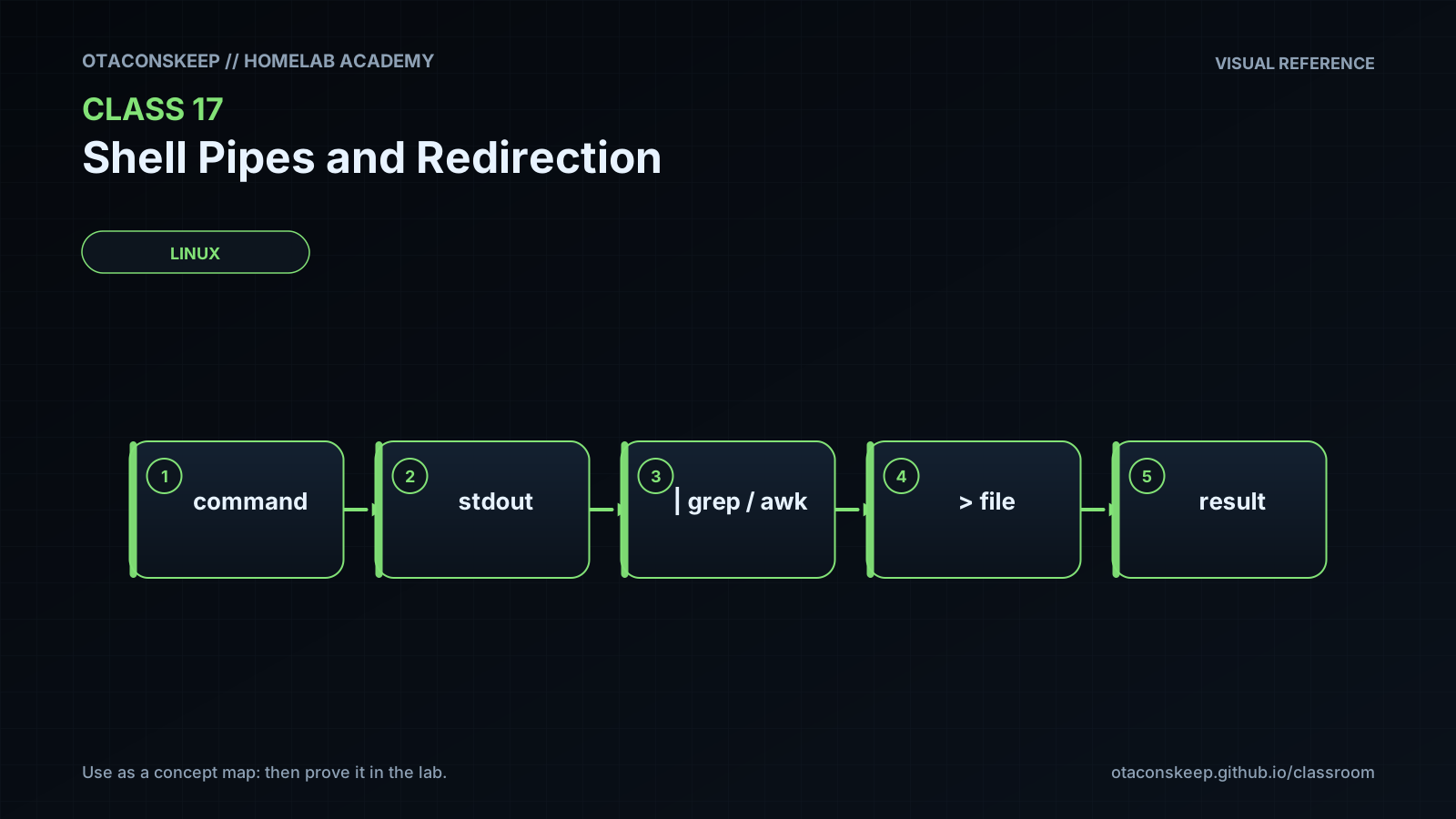
Imagine each command as a small machine with an input chute, a normal-output chute, and a separate warning chute. A pipe connects the normal-output chute of one machine to the input chute of the next machine. It does not automatically connect the warning chute. Redirection points a chute at a file instead of the terminal. A single greater-than sign starts the file over, two greater-than signs add to its end, and 2> redirects the warning chute. The expression > file 2>&1 points the normal chute at the file and then points the warning chute at the same place. The order matters because each connection is made from left to right.
Answers save in this browser (localStorage). Completing all five fields is part of the mastery unlock.
Reflection
- What did I learn?
- What did I struggle with?
- How does this connect to earlier classes?