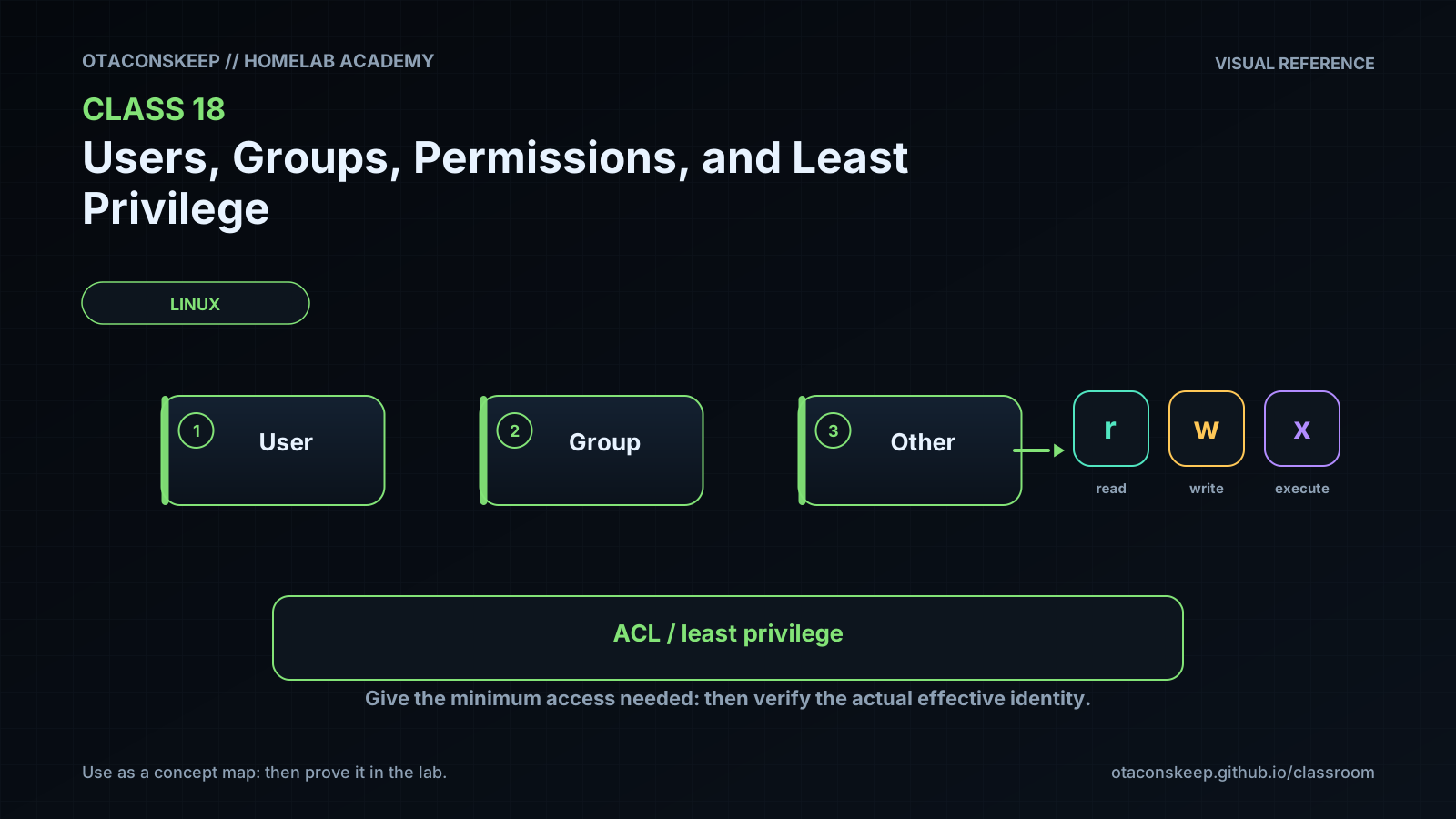
Overview
Module: Linux Foundations
Activity type: Lesson (Orient → Recall → Learn → Explain → Reflect)
Learning objective: Explain the difference between a user ID, primary group, supplementary groups, and an account name.
Bloom level: Understand / Apply
Last reviewed: 2025-03-08
Learning objective
Explain the difference between a user ID, primary group, supplementary groups, and an account name.
Why this matters
Teach students how Linux identifies users and groups, evaluates file permissions and access control lists, and applies least privilege without modifying system account databases. The lab builds an isolated project tree under /opt/lab-classroom/class18/ and validates permitted and denied access using the current user and an existing unprivileged audit identity.
Learn
Complete the module reading first:
Feynman teach-back: required
prompt
Explain the access decision to someone who knows only that files have owners. Use report.txt and credentials.txt as examples.
model_explanation
A program tries to access a path using the identity of the process running it. Linux first needs permission to pass through every directory in that path. It then evaluates the target object's owner, group, other permissions, and any ACL. In this lab, the auditor is allowed to pass through the class and project directories and read one report, but it is not allowed to write that report. The auditor receives no route through the secrets directory, so it cannot reach the synthetic credential file. This is least privilege because the exception grants only the exact path and action needed.
self_check
Can you explain why directory execute permission matters even when a file itself is readable?
Can you explain why file write permission does not by itself control deletion?
Can you identify where the ACL mask appears and what it limits?
Can you explain why successful administrator access is not a valid test of an unprivileged service account?
Answers save in this browser (localStorage). Completing all five fields is part of the mastery unlock.
Reflection
- What did I learn?
- What did I struggle with?
- How does this connect to earlier classes?