Overview
Module: Module 8: Docker, Storage & Permissions
Activity type: Lab (Practice)
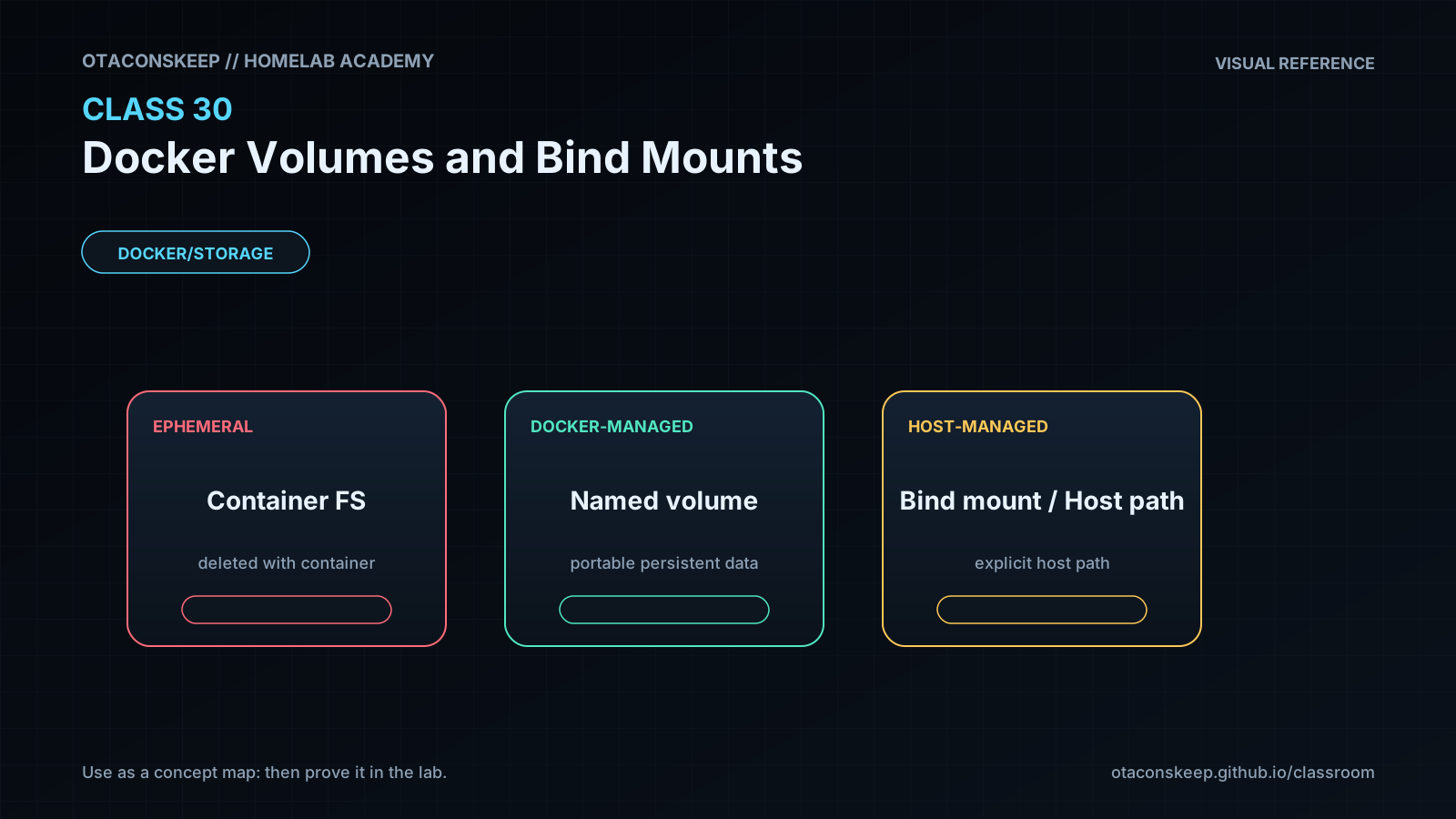
Objective: Distinguish a container writable layer, named volume, bind mount, and tmpfs mount; select storage intentionally; back up and restore a named volume; verify persistence; and identify the host exposure created by bind mounts.
Practice
Guided practice
In plain words: We do: try with hints. Compare your reasoning to the lesson.
Persist, Back Up, and Restore
In plain words: Do this carefully, then check that it worked before moving on. (Persist, Back Up, and Restore)
Safety and prerequisites
- Authorized non-production Docker host.
- Uses
busybox:1.36.1, named volumesacademy-c30andacademy-c30-restore, and/opt/lab-classroom/class30/. - Verify names before removal; never substitute a production volume.
LAB=/opt/lab-classroom/class30
sudo install -d -o "$(id -u)" -g "$(id -g)" "$LAB/backups"
docker volume create --label academy.class=30 academy-c30
docker run --rm --label academy.class=30 \
  -v academy-c30:/data \
  busybox:1.36.1 sh -c 'printf "durable-class-30\n" > /data/proof.txt; sync'
docker run --rm -v academy-c30:/data:ro busybox:1.36.1 cat /data/proof.txt
docker run --rm \
  -v academy-c30:/from:ro \
  -v "$LAB/backups":/to \
  busybox:1.36.1 sh -c 'cd /from && tar czf /to/academy-c30.tgz .'
sha256sum "$LAB/backups/academy-c30.tgz" | tee "$LAB/backups/academy-c30.sha256"
docker volume create --label academy.class=30 academy-c30-restore
docker run --rm \
  -v academy-c30-restore:/to \
  -v "$LAB/backups":/from:ro \
  busybox:1.36.1 sh -c 'cd /to && tar xzf /from/academy-c30.tgz'
docker run --rm -v academy-c30-restore:/data:ro busybox:1.36.1 cat /data/proof.txt
In plain words: Sync means copy the settings from one app into another so they match.
Verification checkpoints
test -s "$LAB/backups/academy-c30.tgz" && echo 'PASS: backup exists'
(cd "$LAB/backups" && sha256sum -c academy-c30.sha256)
test "$(docker run --rm -v academy-c30-restore:/data:ro busybox:1.36.1 cat /data/proof.txt)" = 'durable-class-30' && echo 'PASS: restore verified'
docker volume ls --filter label=academy.class=30
Expected: the restored volume contains the marker and the stored archive hash verifies.
In plain words: Make a safety copy first so a mistake does not erase your work.
Learn
Security and Rollback
In plain words: Read this block, then try the next action. If you feel stuck, tap What this means.
- Never mount the Docker socket for convenience.
- Avoid broad host mounts such as
/,/etc, or a user's entire home directory. - Use
:rowhen writes are unnecessary. - Keep credentials outside ordinary images and backups; encrypt backups containing sensitive state.
In plain words: Big idea: - Never mount the Docker socket for convenience.
After grading, remove only the two labeled lab volumes:
In plain words: Big idea: After grading, remove only the two labeled lab volumes:
```bash
docker ps -a --filter volume=academy-c30 --filter volume=academy-c30-restore
docker volume inspect academy-c30 academy-c30-restore
docker volume rm academy-c30 academy-c30-restore
```
If either inspection shows unexpected data or dependencies, stop instead of deleting it.
Fix chart
Troubleshooting
In plain words: This is your first-aid chart. Match the problem, then try the checks in order.
| Symptom | Likely cause | Safe response |
|---|---|---|
| Data disappears after recreation | Path was in writable layer or wrong mount target | Inspect mounts and restore from verified backup; do not keep recreating |
| Empty bind directory appears | Host source path was wrong or auto-created by short syntax | Stop, inspect exact host path, and prefer explicit validated paths |
| Permission denied | Numeric UID/GID or mode/ACL mismatch | Record container identity and host permissions; continue in Class 33 |
| Backup archive exists but restore fails | Wrong archive root, corruption, or permissions | Verify hash, list archive, restore to a new disposable volume |
| Volume removal reports in use | A container still references it | List dependent containers; do not force-remove unknown storage |
In plain words: This is your first-aid chart. Match the problem, then try the checks in order.