Overview
Module: Module 8: Docker, Storage & Permissions
Activity type: Lesson (Orient → Recall → Learn → Explain → Reflect)
Learning objective: Distinguish a container writable layer, named volume, bind mount, and tmpfs mount; select storage intentionally; back up and restore a named volume; verify persistence; and identify the host exposure created by bind mounts.
Learning objective
Distinguish a container writable layer, named volume, bind mount, and tmpfs mount; select storage intentionally; back up and restore a named volume; verify persistence; and identify the host exposure created by bind mounts.
Why this matters
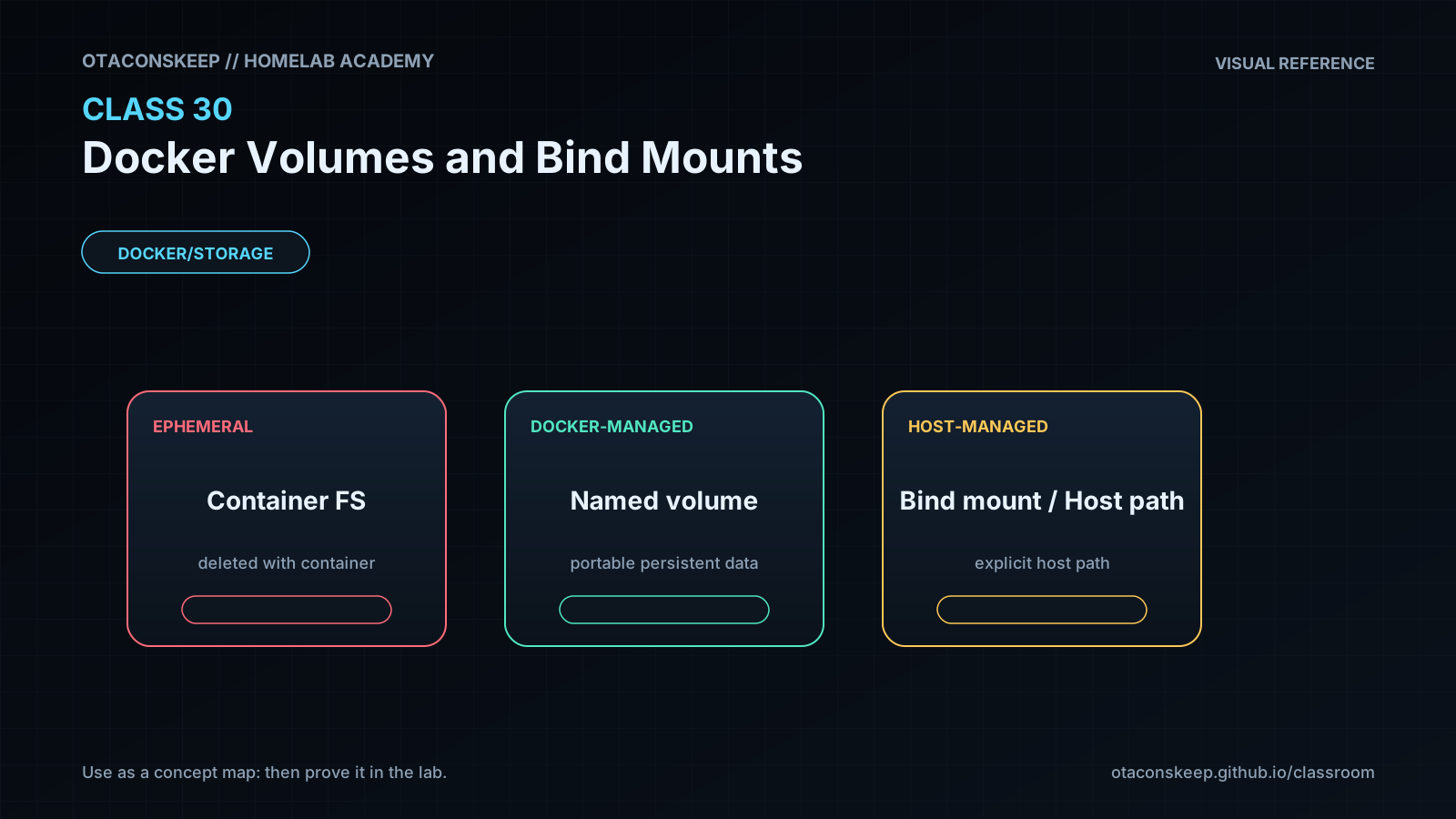
Containers are replaceable; application data often is not. Storing a database only in a container's writable layer turns routine recreation into data loss. Mounting / or an oversized host directory creates a different danger: the container receives access to host data it never needed.
Prior-knowledge check
- What happens to a container's writable layer when the container is removed?
- Who chooses the host path for a bind mount?
- Does copying a running database directory always create a consistent backup?
Learn
Complete the module reading first:
Guided practice (We do)
Persist, Back Up, and Restore
Safety and prerequisites
- Authorized non-production Docker host.
- Uses
busybox:1.36.1, named volumesacademy-c30andacademy-c30-restore, and/opt/lab-classroom/class30/. - Verify names before removal; never substitute a production volume.
LAB=/opt/lab-classroom/class30
sudo install -d -o "$(id -u)" -g "$(id -g)" "$LAB/backups"
docker volume create --label academy.class=30 academy-c30
docker run --rm --label academy.class=30 \
  -v academy-c30:/data \
  busybox:1.36.1 sh -c 'printf "durable-class-30\n" > /data/proof.txt; sync'
docker run --rm -v academy-c30:/data:ro busybox:1.36.1 cat /data/proof.txt
docker run --rm \
  -v academy-c30:/from:ro \
  -v "$LAB/backups":/to \
  busybox:1.36.1 sh -c 'cd /from && tar czf /to/academy-c30.tgz .'
sha256sum "$LAB/backups/academy-c30.tgz" | tee "$LAB/backups/academy-c30.sha256"
docker volume create --label academy.class=30 academy-c30-restore
docker run --rm \
  -v academy-c30-restore:/to \
  -v "$LAB/backups":/from:ro \
  busybox:1.36.1 sh -c 'cd /to && tar xzf /from/academy-c30.tgz'
docker run --rm -v academy-c30-restore:/data:ro busybox:1.36.1 cat /data/proof.txt
Verification checkpoints
test -s "$LAB/backups/academy-c30.tgz" && echo 'PASS: backup exists'
(cd "$LAB/backups" && sha256sum -c academy-c30.sha256)
test "$(docker run --rm -v academy-c30-restore:/data:ro busybox:1.36.1 cat /data/proof.txt)" = 'durable-class-30' && echo 'PASS: restore verified'
docker volume ls --filter label=academy.class=30
Expected: the restored volume contains the marker and the stored archive hash verifies.
Feynman teach-back: required
Explain why a container is a replaceable appliance, a named volume is a detachable data drawer, and a bind mount is a doorway into a specific host room. Explain why the doorway should be as narrow as possible.
Answers save in this browser (localStorage). Completing all five fields is part of the mastery unlock.
Reflection
Which data in your current containers would be lost during recreation, and when was its last verified restore?