Overview
Module: Module 8: Docker, Storage & Permissions
Topic: 04: Docker Volumes and Bind Mounts
Activity type: Reading / reference (Learn)
Source: Class 30 intake, published without rewriting lesson content
Why this matters
Containers are replaceable; application data often is not. Storing a database only in a container's writable layer turns routine recreation into data loss. Mounting / or an oversized host directory creates a different danger: the container receives access to host data it never needed.
Core reading
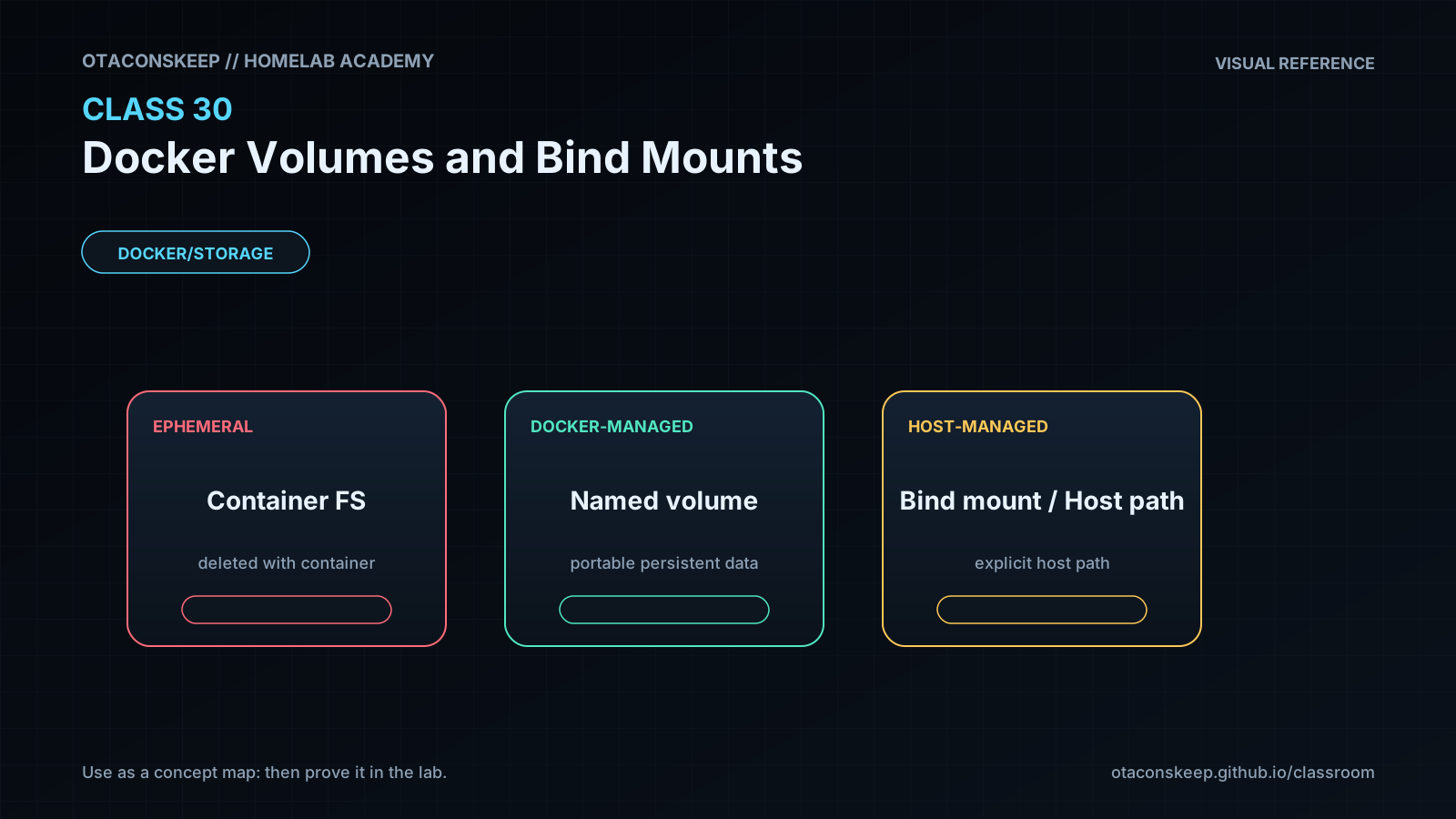
The writable layer belongs to one container and should hold disposable runtime changes. A named volume is managed through Docker and can be attached to replacement containers. A bind mount maps an explicit host path, which is useful for configuration or operator-managed datasets but couples the workload to host layout and permissions. A tmpfs mount stores ephemeral data in memory and disappears when the container stops.
Choose based on lifecycle and ownership:
- Named volume: application-owned durable data with Docker-managed location.
- Bind mount: operator-owned file/path that must be visible at a known host location.
- Read-only bind mount: configuration or reference data the container must not alter.
- tmpfs: sensitive or temporary data that should not persist, within memory constraints.
A mount hides image content at the same container path for as long as it is attached. Backups must match application consistency requirements. A stopped single-file application may tolerate filesystem-level archiving; databases often require application-aware dumps, snapshots, or coordinated quiescence.
Worked example (study this)
A container writes configuration to /config without a mount. The operator updates by removing and recreating it, and the configuration disappears. The correct design attaches durable storage at /config, backs it up using an application-consistent method, and tests restoration before relying on it.
Visual 1: Storage Lifetimes
```mermaid
flowchart LR
I[Image layers] -->|read-only template| C[Container]
W[Writable layer] -->|deleted with container| C
V[Named volume] -->|survives replacement| C
B[Host bind path] -->|host-coupled| C
```
Visual 2: Selection Guide
```mermaid
flowchart TD
D{Must data persist?} -->|No| T[Writable layer or tmpfs]
D -->|Yes| H{Must operator manage a known host path?}
H -->|No| V[Named volume]
H -->|Yes| B[Bind mount, narrow and preferably read-only]
```
Security and Rollback
- Never mount the Docker socket for convenience.
- Avoid broad host mounts such as
/,/etc, or a user's entire home directory. - Use
:rowhen writes are unnecessary. - Keep credentials outside ordinary images and backups; encrypt backups containing sensitive state.
After grading, remove only the two labeled lab volumes:
```bash
docker ps -a --filter volume=academy-c30 --filter volume=academy-c30-restore
docker volume inspect academy-c30 academy-c30-restore
docker volume rm academy-c30 academy-c30-restore
```
If either inspection shows unexpected data or dependencies, stop instead of deleting it.
Video Narration Notes
Visually remove a container while its named volume remains, then attach the restored volume to a replacement container. Contrast that with a narrow read-only bind mount. Close on: persistence is a design decision; backup is proven only by restoration.