Overview
Module: ARR Data Model & Compose
Activity type: Lab (Practice)
Lab risk: low
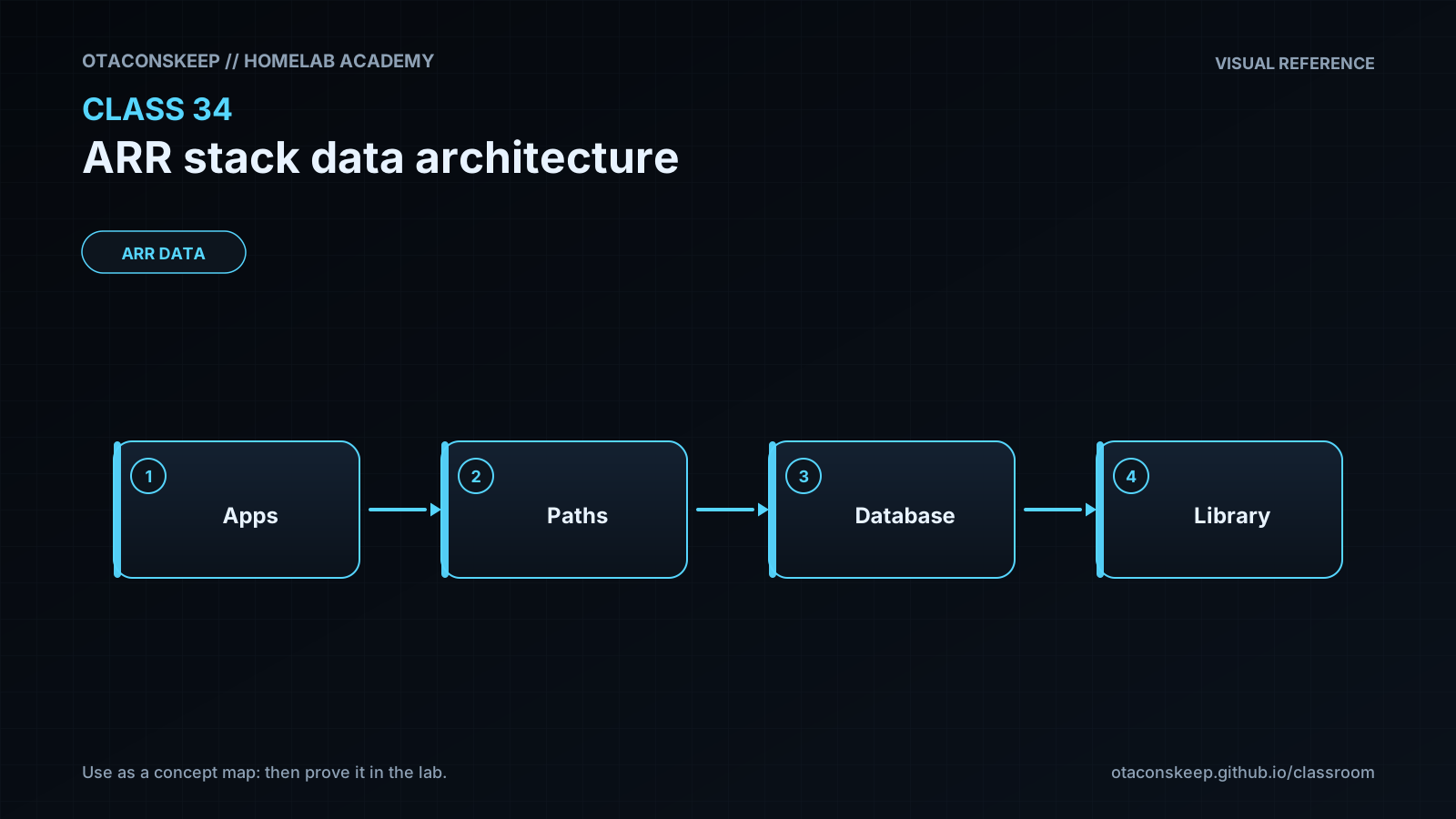
Objective: Explain why download and media paths should share one visible /data namespace.
Before you start
- Basic Linux shell navigation and file inspection skills
- A conceptual understanding of containers, bind mounts, and persistent application configuration
- Familiarity with Sonarr or Radarr terminology such as root folder, download client, category, and import
- Permission to create files and directories under /opt/lab-classroom/class34/
- GNU coreutils commands including stat, find, mkdir, ln, mv, printf, and readlink
Guided lab
scope
All lab-created directories and files remain under /opt/lab-classroom/class34/. The exercise models the production /data hierarchy without touching a real media library or container deployment.
steps
step
1
name
Create the isolated model
commands
mkdir -p /opt/lab-classroom/class34/data/torrents/tv
mkdir -p /opt/lab-classroom/class34/data/torrents/movies
mkdir -p /opt/lab-classroom/class34/data/usenet/incomplete
mkdir -p /opt/lab-classroom/class34/data/usenet/complete/tv
mkdir -p /opt/lab-classroom/class34/data/usenet/complete/movies
mkdir -p /opt/lab-classroom/class34/data/media/tv
mkdir -p /opt/lab-classroom/class34/data/media/movies
mkdir -p /opt/lab-classroom/class34/config/sonarr
mkdir -p /opt/lab-classroom/class34/config/radarr
explanation
The model separates application configuration from bulk data while keeping downloads and libraries beneath one data root.
step
2
name
Record the path contract
commands
printf '%s\n' 'sonarr_root=/data/media/tv' 'radarr_root=/data/media/movies' 'torrent_tv=/data/torrents/tv' 'torrent_movies=/data/torrents/movies' 'usenet_tv=/data/usenet/complete/tv' 'usenet_movies=/data/usenet/complete/movies' > /opt/lab-classroom/class34/path-contract.txt
cat /opt/lab-classroom/class34/path-contract.txt
explanation
The contract records paths as applications should see them, independent of the lab's host-side prefix.
step
3
name
Create a simulated completed torrent
commands
printf '%s\n' 'Class 34 synthetic media payload' > /opt/lab-classroom/class34/data/torrents/movies/example-release.mkv
stat -c 'device=%d inode=%i links=%h size=%s path=%n' /opt/lab-classroom/class34/data/torrents/movies/example-release.mkv
explanation
This small text payload represents a completed media file. It is not actual media and no performance conclusion should be drawn from it.
step
4
name
Simulate a Radarr hardlink import
commands
ln /opt/lab-classroom/class34/data/torrents/movies/example-release.mkv '/opt/lab-classroom/class34/data/media/movies/Example Movie (2024).mkv'
stat -c 'device=%d inode=%i links=%h size=%s path=%n' /opt/lab-classroom/class34/data/torrents/movies/example-release.mkv '/opt/lab-classroom/class34/data/media/movies/Example Movie (2024).mkv'
explanation
Both names should report the same device and inode, and the link count should become two.
step
5
name
Demonstrate that two names reference the same data
commands
printf '%s\n' 'Metadata appended through library name' >> '/opt/lab-classroom/class34/data/media/movies/Example Movie (2024).mkv'
tail -n 1 /opt/lab-classroom/class34/data/torrents/movies/example-release.mkv
stat -c 'device=%d inode=%i links=%h size=%s path=%n' /opt/lab-classroom/class34/data/torrents/movies/example-release.mkv '/opt/lab-classroom/class34/data/media/movies/Example Movie (2024).mkv'
explanation
Because both names reference the same inode, content appended through one name is visible through the other.
step
6
name
Simulate a same-filesystem Usenet move
commands
printf '%s\n' 'Class 34 synthetic episode payload' > /opt/lab-classroom/class34/data/usenet/complete/tv/example-episode.mkv
stat -c 'before device=%d inode=%i links=%h path=%n' /opt/lab-classroom/class34/data/usenet/complete/tv/example-episode.mkv
mv /opt/lab-classroom/class34/data/usenet/complete/tv/example-episode.mkv '/opt/lab-classroom/class34/data/media/tv/Example Show - S01E01.mkv'
stat -c 'after device=%d inode=%i links=%h path=%n' '/opt/lab-classroom/class34/data/media/tv/Example Show - S01E01.mkv'
explanation
Record the before and after inode values. An unchanged device and inode are consistent with a rename inside one filesystem.
step
7
name
Inspect the completed model
commands
find /opt/lab-classroom/class34 -mindepth 1 -printf '%y %p\n' | sort
find /opt/lab-classroom/class34/data -type f -exec stat -c 'device=%d inode=%i links=%h path=%n' {} \;
explanation
The final inventory should show configuration directories outside the data branch, download branches beside media branches, and matching inode values for the torrent hardlink pair.
Expected results
- The directory /opt/lab-classroom/class34/data contains separate torrents, usenet, and media branches.
- The directories /opt/lab-classroom/class34/config/sonarr and /opt/lab-classroom/class34/config/radarr exist outside the data branch.
- The path-contract file assigns Sonarr to /data/media/tv and Radarr to /data/media/movies.
- The simulated torrent source and organized movie name have the same device number and inode number.
- The simulated torrent source and organized movie name each report a link count of at least two.
- Text appended through the organized movie name is visible when reading the torrent source name.
- The simulated Usenet episode exists in the media/tv branch after the move and no longer exists under usenet/complete/tv.
- The moved episode retains its inode when the source and destination are on the same filesystem.
Verification
- [ ] Run: test -d /opt/lab-classroom/class34/data/torrents/movies && echo PASS-torrent-directory
- [ ] Run: test -d /opt/lab-classroom/class34/data/media/movies && echo PASS-movie-directory
- [ ] Run: test -d /opt/lab-classroom/class34/config/sonarr && echo PASS-config-separation
- [ ] Run: grep -Fx 'sonarr_root=/data/media/tv' /opt/lab-classroom/class34/path-contract.txt
- [ ] Run: grep -Fx 'radarr_root=/data/media/movies' /opt/lab-classroom/class34/path-contract.txt
- [ ] Run: test /opt/lab-classroom/class34/data/torrents/movies/example-release.mkv -ef '/opt/lab-classroom/class34/data/media/movies/Example Movie (2024).mkv' && echo PASS-hardlink-identity
- [ ] Run: test "$(stat -c %h /opt/lab-classroom/class34/data/torrents/movies/example-release.mkv)" -ge 2 && echo PASS-link-count
- [ ] Run: grep -Fx 'Metadata appended through library name' /opt/lab-classroom/class34/data/torrents/movies/example-release.mkv
- [ ] Run: test ! -e /opt/lab-classroom/class34/data/usenet/complete/tv/example-episode.mkv && echo PASS-source-moved
- [ ] Run: test -f '/opt/lab-classroom/class34/data/media/tv/Example Show - S01E01.mkv' && echo PASS-tv-import
Break/fix
| Symptom | Likely cause | Fix |
|---|---|---|
| The ln command reports an invalid cross-device link. | The source and destination resolve to different filesystems or mount points. | Compare device values with stat -c '%d %n' for both parent directories. Redesign the storage so download and media branches share one filesystem and are exposed through one /data mount. |
| The ln command reports that the destination already exists. | The lab was run previously and the organized movie name is already present. | Inspect both paths with stat. If they already have the same device and inode, continue with verification. Otherwise perform the documented rollback and repeat the lab. |
| A command reports permission denied under the class directory. | The current account does not own the lab directory or lacks write and traversal permission. | Ask the lab administrator to assign the class directory to the intended lab identity. Do not broaden permissions indiscriminately. |
| Sonarr or Radarr reports that a downloaded path does not exist. | The download client and automation application use different container paths for the same host data, or the shared data mount is missing. | Inspect each container's mounts and make the same host data visible as /data. Confirm that the path reported by the client is directly visible inside Sonarr or Radarr. |
| Imports work but files are copied instead of hardlinked. | Source and destination are on different filesystems, separate container mount boundaries are being used, hardlink import is disabled, or permissions prevent link creation. | Compare device and inode information, consolidate the data mount, confirm hardlink behavior is enabled in the application, and verify directory ownership and group write access. |
| A movie is sent to the television download directory. | Download categories are missing, duplicated, or mapped to the wrong save path. | Assign distinct tv and movies categories and verify their destination paths in both the automation application and download client. |
| The media server sees downloads or partial files as library items. | The server library points at /data or a download branch instead of an organized media branch. | Configure media-server libraries with specific roots such as /data/media/tv and /data/media/movies. |
| A remote path mapping appears necessary even though all services run on the same container host. | Inconsistent internal bind-mount paths are being treated as a remote-host problem. | Standardize the local container mount as /data first. Use remote path mapping only when a genuinely remote client reports a path that cannot be made identical. |
Security
principles
Grant each service only the access required by its role.
Keep application databases and credentials in dedicated configuration locations rather than in the shared media tree.
Use a deliberate shared group for applications that must collaborate on downloads and imports.
Prefer read-only library access for media servers that do not need to write beside media.
Do not expose incomplete downloads to media-server library scans.
Treat download clients as network-facing applications and avoid giving them unnecessary access to application configuration or unrelated host directories.
Protect API keys, download-client credentials, and indexer credentials in secrets or restricted configuration files.
Back up application configuration independently from replaceable download data and large media datasets.
identity_guidance
Choose one documented UID and GID strategy. Services may run as the same unprivileged identity or as separate users sharing a controlled media group. Verify ownership and effective access from inside each container rather than relying only on host-side names.
deletion_boundaries
Define which service may delete incomplete downloads, completed downloads, and organized media. A mistaken broad mount combined with broad write access can allow one compromised service to alter the entire library.
validation
Before enabling automated deletion, test imports with synthetic files and confirm the source-retention behavior for torrents and the move behavior for Usenet.
Rollback
scope
Rollback removes only artifacts created inside /opt/lab-classroom/class34/ and does not affect any production path.
commands
unlink '/opt/lab-classroom/class34/data/media/movies/Example Movie (2024).mkv'
unlink /opt/lab-classroom/class34/data/torrents/movies/example-release.mkv
unlink '/opt/lab-classroom/class34/data/media/tv/Example Show - S01E01.mkv'
unlink /opt/lab-classroom/class34/path-contract.txt
rmdir /opt/lab-classroom/class34/data/torrents/tv
rmdir /opt/lab-classroom/class34/data/torrents/movies
rmdir /opt/lab-classroom/class34/data/torrents
rmdir /opt/lab-classroom/class34/data/usenet/incomplete
rmdir /opt/lab-classroom/class34/data/usenet/complete/tv
rmdir /opt/lab-classroom/class34/data/usenet/complete/movies
rmdir /opt/lab-classroom/class34/data/usenet/complete
rmdir /opt/lab-classroom/class34/data/usenet
rmdir /opt/lab-classroom/class34/data/media/tv
rmdir /opt/lab-classroom/class34/data/media/movies
rmdir /opt/lab-classroom/class34/data/media
rmdir /opt/lab-classroom/class34/data
rmdir /opt/lab-classroom/class34/config/sonarr
rmdir /opt/lab-classroom/class34/config/radarr
rmdir /opt/lab-classroom/class34/config
verification
Run find /opt/lab-classroom/class34 -mindepth 1 -print. No output means all lesson artifacts were removed while the class directory itself was retained.
notes
If an unlink command reports that a file does not exist, inspect the path and continue. If an rmdir command reports that a directory is not empty, inspect its contents before removing anything; an unexpected file may not belong to this exercise.