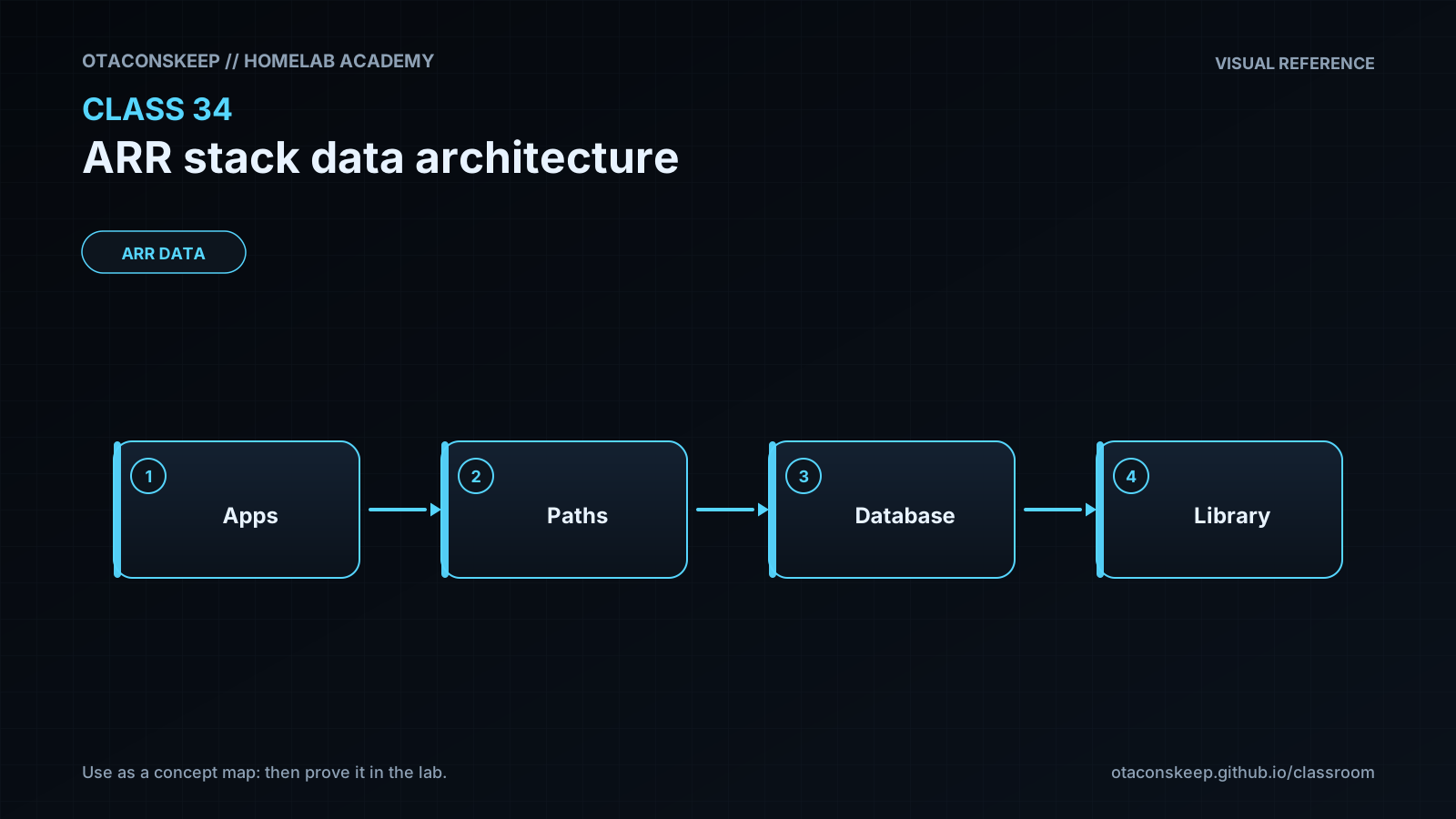
Overview
Module: ARR Data Model & Compose
Activity type: Lesson (Orient → Recall → Learn → Explain → Reflect)
Learning objective: Explain why download and media paths should share one visible /data namespace.
Bloom level: Understand / Apply
Last reviewed: 2025-03-08
Learning objective
Explain why download and media paths should share one visible /data namespace.
Why this matters
Teach a predictable storage architecture for Sonarr, Radarr, download clients, and media servers by exposing one shared /data hierarchy. The lesson emphasizes consistent container paths, category separation, same-filesystem imports, atomic moves, hardlinks, identity alignment, and verification before deployment.
Learn
Complete the module reading first:
Feynman teach-back: required
prompt
Explain the /data model to a new administrator without using the words efficient, Docker, or magic.
model_explanation
The downloader and media organizer must agree on where a file lives. Both are given one shared cabinet called /data. Incoming torrent files go in one drawer, completed Usenet files go in another, and neatly named library files go in a media drawer. Because the drawers are in the same cabinet, the organizer can rename a file quickly or give the same stored file a second name. A torrent can therefore keep its original seeding name while the media library uses a clean title. Configuration files stay in a different cabinet because they contain application state and require a separate backup and security policy.
self_check_questions
Can you explain why /downloads in one application and /data/torrents in another creates operational complexity?
Can you explain why matching filenames do not prove that two files are hardlinks?
Can you state the two core requirements for a hardlink: the same filesystem and sufficient access?
Can you explain why application configuration and media data have different backup requirements?
Answers save in this browser (localStorage). Completing all five fields is part of the mastery unlock.
Reflection
- What did I learn?
- What did I struggle with?
- How does this connect to earlier classes?