Overview
Module: ARR Data Model & Compose
Activity type: Reading (Learn)
Objective: Explain why download and media paths should share one visible /data namespace.
Vocabulary
| Term | Meaning |
|---|---|
| ARR stack | An informal name for media automation applications such as Sonarr and Radarr, often used with download clients and media servers. |
| Data root | The shared top-level path, /data in this model, beneath which downloads and organized media are placed. |
| Application configuration | Databases, settings, logs, and state belonging to an application. These files are persistent but should remain separate from bulk media data. |
| Root folder | A Sonarr or Radarr destination containing an organized media library, such as /data/media/tv or /data/media/movies. |
| Download category | A download-client label or category used to route jobs into an application-specific location, such as movies or tv. |
| Hardlink | An additional directory entry that references the same inode and file data as another name on the same filesystem. |
| Atomic move | A same-filesystem rename operation that changes directory entries without copying the file contents. |
| Filesystem device | The storage filesystem identified by a device number. Hardlinks cannot cross from one filesystem device to another. |
| Container path contract | The agreed internal paths that every participating container uses to describe the same files. |
| Remote path mapping | A Sonarr or Radarr translation used when a remote download client reports a path that is genuinely different from the path visible to the automation application. |
| PUID and PGID | Common container-image environment variables used to select the host user and group identity under which an application writes files. |
| UMASK | A process setting that removes permission bits from newly created files and directories. |
Instruction
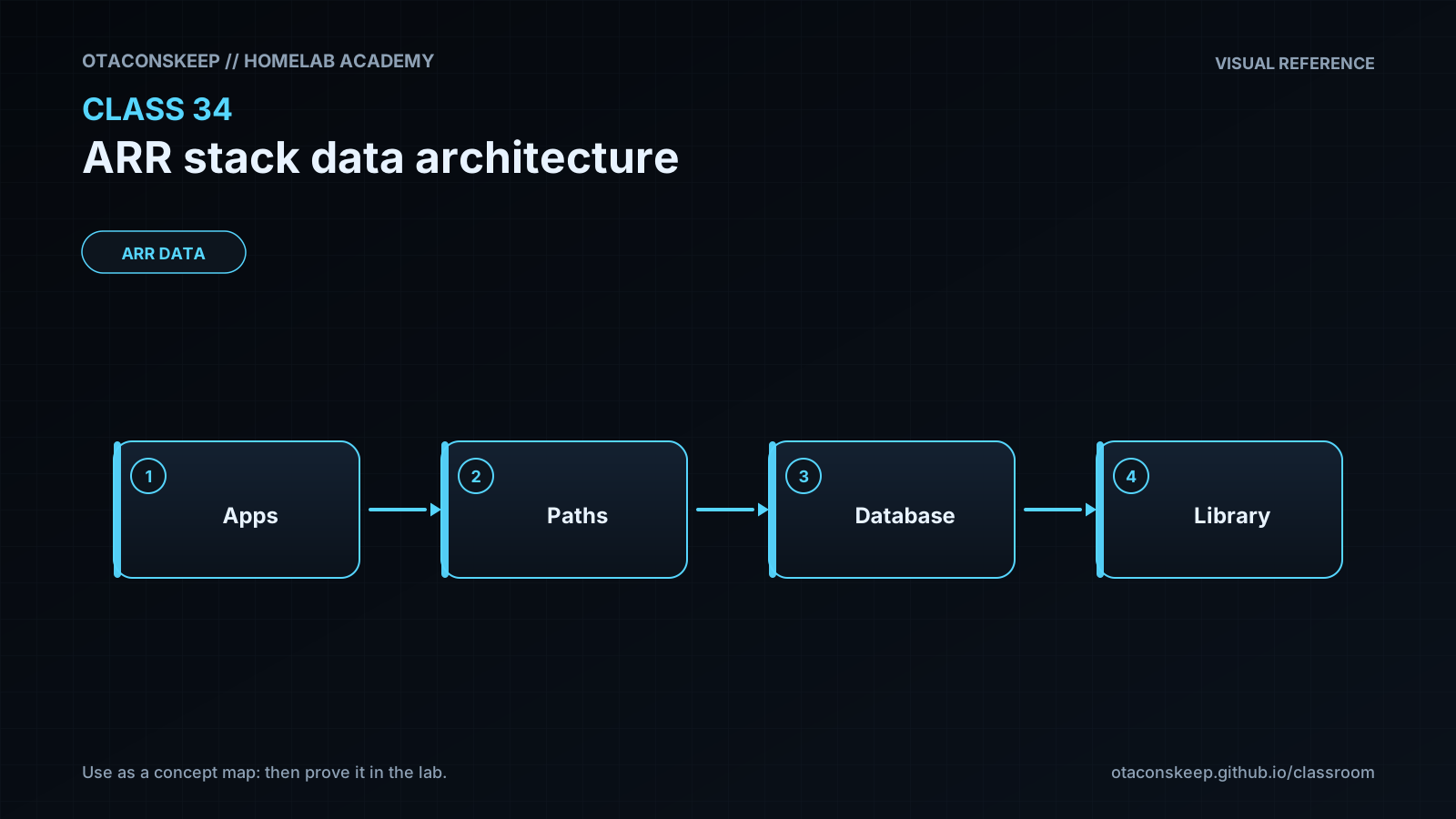
The central design rule is that applications participating in an import should describe shared files with one consistent namespace. In the /data model, download clients write beneath /data/torrents or /data/usenet, while Sonarr and Radarr organize completed media beneath /data/media. A typical layout is /data/torrents/tv, /data/torrents/movies, /data/usenet/complete/tv, /data/usenet/complete/movies, /data/media/tv, and /data/media/movies. The application configuration directories are not placed inside this tree; each service instead receives a separate configuration location because databases and settings have different backup, access, and lifecycle requirements from large media files.
Consistency is more important than inventing a unique path for every container. If a download client reports /data/torrents/tv/Episode.mkv, Sonarr should be able to inspect that exact path. Mounting the host download directory as /downloads in one container and as /data/torrents in another creates a translation problem. It also encourages separate container mount points that can prevent efficient imports. A unified /data bind mount gives the participating applications a shared view. The applications may receive read-only or narrower access where their role permits it, but an importer must be able to read the completed download and write into its library destination.
Hardlinks are especially useful for torrents. A torrent client must retain its original path while seeding, but the media server expects a clean library path and filename. A hardlink allows both names to reference one inode, so deleting one name does not remove the data while another link remains. Hardlinks require source and destination to be on the same filesystem and cannot be created across filesystem boundaries. They also require suitable permissions on the source and destination directories. The inode number and device number reported by stat can prove whether two paths are hardlinks. A link count of two or greater shows that the inode has multiple names.
Atomic moves provide another benefit of a unified filesystem. When an application renames a completed file within one filesystem, the operation can update directory metadata rather than copying the file and then deleting the original. If source and destination are on different filesystems, the workflow becomes a copy followed by deletion and is no longer an atomic rename. Usenet workflows commonly move completed files because continued seeding is not required, while torrent workflows commonly preserve the download and create a hardlink into the library.
Path design does not replace identity and permission design. Sonarr, Radarr, and download clients should use compatible user and group identities, and shared directories should be group-writable where collaboration is required. Broad access is not a substitute for understanding ownership. Categories must also agree: a Sonarr category such as tv should correspond to the download client's /data/torrents/tv or /data/usenet/complete/tv location, while Radarr should use movies. Remote path mappings should be reserved for genuinely remote or legacy path differences; they should not be used to conceal a poor local container mount design. Before deployment, document the host path, container path, writer, reader, ownership expectation, backup policy, and deletion authority for every directory.
Architecture
design_principles
Expose one shared /data namespace to applications that exchange download and media paths.
Keep application configuration outside the bulk /data hierarchy.
Keep downloads and organized libraries as sibling branches of the same data root.
Place hardlink source and destination on the same filesystem.
Use categories to separate television, movie, and music workflows.
Assign deletion authority deliberately; a media server generally does not need to modify downloads.
Use matching service identities or a deliberate shared-group policy.
canonical_tree
/data/torrents/tv
/data/torrents/movies
/data/torrents/music
/data/usenet/incomplete
/data/usenet/complete/tv
/data/usenet/complete/movies
/data/usenet/complete/music
/data/media/tv
/data/media/movies
/data/media/music
service_path_contract
sonarr
shared_data_path
/data
root_folder
/data/media/tv
torrent_category
tv
expected_torrent_path
/data/torrents/tv
expected_usenet_path
/data/usenet/complete/tv
radarr
shared_data_path
/data
root_folder
/data/media/movies
torrent_category
movies
expected_torrent_path
/data/torrents/movies
expected_usenet_path
/data/usenet/complete/movies
torrent_client
shared_data_path
/data
tv_destination
/data/torrents/tv
movie_destination
/data/torrents/movies
retention_reason
Original download names and locations remain available for seeding.
usenet_client
shared_data_path
/data
incomplete_destination
/data/usenet/incomplete
tv_destination
/data/usenet/complete/tv
movie_destination
/data/usenet/complete/movies
media_server
library_paths
/data/media/tv
/data/media/movies
/data/media/music
recommended_access
Read-only access is preferred unless the server must intentionally write metadata, subtitles, or optimized versions beside media.
host_mapping_example
host_bulk_data
/srv/storage/data
container_bulk_data
/data
sonarr_config
/srv/appdata/sonarr
radarr_config
/srv/appdata/radarr
principle
The host locations are examples for architecture discussion only. This class lab does not create or modify them.
data_flow
A download request is sent to a client with the tv or movies category.
The client writes beneath the corresponding /data download branch.
The automation application receives the completed path using the same /data namespace.
The automation application validates, renames, and imports the file into its /data/media root folder.
A torrent import may retain the source name through a hardlink; a Usenet import may use a same-filesystem move.
The media server scans the organized library branch rather than the download branch.
Required reading
- Docker documentation, Bind mounts: https://docs.docker.com/engine/storage/bind-mounts/
- Sonarr Wiki, Docker Guide: https://wiki.servarr.com/docker-guide
- Radarr Wiki, Docker Guide: https://wiki.servarr.com/docker-guide
- TRaSH Guides, Hardlinks and Instant Moves: https://trash-guides.info/File-and-Folder-Structure/Hardlinks-and-Instant-Moves/
- GNU Coreutils manual, stat invocation: https://www.gnu.org/software/coreutils/manual/html_node/stat-invocation.html
References
- Docker Docs, Bind mounts: https://docs.docker.com/engine/storage/bind-mounts/
- Docker Docs, Storage overview: https://docs.docker.com/engine/storage/
- Servarr Wiki, Docker Guide: https://wiki.servarr.com/docker-guide
- Sonarr Wiki: https://wiki.servarr.com/sonarr
- Radarr Wiki: https://wiki.servarr.com/radarr
- TRaSH Guides, File and Folder Structure: https://trash-guides.info/File-and-Folder-Structure/
- TRaSH Guides, Hardlinks and Instant Moves: https://trash-guides.info/File-and-Folder-Structure/Hardlinks-and-Instant-Moves/
- GNU Coreutils manual, ln invocation: https://www.gnu.org/software/coreutils/manual/html_node/ln-invocation.html
- GNU Coreutils manual, stat invocation: https://www.gnu.org/software/coreutils/manual/html_node/stat-invocation.html
- Linux man-pages, link(2): https://man7.org/linux/man-pages/man2/link.2.html
- Linux man-pages, rename(2): https://man7.org/linux/man-pages/man2/rename.2.html