Overview
Module: Sonarr & Radarr
Activity type: Lesson (Orient → Recall → Learn → Explain → Reflect)
Learning objective: Explain Sonarr's role in a media automation architecture.
Bloom level: Understand / Apply
Last reviewed: 2025-03-08
Learning objective
Explain Sonarr's role in a media automation architecture.
Why this matters
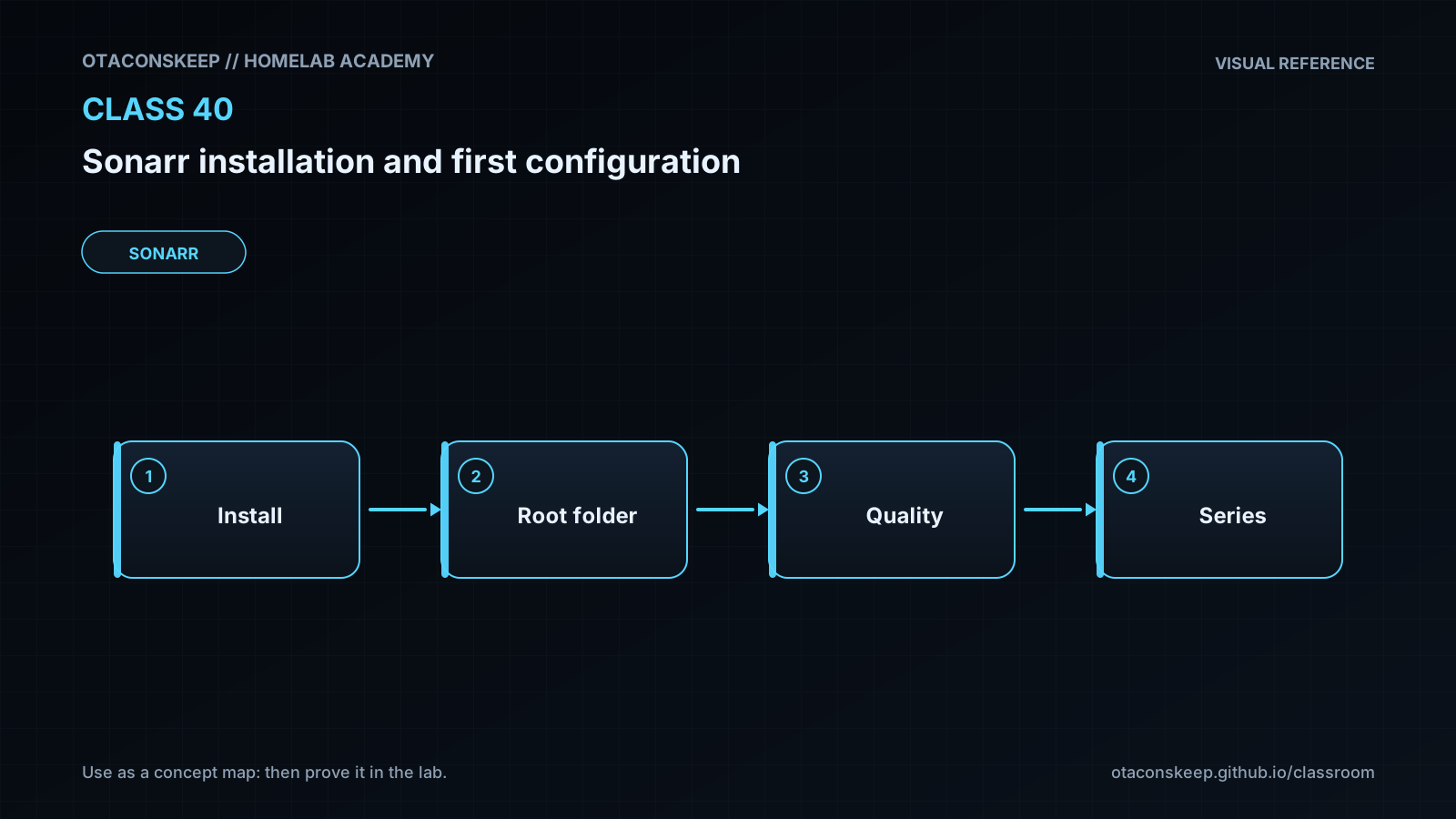
Install Sonarr as a self-contained laboratory application, start it with data stored entirely under the class workspace, complete its initial web configuration, and understand the boundaries between Sonarr, download clients, media storage, and media servers.
Learn
Complete the module reading first:
Feynman teach-back: required
Explain Sonarr to a new administrator without using product jargon: Sonarr maintains a list of television episodes you want, asks search sources what releases exist, applies rules to select an acceptable release, instructs another program to transfer it, and organizes the completed file into a library. Then explain why the download location and library location are different, why Sonarr must be able to see both paths, and why binding the initial interface to 127.0.0.1 reduces risk. If you cannot clearly identify which component searches, downloads, imports, and plays the media, revisit the architecture section.
Answers save in this browser (localStorage). Completing all five fields is part of the mastery unlock.
Reflection
- What did I learn?
- What did I struggle with?
- How does this connect to earlier classes?