Overview
Module: Sonarr & Radarr
Activity type: Reading (Learn)
Objective: Explain Sonarr's role in a media automation architecture.
Vocabulary
| Term | Meaning |
|---|---|
| Sonarr | An application that monitors television series, evaluates releases, sends selected releases to a download client, and imports completed files into an organized library. |
| Root folder | The top-level library directory under which Sonarr creates and manages series folders. |
| Download client | A separate application that performs the actual transfer of content after Sonarr submits a release. |
| Indexer | A release-search source queried by Sonarr directly or through an indexer-management application. |
| Import | The operation in which Sonarr recognizes a completed file and copies, moves, or hard-links it into the organized library. |
| Quality profile | A policy defining acceptable qualities, upgrade behavior, and the quality at which Sonarr should stop searching for improvements. |
| Application data directory | The directory containing Sonarr's database, configuration, logs, backup data, and other persistent state. |
| Bind address | The local network address on which an application accepts connections. |
| Loopback | A host-local network interface, normally represented by 127.0.0.1, that is not directly reachable from another machine. |
Instruction
Sonarr is an automation coordinator rather than a downloader or media player. It tracks desired television series, searches configured indexers, applies quality and release rules, submits an approved release to a separate download client, observes completion, and then imports the resulting file into a structured library. A media server such as Jellyfin, Plex, or Emby may scan that final library, but it is not part of Sonarr itself. Keeping these responsibilities separate makes troubleshooting much easier: search failures involve indexers, transfer failures involve the download client, import failures commonly involve paths or permissions, and playback failures generally belong to the media server.
This class uses a portable installation instead of a package manager, container engine, or system service. The application binary, persistent data, temporary extraction data, logs, sample library, and process identifier all remain under /opt/lab-classroom/class40/. This design satisfies the class mutation boundary and makes rollback straightforward. It is not a recommendation that every production installation use a manually started process. A production deployment should use a supervised service or container, a dedicated identity, durable storage, regular backups, and a deliberate upgrade policy.
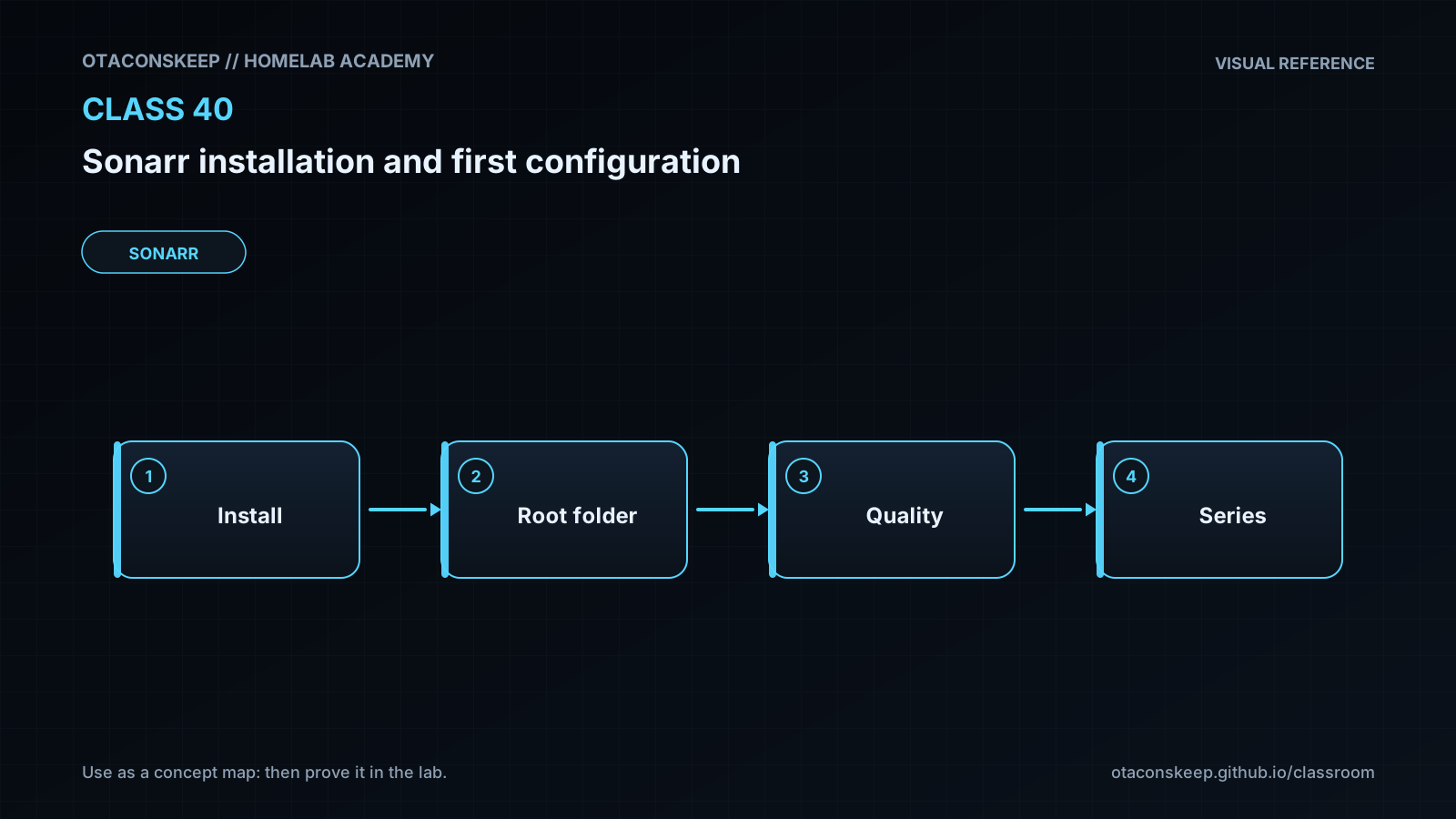
The initial configuration binds Sonarr to 127.0.0.1 on TCP port 8989. Loopback binding is an important safety control because an unconfigured administrative interface should not be exposed to the local network. During onboarding, create authentication values known only to the administrator and store them using an appropriate private credential-management workflow. Do not place them in shell history, lesson notes, screenshots, or source control. After onboarding, the laboratory adds /opt/lab-classroom/class40/media/tv as a root folder. That root is the organized destination library; it is not where an external download client should place incomplete transfers.
Path consistency is essential when Sonarr and a download client run in different environments. A completed file path reported by the client must be meaningful to Sonarr. Containers often require matching volume mappings or a carefully designed remote path mapping. Permissions must also permit Sonarr to traverse source directories and create, rename, or link files in the destination. Grant only the access needed rather than making the entire filesystem broadly writable. This lab does not configure a real indexer or download client, so related health notices may remain until those integrations are intentionally added.
Architecture
The laboratory flow is: browser on the local host -> Sonarr web interface at 127.0.0.1:8989 -> Sonarr application process -> persistent application data under /opt/lab-classroom/class40/data and television library under /opt/lab-classroom/class40/media/tv. In a complete deployment, Sonarr also communicates outbound with indexers and a download client. The download client writes completed data to a path Sonarr can access, Sonarr imports that data into the root folder, and a separate media server scans the organized library. This lab intentionally omits those external integrations.
Required reading
- Sonarr documentation home: https://wiki.servarr.com/sonarr
- Sonarr installation documentation: https://wiki.servarr.com/sonarr/installation
- Sonarr quick-start guide: https://wiki.servarr.com/sonarr/quick-start-guide
- Servarr Docker guide for comparison with this portable laboratory installation: https://wiki.servarr.com/docker-guide
References
- Sonarr documentation: https://wiki.servarr.com/sonarr
- Sonarr installation guide: https://wiki.servarr.com/sonarr/installation
- Sonarr quick-start guide: https://wiki.servarr.com/sonarr/quick-start-guide
- Sonarr settings documentation: https://wiki.servarr.com/sonarr/settings
- Servarr Docker guide: https://wiki.servarr.com/docker-guide
- Sonarr official website: https://sonarr.tv/