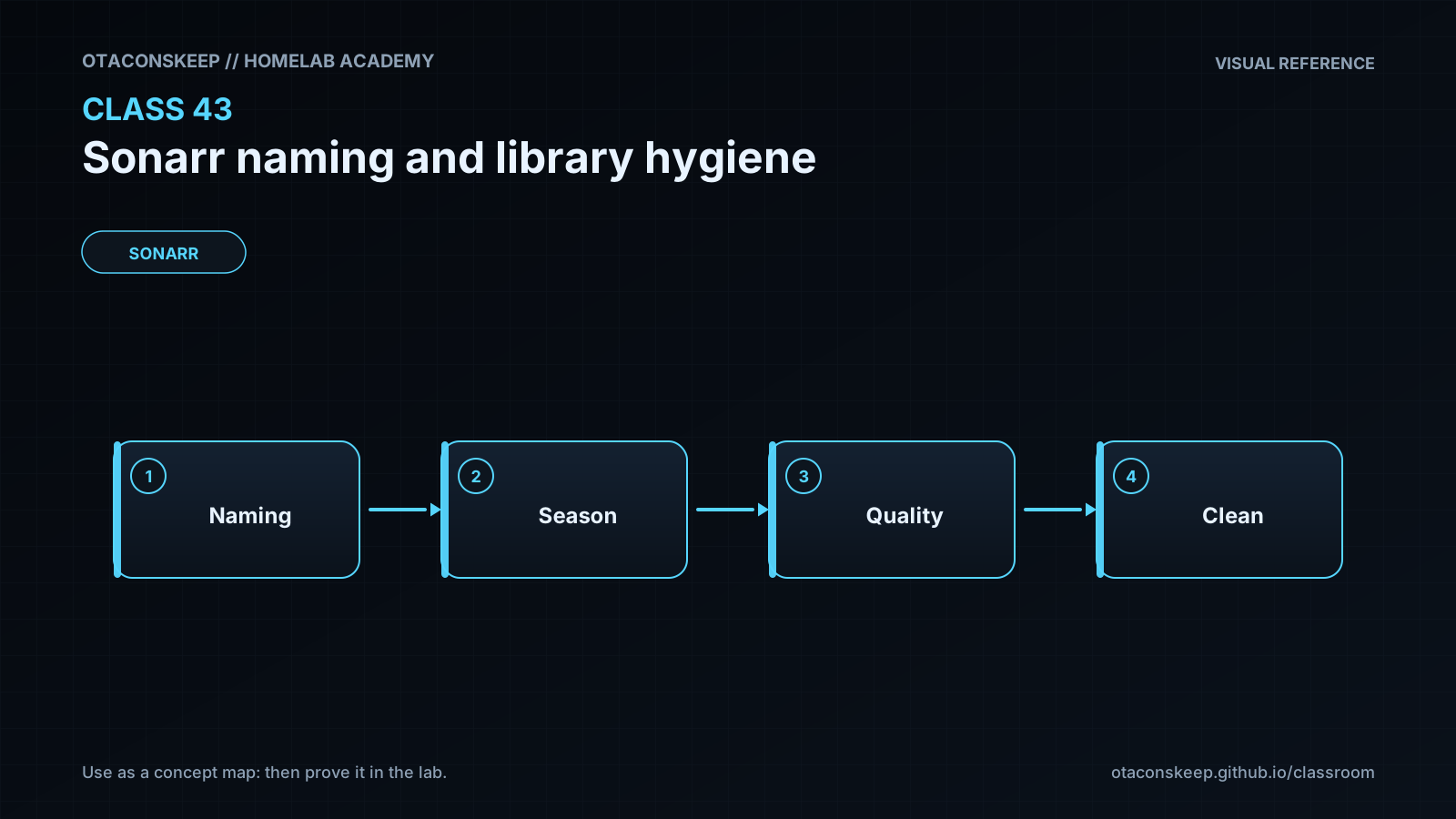
Overview
Module: Sonarr & Radarr
Activity type: Lab (Practice)
Lab risk: low
Objective: Explain how Sonarr turns parsed release information into season folders and episode filenames.
Before you start
- Basic familiarity with Sonarr series, episodes, root folders, and download clients.
- Ability to run shell commands and read file paths.
- Understanding that the download directory and the final media library serve different purposes.
- Permission to create and modify files only under /opt/lab-classroom/class43/ for this lab.
- Recommended completion of earlier lessons covering filesystem permissions, containers, and media automation.
Guided lab
scope
Create a simulated download area and managed library entirely under /opt/lab-classroom/class43/, audit intentionally inconsistent filenames, and generate a proposed rename report without changing any production media.
safety_constraints
Do not substitute a production library path for the classroom path.
Do not point Sonarr or a media server at the fixtures.
All created and modified files remain under /opt/lab-classroom/class43/.
The exercise previews normalized names but does not overwrite source fixtures.
steps
step
1
instruction
Create isolated download and library directories.
command
mkdir -p /opt/lab-classroom/class43/downloads/Example.Show.2024.S01 /opt/lab-classroom/class43/library/'Example Show (2024)'/'Season 01' /opt/lab-classroom/class43/reports
step
2
instruction
Create harmless fixture files representing a release, one well-named library episode, and several hygiene problems.
command
printf 'fixture: source episode 1\n' > /opt/lab-classroom/class43/downloads/Example.Show.2024.S01/Example.Show.2024.S01E01.1080p.WEB-DL-GROUP.mkv
printf 'fixture: clean episode 1\n' > "/opt/lab-classroom/class43/library/Example Show (2024)/Season 01/Example Show (2024) - S01E01 - Arrival [1080p WEB-DL] - GROUP.mkv"
printf 'fixture: ambiguous episode 2\n' > "/opt/lab-classroom/class43/library/Example Show (2024)/Season 01/episode2.mkv"
printf 'fixture: duplicate identity\n' > "/opt/lab-classroom/class43/library/Example Show (2024)/Season 01/Example.Show.S01E01-copy.mkv"
printf 'fixture: sample\n' > "/opt/lab-classroom/class43/library/Example Show (2024)/Season 01/sample.mkv"
printf 'fixture: subtitle\n' > "/opt/lab-classroom/class43/library/Example Show (2024)/Season 01/Example Show (2024) - S01E01 - Arrival.en.srt"
step
3
instruction
Capture a sorted inventory of the isolated fixture tree.
command
find /opt/lab-classroom/class43 -type f -printf '%P\n' | sort > /opt/lab-classroom/class43/reports/inventory.txt
step
4
instruction
Create an audit script that classifies video filenames by episode-token visibility, sample naming, and duplicate season/episode identity.
command
cat > /opt/lab-classroom/class43/audit.py <<'PY'
from pathlib import Path
import re
from collections import defaultdict
root = Path('/opt/lab-classroom/class43/library')
report = Path('/opt/lab-classroom/class43/reports/audit.txt')
video_exts = {'.mkv', '.mp4', '.avi', '.m4v'}
episode_pattern = re.compile(r'(?i)S(\d{2})E(\d{2})')
identities = defaultdict(list)
lines = []
for path in sorted(p for p in root.rglob('*') if p.is_file() and p.suffix.lower() in video_exts):
rel = path.relative_to(root)
match = episode_pattern.search(path.name)
flags = []
if 'sample' in path.stem.lower():
flags.append('SAMPLE_NAME')
if not match:
flags.append('NO_STANDARD_EPISODE_TOKEN')
else:
identity = f'S{match.group(1)}E{match.group(2)}'
identities[identity].append(str(rel))
if not flags:
flags.append('TOKEN_VISIBLE')
lines.append(f'{rel} | {",".join(flags)}')
for identity, paths in sorted(identities.items()):
if len(paths) > 1:
lines.append(f'DUPLICATE_IDENTITY {identity} | ' + ' ; '.join(paths))
report.write_text('\n'.join(lines) + '\n', encoding='utf-8')
PY
python3 /opt/lab-classroom/class43/audit.py
step
5
instruction
Create a proposed rename plan for the ambiguous episode without changing it.
command
printf '%s\n' 'CURRENT: Example Show (2024)/Season 01/episode2.mkv' 'PROPOSED: Example Show (2024)/Season 01/Example Show (2024) - S01E02 - Second Signal [Unknown Quality] - Unknown Group.mkv' 'REVIEW: Confirm episode mapping, quality, and release group in Sonarr before renaming.' > /opt/lab-classroom/class43/reports/rename-preview.txt
step
6
instruction
Review the inventory, audit findings, and proposed rename plan.
command
cat /opt/lab-classroom/class43/reports/inventory.txt /opt/lab-classroom/class43/reports/audit.txt /opt/lab-classroom/class43/reports/rename-preview.txt
step
7
instruction
Relate the simulation to Sonarr without changing Sonarr: inspect Media Management naming settings, note the active series, season, and episode templates, and compare Sonarr's example output with the policy used in this lesson.
command
printf '%s\n' 'Manual review completed only after inspecting Sonarr naming previews; no production setting was changed by this lab.' > /opt/lab-classroom/class43/reports/operator-note.txt
Expected results
- The inventory lists one source fixture under downloads, four video fixtures under the simulated library, one subtitle fixture, and generated report files as the exercise progresses.
- The audit marks the conventionally named S01E01 file as TOKEN_VISIBLE.
- The audit marks episode2.mkv and sample.mkv as NO_STANDARD_EPISODE_TOKEN.
- The audit additionally marks sample.mkv as SAMPLE_NAME.
- The audit reports a DUPLICATE_IDENTITY finding for S01E01 because two library filenames expose that identity.
- The rename preview proposes an explicit S01E02 destination but labels quality and release group as unknown rather than inventing metadata.
- No production Sonarr configuration, download directory, or media library is modified.
Verification
- [ ] Run: test -f /opt/lab-classroom/class43/reports/audit.txt && echo PASS
- [ ] Run: grep -F 'DUPLICATE_IDENTITY S01E01' /opt/lab-classroom/class43/reports/audit.txt
- [ ] Run: grep -F 'episode2.mkv | NO_STANDARD_EPISODE_TOKEN' /opt/lab-classroom/class43/reports/audit.txt
- [ ] Run: grep -F 'sample.mkv | SAMPLE_NAME,NO_STANDARD_EPISODE_TOKEN' /opt/lab-classroom/class43/reports/audit.txt
- [ ] Run: grep -F 'PROPOSED: Example Show (2024)/Season 01/Example Show (2024) - S01E02' /opt/lab-classroom/class43/reports/rename-preview.txt
- [ ] Run: find /opt/lab-classroom/class43 -type f -printf '%P\n' | sort and confirm every displayed path remains inside the classroom directory.
- [ ] In Sonarr, inspect Settings, Media Management, Episode Naming and confirm that the filename preview visibly identifies the series and episode before considering any production change.
Break/fix
| Symptom | Likely cause | Fix |
|---|---|---|
| The audit script reports that python3 is unavailable. | The classroom host does not have a Python 3 interpreter installed or it is not available in the current command path. | Run the lab on a compatible host with Python 3.9 or newer. Do not install packages as part of this exercise unless your separate change-control process authorizes it. |
| Creating the classroom directories returns a permission-denied error. | The current account cannot write beneath /opt/lab-classroom/. | Have the lab administrator pre-create /opt/lab-classroom/class43/ with suitable ownership. Do not broaden permissions on unrelated directories. |
| The duplicate finding does not appear. | One fixture was not created, its filename changed, or the audit script was copied incorrectly. | Inspect the sorted inventory, confirm that both S01E01 video filenames exist, then compare audit.py with the lesson and rerun it. |
| Sonarr imports by copying even though hardlinks are enabled. | The source and destination are on different filesystems, the container paths resolve to separate mounts, permissions prevent link creation, or the download is not eligible for hardlink handling. | Compare filesystem and mount identity for the source and destination, inspect Sonarr's import log, and verify compatible ownership and access. Do not infer hardlink behavior only from path names. |
| Sonarr reports that a download path does not exist. | The path reported by the download client is not visible at the same path inside Sonarr, or an appropriate remote path mapping is absent. | Document the host and container path mappings for both applications. Correct the shared volume layout or add a narrowly scoped remote path mapping when the clients genuinely use different path views. |
| A renamed file appears missing in Sonarr. | The file was renamed outside Sonarr, Sonarr still has the prior path recorded, or the new filename no longer maps cleanly to the episode. | Restore the known prior name if safe, run Refresh and Scan for the affected series, inspect manual import matching, and use Sonarr's Organize and Rename preview for future changes. |
| A media server shows duplicate episodes after import. | Both staging and library paths are being scanned, duplicate files exist, or the media server has stale metadata. | Ensure the media server scans only the managed library, resolve duplicate files through Sonarr after reviewing history, and then refresh the media server library. |
Security
principles
Grant Sonarr only the access required to read completed downloads and manage its designated library roots.
Do not expose incomplete-download directories to media-server scanners or untrusted users.
Use consistent service identities or shared groups rather than globally writable media directories.
Treat filenames as untrusted input because release names can contain awkward characters and should never be interpolated unsafely into shell commands.
Back up Sonarr's database and configuration before changing production naming policy or performing a large rename.
Review path mappings carefully so a container cannot unexpectedly reach unrelated host data.
Do not publish real library inventories without review because filenames may reveal viewing habits, account names, mount layouts, or unreleased content.
production_change_gate
Capture the current naming templates.
Confirm a recent Sonarr configuration and database backup.
Preview proposed names in Sonarr.
Test one noncritical series.
Check subtitle and sidecar handling.
Verify media-server visibility after the change.
Record the approved naming policy and date.
Rollback
lab_cleanup
Remove only the classroom exercise contents with a bounded Python cleanup, then recreate the empty class directory if the course runner expects it to remain.
lab_cleanup_command
python3 - <<'PY'
from pathlib import Path
import shutil
root = Path('/opt/lab-classroom/class43')
if root.exists() and root.resolve() == Path('/opt/lab-classroom/class43'):
for child in root.iterdir():
if child.is_dir() and not child.is_symlink():
shutil.rmtree(child)
else:
child.unlink()
PY
production_guidance
Do not use the classroom cleanup procedure on a production path.
If a production naming change was only saved but no rename ran, restore the previously recorded templates.
If Sonarr renamed files, use Sonarr's own preview and rename workflow to restore the prior policy where possible.
If mappings are uncertain, stop automated changes, compare Sonarr history with backups, and restore only after episode identity is confirmed.
After restoring names, run Refresh and Scan for affected series and verify the media server's entries.