Overview
Module: Sonarr & Radarr
Activity type: Lesson (Orient → Recall → Learn → Explain → Reflect)
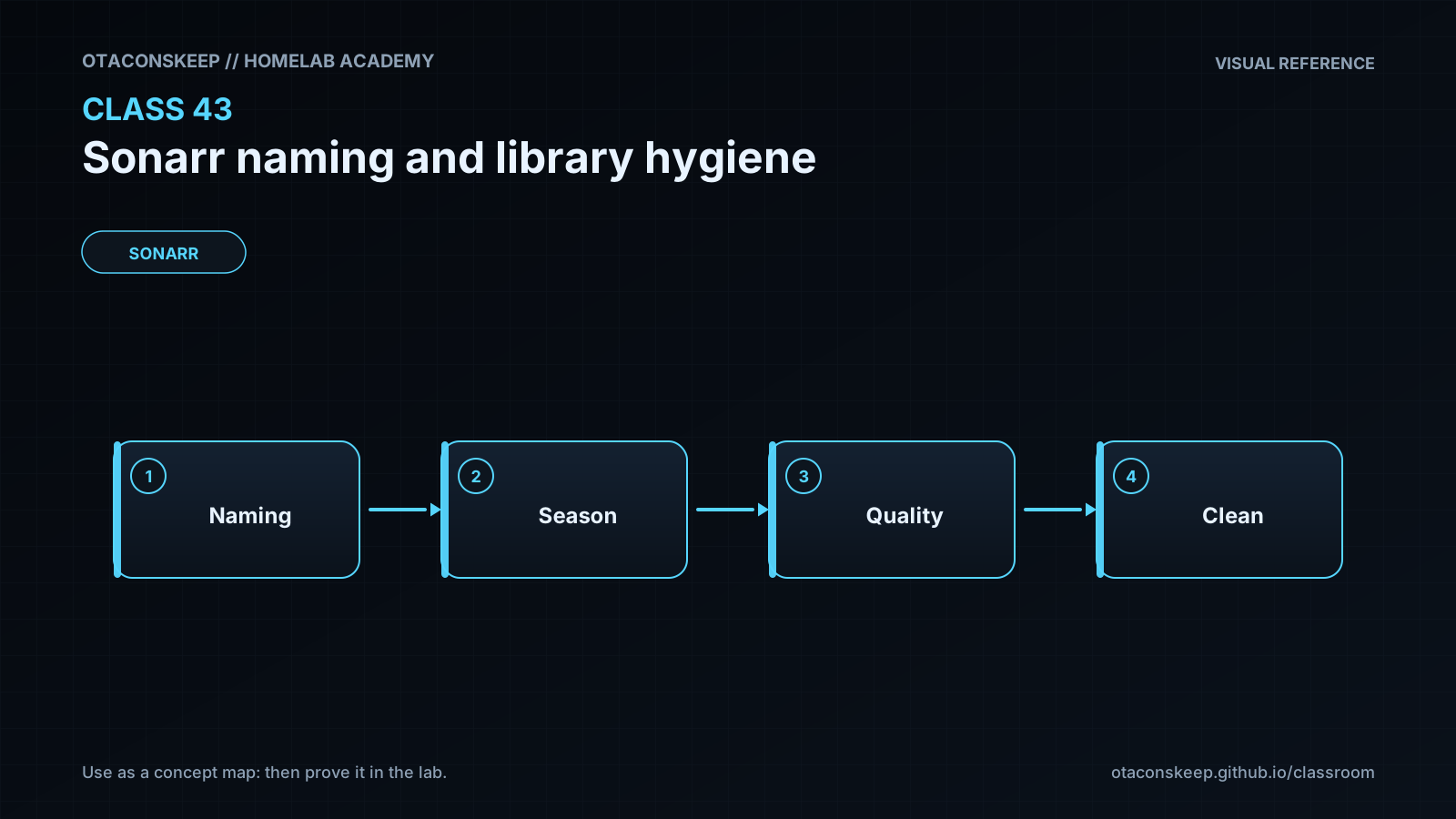
Learning objective: Explain how Sonarr turns parsed release information into season folders and episode filenames.
Bloom level: Understand / Apply
Last reviewed: 2025-03-08
Learning objective
Explain how Sonarr turns parsed release information into season folders and episode filenames.
Why this matters
Teach operators how to design predictable Sonarr naming rules, preserve useful release metadata, separate download staging from the managed library, and detect library hygiene problems before they cause failed upgrades, duplicate episodes, or difficult recovery.
Learn
Complete the module reading first:
Feynman teach-back: required
prompt
Explain Sonarr library hygiene to someone who thinks filenames do not matter because the media server already has a database.
model_explanation
The database is like a catalog, while the files are the items on the shelves. If every item has a clear label, you can rebuild the catalog, identify duplicates, and recover after moving to a new system. Sonarr receives a downloaded file, decides which episode it represents, and places it on the correct shelf using a naming rule. The download shelf and permanent library shelf should remain separate. A hardlink can put the same data on both shelves without storing two full copies, but only when both paths use the same filesystem. Renaming through Sonarr keeps the catalog and shelf labels synchronized. Clear names do not replace backups or episode matching, but they make mistakes visible and recovery much safer.
Answers save in this browser (localStorage). Completing all five fields is part of the mastery unlock.
Reflection
- What did I learn?
- What did I struggle with?
- How does this connect to earlier classes?