Overview
Module: Sonarr & Radarr
Activity type: Reading (Learn)
Objective: Explain how Sonarr turns parsed release information into season folders and episode filenames.
Vocabulary
| Term | Meaning |
|---|---|
| Root folder | A top-level directory registered with Sonarr as a destination for managed series folders. A root folder should represent the library, not the download client's incomplete or completed staging directory. |
| Series folder format | The template Sonarr uses to create the directory belonging to a series, commonly including the series title and year to distinguish similarly named shows. |
| Standard episode format | The template used to name ordinary episode files after import. |
| Multi-episode file | One media file that contains more than one episode and therefore needs a filename that identifies every represented episode. |
| Release group | The group identifier parsed from a release name. Preserving it can help troubleshooting, matching, and later quality decisions. |
| Quality token | A naming token that records the quality Sonarr associated with a file, such as a source and resolution classification. |
| Hardlink | A second directory entry pointing to the same filesystem data. A hardlinked download and library file appear as separate paths but do not consume a second full copy of the content. |
| Atomic move | A rename operation completed within one filesystem without copying file contents. Crossing filesystems generally prevents an atomic move. |
| Import | The operation in which Sonarr recognizes a downloaded release and places or links its episode files into the managed library. |
| Library hygiene | The practice of keeping media paths predictable, uniquely identifiable, free from unexplained duplicates, and aligned with Sonarr's database. |
| Rescan | A Sonarr operation that compares the filesystem with the files recorded for a series. |
| Refresh and Scan | A Sonarr action that refreshes series metadata and scans the associated series folder for media files. |
Instruction
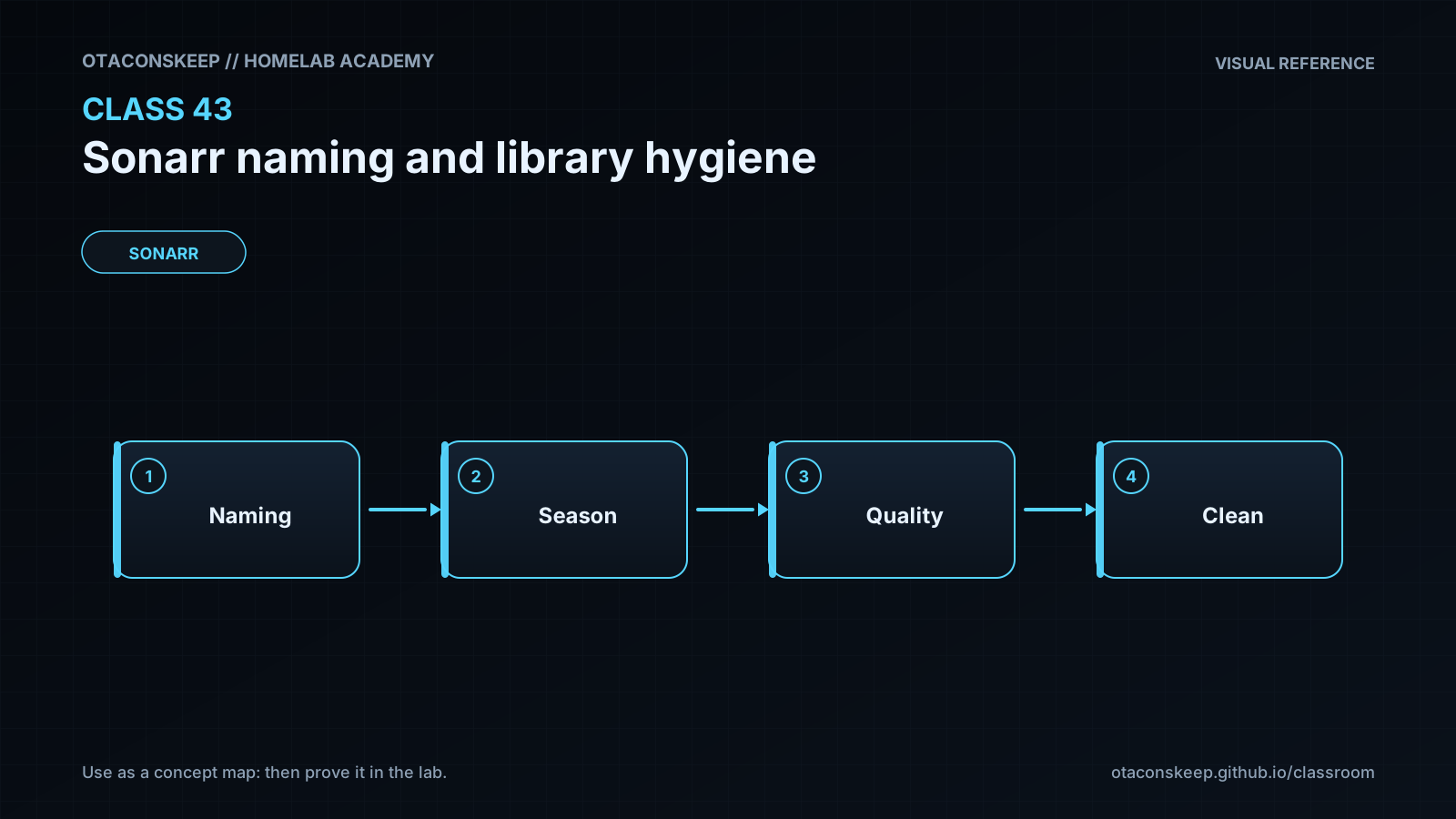
Sonarr is not merely a downloader; it maintains a database that maps a series, season, episode, quality, and release history to files in a managed library. Good naming makes that relationship visible even when the database, application, or backup catalog is unavailable. A durable episode name normally includes a recognizable series title, season and episode numbering, an episode title when available, quality information, and release-group information when Sonarr can parse it. Including the series year in the series folder is especially useful when two productions share a title. The exact template is a policy choice, but consistency is more important than cosmetic preferences.
The download directory and library root must be treated as separate logical roles. A download client owns its active and completed job paths. Sonarr imports from those paths into a root folder that it manages. Pointing both applications at the same undifferentiated directory can leave release folders in the library, expose partial downloads to media servers, and make cleanup unsafe. In a container deployment, the paths visible inside each container may differ from host paths; Sonarr must still be able to resolve the path reported by the download client. Remote path mappings are translation rules for genuinely different path views, not a general repair for poor volume layout.
Import behavior depends on filesystem topology and download state. A completed torrent that must continue seeding is commonly hardlinked into the library when the source and destination are on the same filesystem and hardlinks are enabled. If hardlinking is impossible, import may copy the file, consuming additional storage. A completed non-seeding download can often be moved. Moving within one filesystem can be effectively instantaneous because only directory metadata changes, while moving across filesystems normally becomes a copy followed by source removal. Operators should validate mount points and link counts instead of assuming an import method from how quickly it appeared.
Renaming should be performed through Sonarr when the files belong to a managed series. An external bulk rename can leave Sonarr's stored path stale until a scan, can erase release metadata, and can create collisions. Before any production rename, preview the proposed names, confirm that multi-episode files remain identifiable, check free space and backups, and test one series. Naming tokens cannot recover information that was never parsed, so preserving the original release title in history and retaining release-group and quality tokens are useful safeguards.
Library hygiene also means detecting orphaned season folders, duplicate episode identities, unexpected extensions, samples, files stored directly under a root, and paths that differ only by case. No single filename audit proves that media content is correct; filenames provide evidence, while Sonarr's episode mapping, media analysis, and operator review establish confidence. The lab therefore uses harmless text fixtures to practice classification and previewing without touching a real Sonarr instance or media library.
Architecture
components
Download client staging area
Sonarr parser and episode mapper
Sonarr import process
Managed series root folder
Media server scanner
Backup and audit process
data_flow
The download client writes a release into its staging or completed-download path.
The download client reports completion and a source path to Sonarr.
Sonarr parses the release, matches files to episodes, and chooses an import operation.
Sonarr creates the series and season path according to configured templates.
Sonarr moves, copies, or hardlinks the media file into the managed library.
The media server scans the stable library path rather than the staging path.
Audit and backup processes inspect the managed library and Sonarr configuration.
recommended_boundaries
Keep incomplete downloads outside the media server's library scan scope.
Give Sonarr and the download client compatible access to the completed-download path.
Use one consistent shared filesystem layout when hardlinks are required.
Keep each series under exactly one intended Sonarr root folder.
Coordinate file renames and moves through Sonarr after reviewing its preview.
sample_naming_policy
series_folder
Series Title (Year)
season_folder
Season 01
episode_file
Series Title (Year) - S01E01 - Episode Title [Quality] - ReleaseGroup.ext
policy_note
The displayed names are conceptual examples. In Sonarr, select supported naming tokens from the Media Management interface and use Sonarr's preview because token spelling and rendered values depend on the installed version.
Required reading
- Sonarr Media Management settings: https://wiki.servarr.com/sonarr/settings#media-management
- Sonarr FAQ: https://wiki.servarr.com/sonarr/faq
- TRaSH Guides recommended Sonarr naming scheme: https://trash-guides.info/Sonarr/Sonarr-recommended-naming-scheme/
- TRaSH Guides hardlinks and instant moves: https://trash-guides.info/Hardlinks/Hardlinks-and-Instant-Moves/
References
- Sonarr Media Management settings: https://wiki.servarr.com/sonarr/settings#media-management
- Sonarr FAQ: https://wiki.servarr.com/sonarr/faq
- Sonarr Docker guidance: https://wiki.servarr.com/docker-guide
- TRaSH Guides Sonarr recommended naming scheme: https://trash-guides.info/Sonarr/Sonarr-recommended-naming-scheme/
- TRaSH Guides hardlinks and instant moves: https://trash-guides.info/Hardlinks/Hardlinks-and-Instant-Moves/
- Python pathlib documentation: https://docs.python.org/3/library/pathlib.html
- GNU findutils manual: https://www.gnu.org/software/findutils/manual/html_mono/find.html