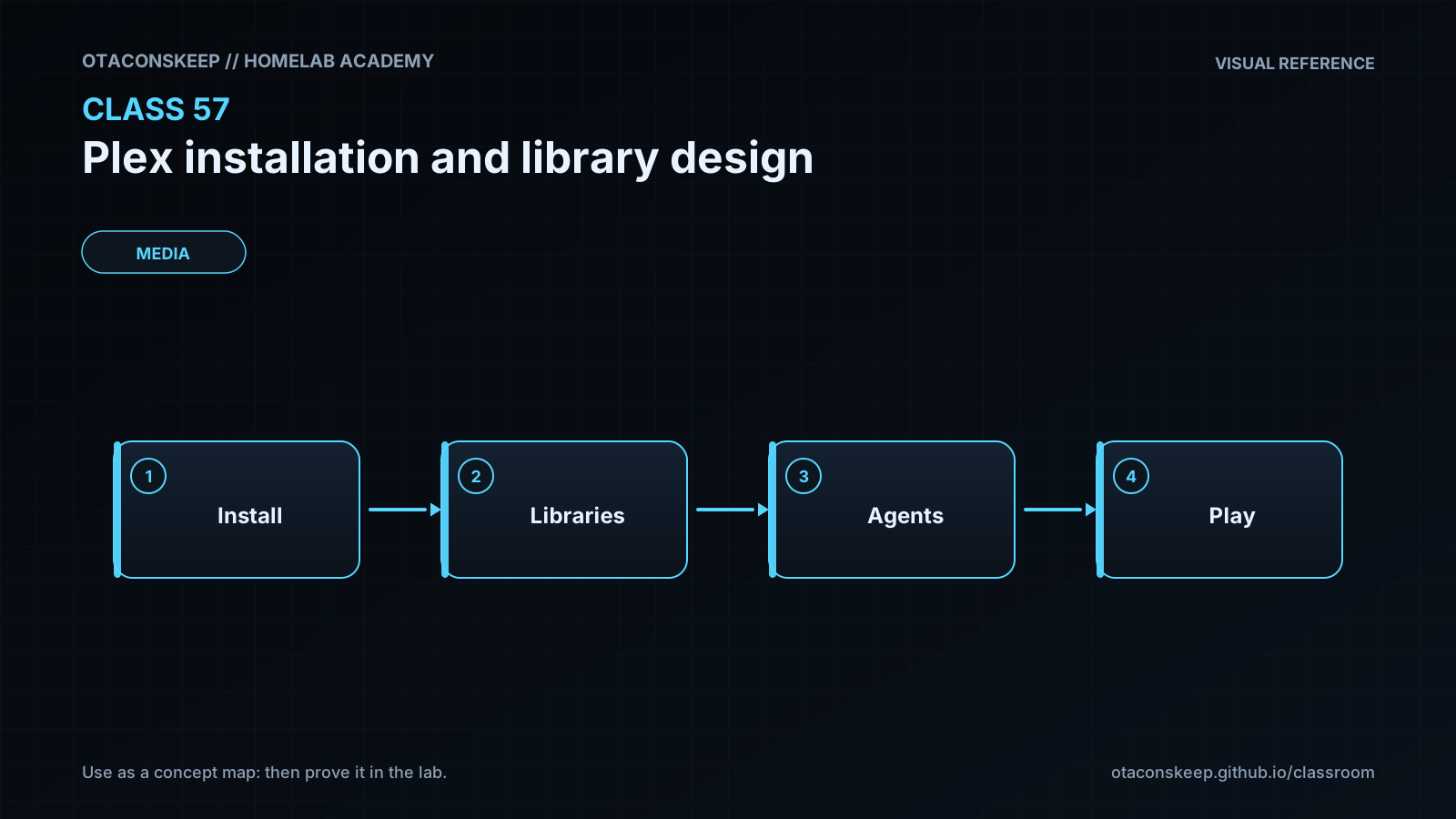
Overview
Module: Requests & Media Servers
Activity type: Lesson (Orient → Recall → Learn → Explain → Reflect)
Learning objective: Explain the roles of Plex configuration, transcode, and media storage.
Bloom level: Understand / Apply
Last reviewed: 2025-03-08
Learning objective
Explain the roles of Plex configuration, transcode, and media storage.
Why this matters
Design a maintainable Plex Media Server deployment, prepare a container-oriented installation bundle, and organize media libraries so Plex can scan them reliably without exposing secrets or granting unnecessary write access. The classroom lab stages configuration only inside /opt/lab-classroom/class57/ and does not start a container or alter the host container runtime.
Learn
Complete the module reading first:
Feynman teach-back: required
prompt
Explain the deployment to a new administrator without using the words container, volume, or permission.
model_explanation
Plex needs one durable workspace for its catalog and settings, one disposable workspace for temporary conversions, and several source shelves containing movies, television, and music. Plex must be able to update its durable and temporary workspaces, but it only needs to read the source shelves. Clear filenames tell the scanner what each item is. Client devices contact Plex on its primary service port, and broader internet access is a separate decision.
self_check
Can you explain why configuration data and transcode data have different backup requirements?
Can you explain why readable media is sufficient for normal scanning and playback?
Can you identify the naming information that distinguishes a television episode from a movie?
Can you explain why numeric identities matter even when account names look correct?
Can you describe why the classroom stages but does not start the service?
Answers save in this browser (localStorage). Completing all five fields is part of the mastery unlock.
Reflection
- What did I learn?
- What did I struggle with?
- How does this connect to earlier classes?