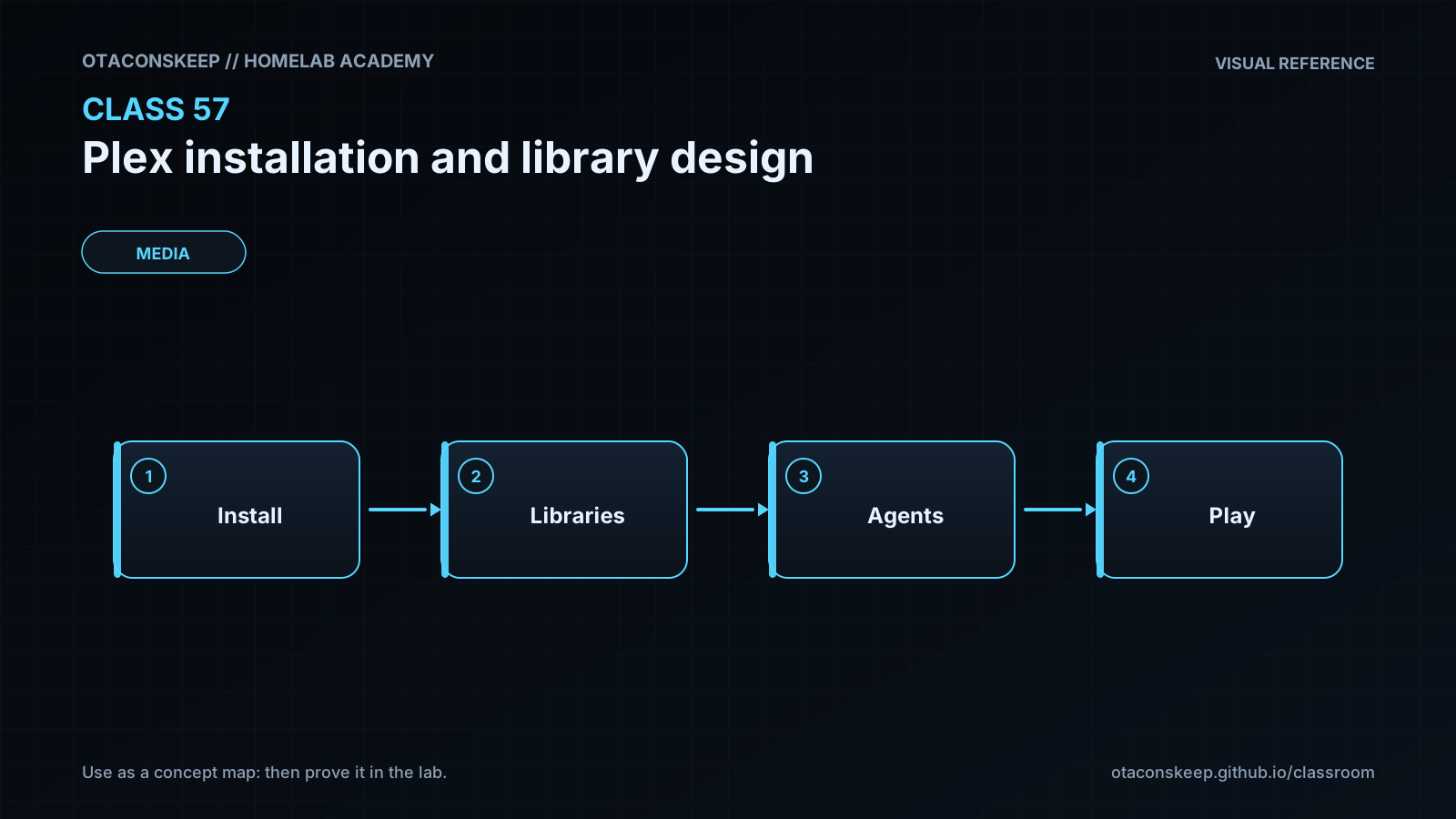
Overview
Module: Requests & Media Servers
Activity type: Reading (Learn)
Objective: Explain the roles of Plex configuration, transcode, and media storage.
Vocabulary
| Term | Meaning |
|---|---|
| Library | A logical Plex collection associated with a media type and one or more filesystem locations, such as Movies mapped to /media/movies. |
| Scanner | The Plex component that examines directory names and filenames to identify media items. |
| Metadata agent | The component that associates scanned media with titles, artwork, descriptions, cast information, and other metadata. |
| Direct Play | Playback in which the client consumes the stored container, codecs, bitrate, and subtitles without server-side conversion. |
| Direct Stream | Playback that repackages compatible audio and video streams into a different container without fully transcoding them. |
| Transcode | Server-side conversion of video, audio, subtitles, bitrate, or resolution to satisfy client or network limitations. |
| Bind mount | A mapping that exposes a specific host path at a specific path inside a container. |
| PUID and PGID | Common environment-variable names used by container images to select the numeric user and group identities under which an application operates. |
| Claim token | A short-lived credential used during some Plex server enrollment workflows; it must be treated as a secret and must not be committed to a manifest. |
| Configuration database | The persistent Plex application state containing library definitions, metadata, preferences, watch state, and related records. |
Instruction
A durable Plex installation begins with storage and identity design, not with starting a container. Plex has three storage classes with different lifecycles. The configuration path is persistent and important because it holds server preferences, databases, metadata, posters, and watch state. It should reside on reliable storage and be backed up while Plex is stopped or while an application-consistent backup method is used. The transcode path is temporary workspace. It must be writable, should have adequate free space, and can usually be recreated after a failure. Media paths contain the source library and should normally be mounted read-only into Plex. Read-only media mounts reduce the consequences of an application defect or compromised service account, although a separate media-management workflow may still require write access elsewhere.
Library organization directly affects matching accuracy. A movie should normally have its own directory, such as Movies/Arrival (2016)/Arrival (2016).mkv. Episodes should follow a season-aware layout such as TV/The Expanse (2015)/Season 01/The Expanse (2015) - S01E01.mkv. Consistent titles, years, seasons, and episode numbers reduce ambiguity. Extras, multi-part media, subtitles, and editions should follow the current Plex naming guidance rather than an improvised convention. Keep unrelated media types in separate roots so a movie scanner is not asked to interpret television episodes or personal recordings.
Container access is governed by numeric identities and directory permissions, not merely by matching account names. Before production deployment, determine the UID and GID used by the container image, confirm that the configuration and transcode paths are writable by that identity, and confirm that media paths are readable but not writable. Avoid making every path universally writable. The staged Compose file uses explicit bind mounts because they make host placement and backup scope visible. It maps only TCP port 32400, which is sufficient for direct web access and many manually configured clients. Automatic discovery and remote access may require additional network design, but those features should be enabled deliberately rather than by publishing every documented port.
The classroom does not run the Compose project because creating containers, networks, image layers, or runtime state would mutate locations outside the permitted lab directory. Instead, it builds an installation bundle, validates its structure, and records the production checks that must precede activation. In production, select a reviewed image tag, protect the configuration directory, keep enrollment credentials outside version control, and verify local playback before considering remote exposure. Hardware transcoding is an optional later enhancement because device passthrough, driver compatibility, Plex account requirements, and platform-specific permissions add complexity that should not be mixed into the initial installation.
Architecture
diagram
Client devices -> TCP 32400 -> Plex container -> /config, /transcode, and read-only /media mounts
components
name
Plex service
role
Indexes libraries, serves the web interface, and streams media to clients.
name
Configuration storage
host_path
/opt/lab-classroom/class57/config
container_path
/config
access
read-write
persistence
persistent and backed up
name
Transcode storage
host_path
/opt/lab-classroom/class57/transcode
container_path
/transcode
access
read-write
persistence
temporary and reproducible
name
Movie library
host_path
/opt/lab-classroom/class57/media/movies
container_path
/media/movies
access
read-only
persistence
source media
name
Television library
host_path
/opt/lab-classroom/class57/media/tv
container_path
/media/tv
access
read-only
persistence
source media
name
Music library
host_path
/opt/lab-classroom/class57/media/music
container_path
/media/music
access
read-only
persistence
source media
design_decisions
Use bridge networking with an explicit TCP 32400 publication rather than unrestricted host networking.
Keep configuration, temporary transcode data, and source media in separate directories.
Mount source media read-only.
Do not store a Plex claim token in the Compose file.
Do not pass graphics devices into the initial deployment.
Do not start the staged project inside the classroom because the runtime would create state outside the allowed lab directory.
Required reading
- Plex Support: Naming and Organizing Your Movie Media Files — https://support.plex.tv/articles/naming-and-organizing-your-movie-media-files/
- Plex Support: Naming and Organizing Your TV Show Files — https://support.plex.tv/articles/naming-and-organizing-your-tv-show-files/
- Plex Support: What Network Ports Do I Need to Allow Through My Firewall? — https://support.plex.tv/articles/200931138-troubleshooting-remote-access/
- Docker documentation: Bind mounts — https://docs.docker.com/engine/storage/bind-mounts/
- Compose Specification — https://compose-spec.io/
References
- Plex Support: Naming and Organizing Your Movie Media Files — https://support.plex.tv/articles/naming-and-organizing-your-movie-media-files/
- Plex Support: Naming and Organizing Your TV Show Files — https://support.plex.tv/articles/naming-and-organizing-your-tv-show-files/
- Plex Support: Adding Music Media From Folders — https://support.plex.tv/articles/200265296-adding-music-media-from-folders/
- Plex Support: Remote Access — https://support.plex.tv/articles/200289506-remote-access/
- Plex Support: Troubleshooting Remote Access — https://support.plex.tv/articles/200931138-troubleshooting-remote-access/
- Plex Docker image repository — https://github.com/plexinc/pms-docker
- Docker documentation: Bind mounts — https://docs.docker.com/engine/storage/bind-mounts/
- Docker documentation: Compose file reference — https://docs.docker.com/reference/compose-file/
- Compose Specification — https://compose-spec.io/