Overview
Module: Network Operations
Activity type: Lesson (Orient → Recall → Learn → Explain → Reflect)
Learning objective: Explain the difference between a package repository, package metadata, dependency resolver, transaction engine, installed-package database, and running services.
Bloom level: Understand / Apply
Last reviewed: 2025-02-20
Learning objective
Explain the difference between a package repository, package metadata, dependency resolver, transaction engine, installed-package database, and running services.
Why this matters
Teach administrators how Linux package managers establish trust, resolve dependencies, preview transactions, identify risky changes, create a maintenance plan, and preserve auditable evidence before any real system update is approved.
Learn
Complete the module reading first:
Feynman teach-back: required
prompt
Explain safe package updating to a new homelab operator without using the words easy, just, or automatic.
model_explanation
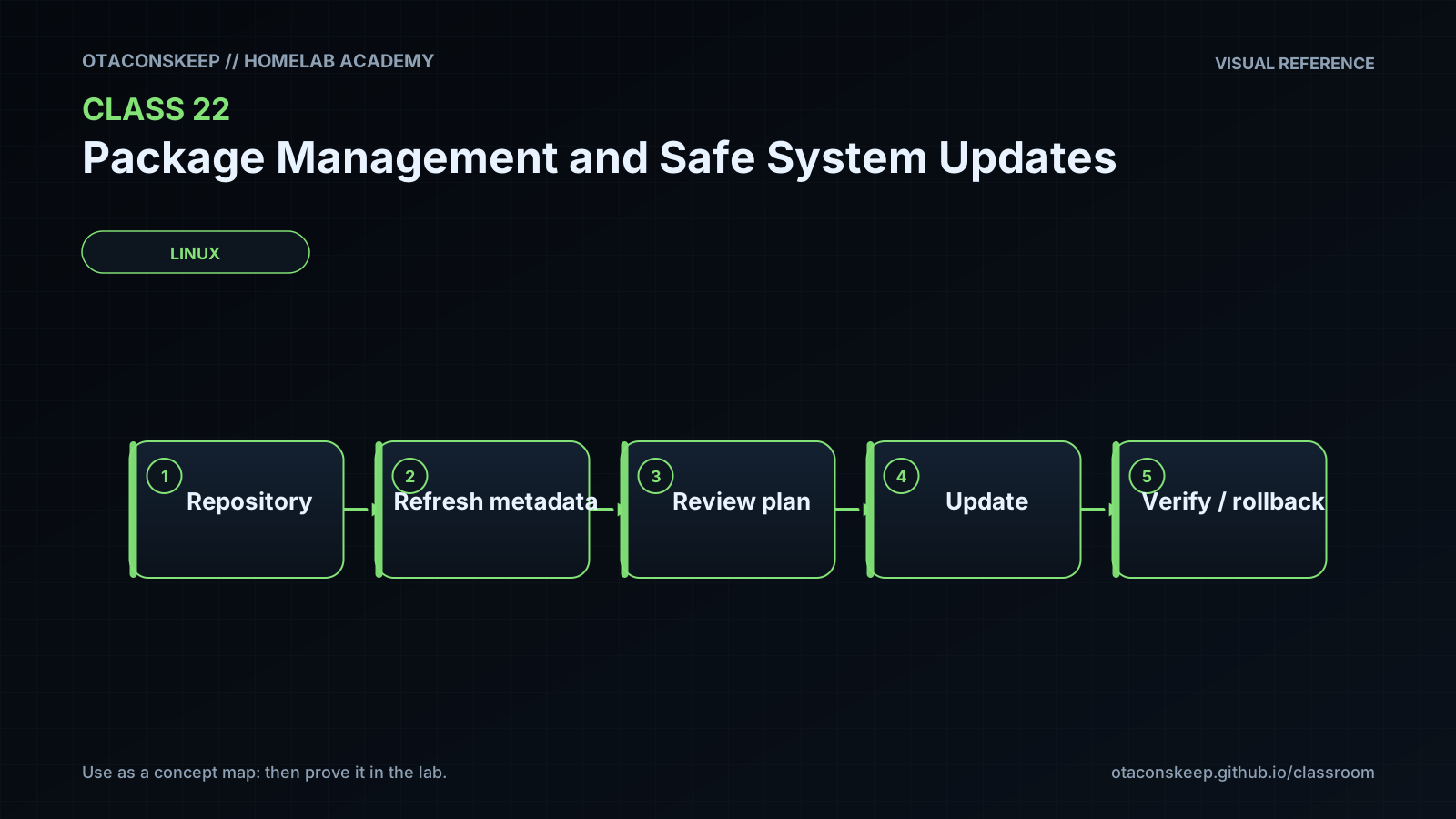
A package manager is like a planner and a construction crew. Repository metadata is the catalog, signatures help confirm who published the catalog, and the installed-package database records what is already in the building. The resolver creates a proposed work order. A conservative APT upgrade avoids a plan that must remove installed packages, while a full or dist-upgrade resolver may allow removals or additions to solve dependencies. A simulation lets us inspect that work order without authorizing construction. We save its errors and status because a locked door is not the same as an empty work order. Before real work, we identify affected services, prepare tests, verify recovery, and decide when to stop. A package manager can install software, but it cannot promise that an application remains healthy or that every change can be reversed.
self_check_questions
Can you explain why a valid signature does not guarantee application compatibility?
Can you explain why a lock error must not be interpreted as zero available updates?
Can you explain why APT upgrade and dist-upgrade may produce different plans?
Can you describe a recovery method that does not depend on package downgrade?
Answers save in this browser (localStorage). Completing all five fields is part of the mastery unlock.
Reflection
- What did I learn?
- What did I struggle with?
- How does this connect to earlier classes?